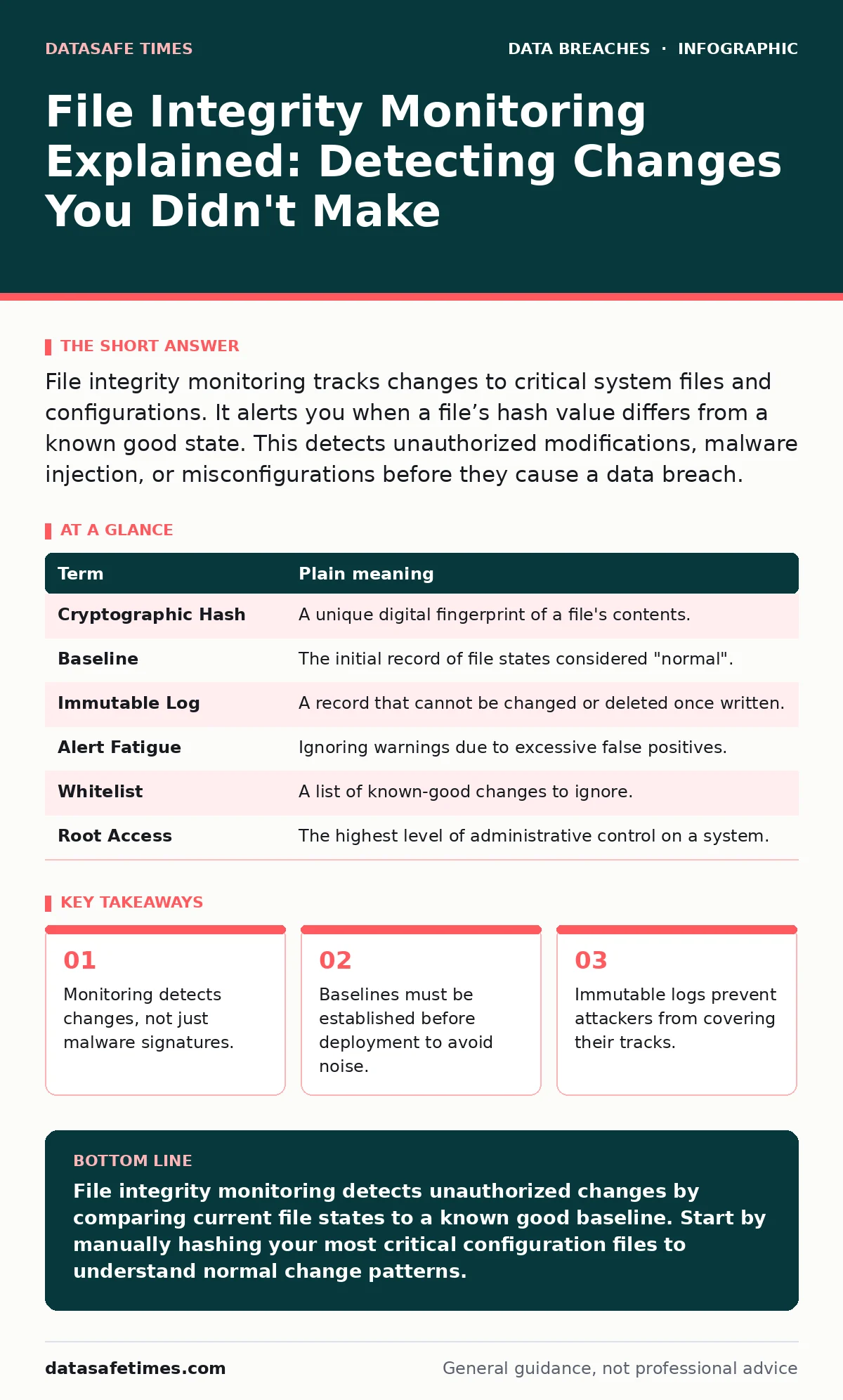
File integrity monitoring tracks changes to critical system files and configurations. It alerts you when a file’s hash value differs from a known good state. This detects unauthorized modifications, malware injection, or misconfigurations before they cause a data breach.
The Blueprint Analogy
Imagine you are an architect overseeing a construction site. You hand the builders a precise blueprint. Every beam, wire, and pipe has a specific location and material. If a builder swaps a steel beam for a wooden one, the building might stand, but it is fundamentally different from your design. File integrity monitoring acts as your daily inspection. It does not care if the building looks nice. It cares if the materials match the original plan exactly.
How The Mechanism Works
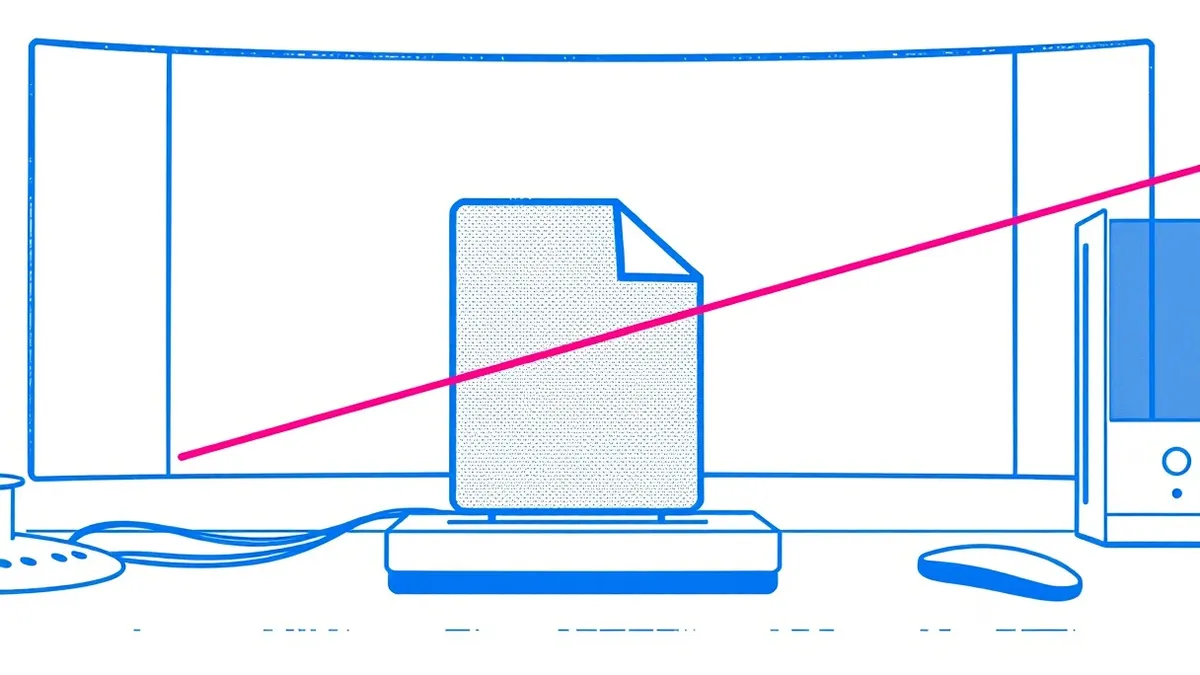
The system takes a cryptographic hash of every critical file. A hash is a unique string of characters generated from the file’s contents. Even a single bit change in the file produces a completely different hash. The monitoring tool stores these hashes as a baseline. It then periodically recalculates the hashes and compares them to the stored values. If the new hash differs from the baseline, the system flags it as a change.
This process is passive and continuous. It does not block traffic or stop execution. It simply observes and records. This distinction matters because it allows the system to run on servers without interfering with application performance. You get visibility without latency.
Defining The Baseline
The most common failure point is the baseline itself. If you start monitoring after an attacker has already modified a file, the system accepts the malicious version as normal. You are now watching a compromised state and calling it safe. This is why you must establish the baseline on a clean, known-good system.
For new deployments, capture the baseline immediately after installation and hardening. For existing systems, you must manually verify critical files before setting the baseline. This manual step is tedious but necessary. Without it, the tool is blind to the initial compromise.
What To Monitor
You cannot monitor every file on a disk. The volume of changes in temporary directories, log files, and user data would drown out real alerts. Focus on executable binaries, system libraries, and configuration files. These are the components that define how the system behaves.
Executable files are the programs that run. Configuration files dictate how those programs operate. If an attacker changes a configuration file to disable logging, they can hide their activity. If they modify an executable, they can inject malicious code. Monitoring these specific paths provides high signal-to-noise ratio.
The Hidden Cost Of Noise
A common mistake is monitoring too much. When you monitor dynamic files, you receive alerts for every normal operation. This creates alert fatigue. You begin to ignore notifications because most are benign. Eventually, you miss the real intrusion.
Imagine a security guard who shouts every time someone opens a door. After a week, no one listens when they shout. You must tune the monitoring to ignore expected changes. Scheduled updates, routine log rotations, and automated backups should be excluded or whitelisted. This requires ongoing maintenance of the exclusion lists.
Immutable Evidence
When an alert triggers, the system records the event. But what if the attacker deletes the log file to cover their tracks? This is why integrity monitoring logs must be written to a remote, immutable storage system. Immutable means the data cannot be altered or deleted after creation.
Local logs are insufficient. An attacker with root access can clear local history. By sending alerts to a remote server that only accepts writes, you ensure the evidence survives. This separation of duties is a core principle of secure logging. It ensures that even if the monitored host is fully compromised, the record of the compromise remains intact.
Glossary Of Terms
| Term | Plain meaning |
|---|---|
| Cryptographic Hash | A unique digital fingerprint of a file's contents. |
| Baseline | The initial record of file states considered "normal". |
| Immutable Log | A record that cannot be changed or deleted once written. |
| Alert Fatigue | Ignoring warnings due to excessive false positives. |
| Whitelist | A list of known-good changes to ignore. |
| Root Access | The highest level of administrative control on a system. |
Try This Now
- Identify the top five critical configuration files on your primary server.
- Generate a SHA-256 hash for each file and store it in a separate, secure location.
- Set up a scheduled task to recalculate these hashes weekly and compare them to your stored values.
This manual process mimics automated monitoring. It teaches you which files change frequently and which should never change. Once you understand the natural rhythm of your system, you can select an automated tool that fits this pattern.
Key takeaways
- Monitoring detects changes, not just malware signatures.
- Baselines must be established before deployment to avoid noise.
- Immutable logs prevent attackers from covering their tracks.
File integrity monitoring detects unauthorized changes by comparing current file states to a known good baseline. Start by manually hashing your most critical configuration files to understand normal change patterns.
Frequently asked questions
Does file integrity monitoring prevent attacks?
No, it only detects changes after they occur. It does not block malware or stop intrusions in real-time.
How often should the system check for changes?
High-security environments check continuously. Standard environments may check hourly or daily, depending on risk tolerance.
Can attackers bypass file integrity monitoring?
Attackers can disable the monitoring agent if they have sufficient privileges. This is why remote, immutable logging is necessary.
What is the difference between this and antivirus software?
Antivirus looks for known malicious signatures. Integrity monitoring looks for any change, known or unknown, to critical files.
How this guide was produced: written by the DataSafe Times editorial team with AI assistance, checked against the public references listed below, and reviewed when the facts change. See our editorial policy or report an error.