Key points
- GhostProfile creates disposable browser-profile clones on macOS to operate concealed Chrome or Firefox instances.
- Attackers use the victim’s existing cookies to interact with logged-in services via Chrome DevTools Protocol and WebDriver BiDi.
- Moonlock Lab disclosed the implant on October 12 after receiving a sample from malware researcher @malwrhunterteam.
The short version
- The malware avoids screen mirroring by launching separate browser workspaces that remain invisible to the user.
- Operators can navigate websites and submit inputs using the cloned profile’s authentication state.
- The implant moves browser windows off-screen and spoofs technical indicators to obscure automated activity.
The details
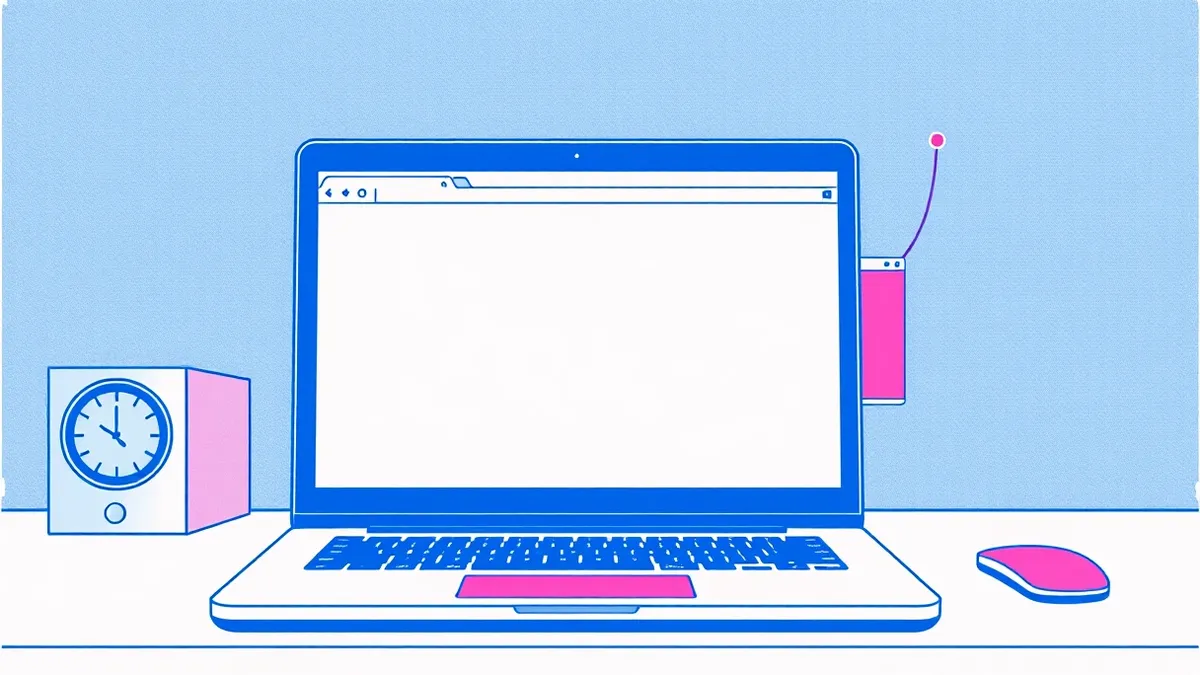
According to GBHackers, GhostProfile functions as a hidden-VNC implant that targets macOS systems. Instead of capturing the desktop display, the malware generates a disposable clone of a browser profile. This clone contains the victim’s cookies and authentication tokens. An operator can then control the resulting browser instance through the Chrome DevTools Protocol and WebDriver BiDi interfaces. The activity does not appear in the victim’s visible browser window, allowing remote interaction with live accounts.
Cyber Security News reported that the malware creates a separate browser workspace. This design allows attackers to reach accounts where sessions remain valid without requiring a new sign-in. The victim’s normal browser can remain open while misuse occurs elsewhere. The operator receives JPEG screenshots of the hidden window and can send simulated mouse clicks and keyboard input. The implant reportedly changes automation flags and spoofs WebGL and plugin information to make automated browsing less obvious to websites.
View the original post on X
The context
Moonlock Lab disclosed the findings on October 12 after receiving a sample shared by the malware researcher @malwrhunterteam. The researchers described the sample as apparently undetected at that time, though they noted the delivery script was already detectable. The disclosure does not establish that every website accepts the cloned session or that device-bound protections are bypassed. Outcomes depend on the browser, session implementation, and service-side controls. The underlying protocols are legitimate automation interfaces repurposed for covert access.
What should you do?
- Verify if any unexpected browser processes are running on your system, especially those with non-standard user data directories.
- Check for active sessions on critical accounts and terminate those that you did not initiate.
- Enable multi-factor authentication on sensitive services to reduce the risk of session-only access.
- Review browser extensions and scripts for any unfamiliar automation tools or remote debugging ports.
For customers and users
If you suspect your system is compromised, check your browser’s active sessions and recently visited sites for unfamiliar activity. Look for hidden windows by moving your mouse to screen edges or using system process viewers. Teams usually recommend rotating passwords and clearing cookies for critical accounts after such incidents. Be wary of follow-up emails claiming to fix the issue, as attackers often send phishing links that mimic support messages. Verify any urgent requests through official channels before clicking links or downloading files.
Background: Malware
No, they are not the same. A virus is a specific subset of malware that attaches to host files and requires execution to spread. Malware is the umbrella term for all malicious software, including worms, trojans, and spyware. Understanding this distinction dictates whether you focus on file integrity or network isolation.
Read the full guide: Is Malware and Virus the Same? A Technical Breakdown
What to do and how to stay safe: GhostProfile
- Audit running processes for browsers launched with --remote-debugging-port or --user-data-dir flags.
- Force re-authentication on high-value accounts by signing out of all devices.
- Monitor network traffic for unexpected WebSocket connections to unknown automation endpoints.
- Once the vendor provides an update, apply patches to ensure browser automation controls are restricted.
General security guidance from the DataSafe Times newsroom. It is not confirmed advice from the organisations named in this story.
Frequently asked questions
Does GhostProfile mirror the victim's screen?
No, it creates a separate, hidden browser window instead of mirroring the desktop display.
Which browsers are affected by GhostProfile?
The malware targets Chrome and Firefox by cloning their browser profiles.
Can attackers bypass multi-factor authentication with this malware?
The disclosure does not establish that device-bound protections or additional authentication challenges are bypassed.