
Online tracking begins when your device sends a request to a server. That request carries unique identifiers and behavioral data. Third-party scripts collect this data across multiple sites. The process builds a persistent profile without your explicit consent, often bypassing standard privacy settings.
The Initial Network Request
When you click a link or load a page, your browser initiates a connection to a server. This action is not neutral. The request packet contains metadata that identifies your environment. You send your operating system, browser version, screen resolution, and language preferences. This data is necessary for the server to render the page correctly. It is also a rich source of identifying information.
The server receives this handshake. It logs the IP address and the user-agent string. The user-agent string is a text field that describes your browser and OS. While useful for compatibility, it narrows the pool of potential users significantly. Combined with other signals, it begins to isolate your digital presence.
Script Execution and Payload Delivery
The server responds with HTML, CSS, and JavaScript. Standard pages often include code from domains other than the one you visited. These are third-party scripts. They load resources like analytics tools, advertising networks, or social media widgets. Your browser executes this code as if it were part of the original site.
This execution grants the third party access to the Document Object Model, the structure of the page. They can see which elements are present, what text they contain, and how you interact with them. If you scroll past a product image, the script records that engagement. The data is then transmitted back to the third-party server. This happens in the background, invisible to you.
Data Aggregation and Correlation
The third-party server receives the data packet. It does not view the data in isolation. It correlates this new signal with previous signals from other sites. If you visited a news site and a shopping site, and both loaded the same tracking script, the server links those two events. It builds a timeline of your interests and behaviors.
This correlation relies on identifiers. Cookies are the most known method, but they are fragile. You can delete them. Blocking them is easy in modern browsers. Therefore, trackers rely on more persistent methods. They use your unique configuration to create a pseudo-identifier. This identifier remains stable even if you clear your cache.
Browser Fingerprinting Mechanics
Browser fingerprinting exploits the fact that every computer is slightly different. The tracking script queries your system for specific attributes. It checks your installed fonts, your GPU renderer, your canvas rendering context, and your battery status. It combines these values into a hash.
The probability of two users having the exact same combination of these attributes is low. This hash becomes your unique ID. Unlike a cookie, this ID is not stored on your device. It is generated on the fly. Deleting cookies does not remove it. Changing your IP address does not remove it. You must change your hardware or software configuration to alter it. This is the hidden cost of standard browser usage.
Persistence and Profile Building
The tracker stores your hash and associated behavior on its server. Over time, this profile grows. It includes demographic inferences, purchase intent, and content preferences. The profile is valuable for targeted advertising and data brokerage. It allows companies to predict your actions before you take them.
This persistence is resilient against common privacy measures. Simple ad blockers may miss subtle tracking pixels. Do-Not-Track signals are largely ignored by the industry. The system is designed to recover your identity even when you attempt to erase it. The flaw it relies on is the uniqueness of your digital environment.
Interruption Points
You can interrupt this chain at several stages. Blocking third-party scripts prevents the initial data collection. This is the most effective measure. It stops the fingerprinting code from executing. However, it may break functionality on some sites. Video players and comment sections often rely on third-party code.
Another method is to randomize your identifiers. Some browsers offer modes that send fake or varied data for fingerprinting queries. This reduces the accuracy of the hash. It makes you look like a crowd rather than an individual. The trade-off is convenience. You may need to configure settings manually.
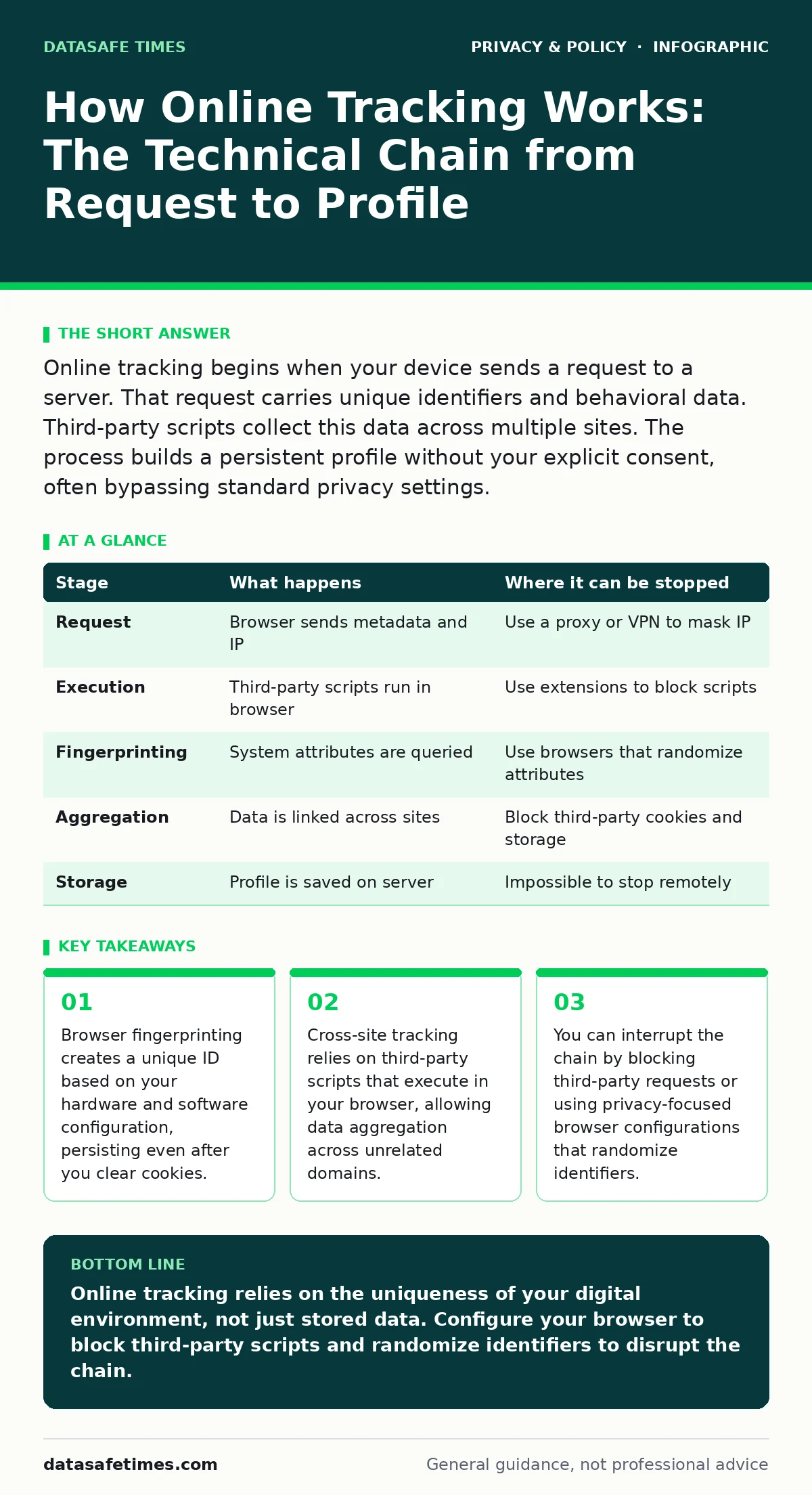
| Stage | What happens | Where it can be stopped |
|---|---|---|
| Request | Browser sends metadata and IP | Use a proxy or VPN to mask IP |
| Execution | Third-party scripts run in browser | Use extensions to block scripts |
| Fingerprinting | System attributes are queried | Use browsers that randomize attributes |
| Aggregation | Data is linked across sites | Block third-party cookies and storage |
| Storage | Profile is saved on server | Impossible to stop remotely |
Beyond the Browser
Tracking is not limited to web browsers. Mobile apps often replicate this behavior. They access device identifiers, location data, and sensor information. They send this data to their servers. The mechanisms are similar but more invasive. You have less control over app execution than browser scripts.
Understanding these stages helps you apply targeted defenses. For broader policy context, see our guide on consent management. For technical verification of your data exposure, consider a privacy audits. These steps move you from passive observation to active control.
Key takeaways
- Browser fingerprinting creates a unique ID based on your hardware and software configuration, persisting even after you clear cookies.
- Cross-site tracking relies on third-party scripts that execute in your browser, allowing data aggregation across unrelated domains.
- You can interrupt the chain by blocking third-party requests or using privacy-focused browser configurations that randomize identifiers.
Online tracking relies on the uniqueness of your digital environment, not just stored data. Configure your browser to block third-party scripts and randomize identifiers to disrupt the chain.
Frequently asked questions
Does incognito mode stop online tracking?
Incognito mode prevents local storage of history and cookies after the session ends. It does not stop the browser from sending identifying data during the session. Third parties can still track you via fingerprinting.
Can I use a VPN to stop tracking?
A VPN masks your IP address, which is one identifier. It does not prevent browser fingerprinting or the execution of tracking scripts. You remain identifiable through your device configuration.
What is the difference between first-party and third-party tracking?
First-party tracking is done by the site you are visiting. Third-party tracking is done by external scripts loaded by that site. Third-party tracking enables cross-site profiling, which is more invasive.
Should I use a privacy-focused browser?
Privacy-focused browsers often include built-in protections against fingerprinting and cross-site tracking. They reduce the need for manual configuration. However, no browser offers complete anonymity.
How this guide was produced: written by the DataSafe Times editorial team with AI assistance, checked against the public references listed below, and reviewed when the facts change. See our editorial policy or report an error.