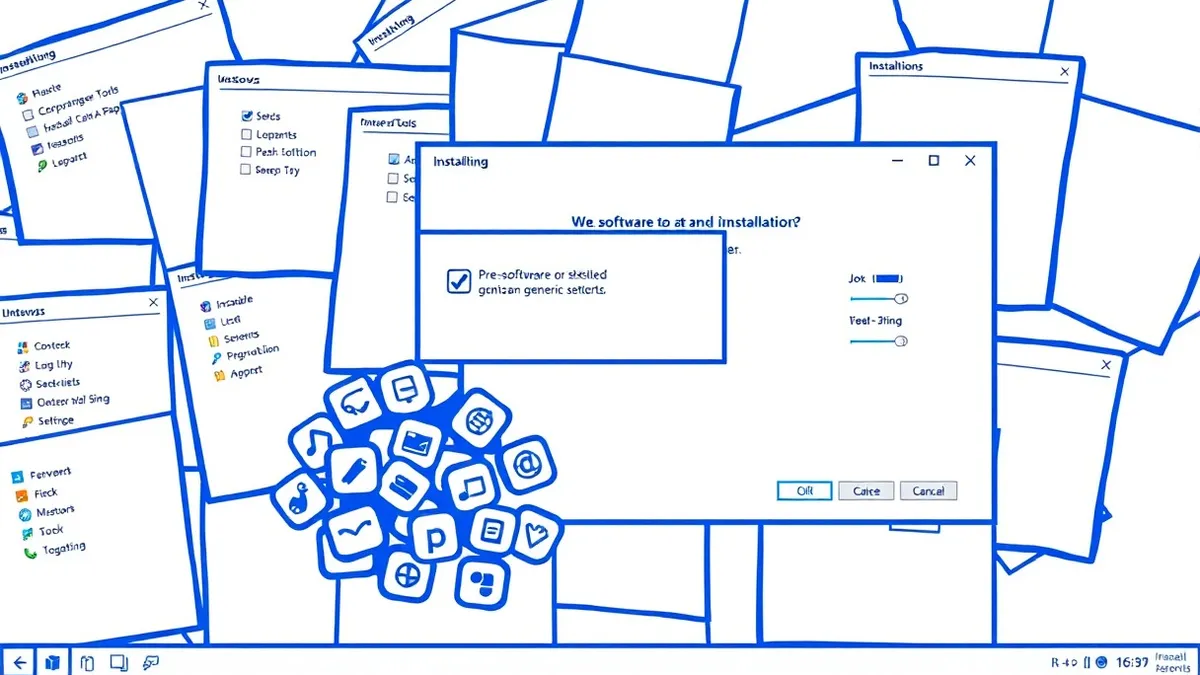
Potentially unwanted programs are software bundles that install additional tools alongside your desired application. They modify browser homepages, inject advertisements, and collect usage data. These programs operate legally but degrade performance and privacy. Remove them during installation or uninstall them immediately.
What Are Potentially Unwanted Programs
Potentially unwanted programs are software components installed alongside legitimate applications without clear user consent. They are not viruses or worms that replicate themselves to cause damage. Instead, they are business models disguised as software features.
These programs generate revenue through advertisements, affiliate commissions, or data collection. The developer of the main application receives a payment for each installation. The user receives the desired tool, but the system receives extra code.
The defining characteristic is the lack of explicit agreement. You agreed to install the image editor. You did not agree to install the toolbar. The installer grouped these actions into a single "Accept" button. This is the mechanism of potentially unwanted programs.
How Bundling Exploits Installation Design
Installers use dark patterns to guide users toward accepting additional software. Dark patterns are design choices that trick users into taking actions they might not otherwise choose. The installer hides the option to decline secondary software.
Checkboxes are often pre-checked by default. The text describing the additional software is small or uses vague language. Phrases like "Enhance experience" or "Recommended tools" replace clear names. The user assumes these are part of the main application.
The technical process involves modifying system registry entries and browser configurations. The program registers itself as a handler for specific file types or URLs. It may install a background service that persists after reboot. This persistence ensures the advertising network receives traffic.
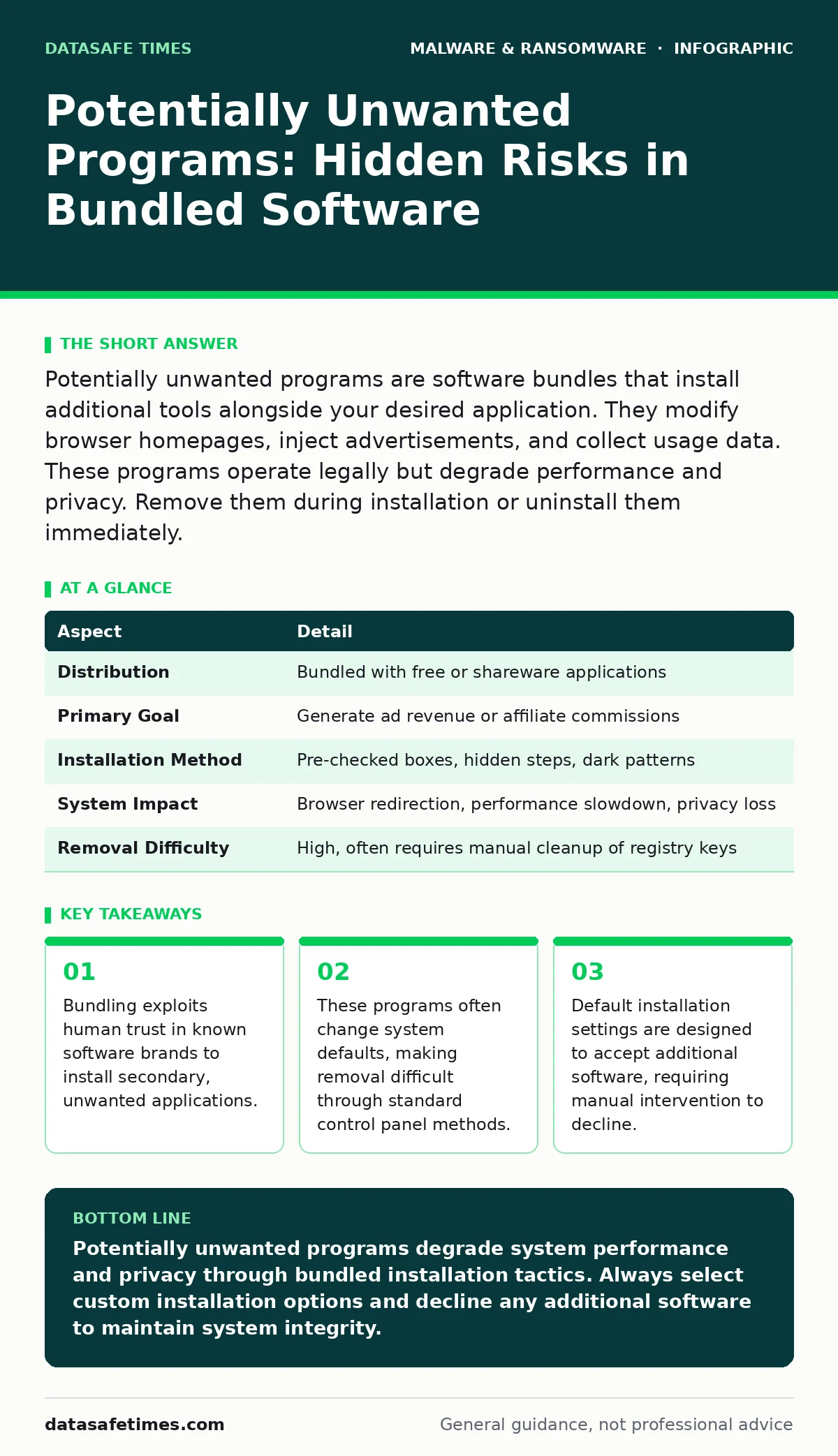
| Aspect | Detail |
|---|---|
| Distribution | Bundled with free or shareware applications |
| Primary Goal | Generate ad revenue or affiliate commissions |
| Installation Method | Pre-checked boxes, hidden steps, dark patterns |
| System Impact | Browser redirection, performance slowdown, privacy loss |
| Removal Difficulty | High, often requires manual cleanup of registry keys |
Developers of legitimate software may use bundling to subsidize development costs. This creates a conflict of interest. The user wants a clean installation. The developer wants maximum revenue. The installer design favors the developer.
Who Is Affected by Bundled Software
Anyone who installs software from the internet is at risk. Users who frequently download free utilities, media players, or games are most exposed. These categories have high competition, driving developers to use aggressive bundling.
Corporate environments face different risks. Employees may install unauthorized software to perform their duties. This introduces potentially unwanted programs into the network. These programs can conflict with security tools or leak data.
System administrators must monitor for unauthorized changes. Browser hijackers can redirect employees to malicious sites. This increases the attack surface. The initial compromise is benign software, but the consequence is exposure to more serious threats.
Privacy-conscious users are targeted for data collection. These programs may track browsing history, search queries, or location data. This data is sold to third parties. The user loses control over their digital footprint.
What People Usually Get Wrong
Many users believe that free software is safe if the developer is well-known. This is incorrect. Reputable companies often use third-party installers. These installers may bundle software without the main developer's direct knowledge. The brand reputation does not guarantee a clean installation.
Another common error is assuming that antivirus software blocks all bundled software. Most antivirus tools focus on malware. Potentially unwanted programs operate within legal boundaries. They do not contain malicious code. Therefore, standard antivirus scans often miss them.
Users also mistake these programs for system errors. Slow performance or unexpected pop-ups are attributed to hardware failure. This delays removal. The user suffers degraded experience for months. The root cause is software, not hardware.
The belief that removal is simple is also wrong. Standard uninstallation may leave behind registry entries and background services. These remnants continue to affect system behavior. Complete removal requires manual inspection of startup items and browser extensions.
Technical Mechanisms of Persistence
Potentially unwanted programs use several techniques to remain installed. One common method is modifying browser settings. The program changes the default homepage and search engine. It may install a browser extension that intercepts search queries.
Another technique involves adding entries to the system registry. These entries ensure the program starts with the operating system. The program runs in the background, consuming resources. It may also inject code into other applications to display advertisements.
Some programs use social engineering to prevent removal. They display fake security alerts claiming the system is infected. These alerts urge the user to install another program. This creates a cycle of potentially unwanted programs. The user pays for fake security tools to remove the initial problem.
The technical challenge for defenders is distinguishing between unwanted and wanted software. The code is often similar to legitimate advertising tools. Behavioral analysis is required. The program must be observed in action to determine its intent.
See also: How Online Tracking Works: The Technical Chain from Request to Profile · XDR Best Practices: Aligning Data Sources for Real Threat Visibility
Mitigation and Removal Strategies
Prevention is the most effective strategy. Download software directly from the developer's website. Avoid third-party download portals. These sites often host modified installers with added bundles.
During installation, select custom options. Read each screen carefully. Uncheck any boxes that are not essential for the main application. This requires time and attention. It is the only reliable way to avoid bundling.
For removal, use the operating system's built-in tools. Uninstall the program through the control panel. Then, check for remaining files and registry entries. Browser extensions must be removed separately. Clear browser cache and cookies to remove tracking data.
If manual removal fails, consider using dedicated cleanup tools. These tools scan for known potentially unwanted programs. They remove associated files and registry keys. However, these tools may also remove legitimate software. Use them with caution.
In enterprise environments, enforce strict software policies. Use application allowlisting to restrict which programs can run. This prevents employees from installing bundled software. It also reduces the risk of ransomware and other malware.
The Hidden Cost of Convenience
The convenience of one-click installation comes with a cost. That cost is system integrity and privacy. Every additional program increases the attack surface. It consumes memory and processing power. It may collect data without consent.
Users often underestimate the cumulative effect. One potentially unwanted program may seem harmless. Ten programs create significant slowdown. They also increase the likelihood of encountering fake antivirus software or other scams.
The business model relies on user inertia. Most users do not read installation screens. They click next until the process is complete. This behavior allows bundling to thrive. Changing this behavior requires education and discipline.
Organizations must address this in their security training. Employees need to understand the risks of bundled software. They must know how to identify dark patterns. This reduces the incidence of potentially unwanted programs in the workplace.
Conclusion on Software Hygiene
Potentially unwanted programs are a persistent issue in software distribution. They exploit user trust and design flaws. They are not malicious in the traditional sense, but they are harmful. They degrade performance and compromise privacy.
The defense lies in careful installation practices. Users must take control of the process. They must decline unwanted additions. Organizations must enforce policies that prevent unauthorized software. This requires ongoing effort and vigilance.
Security is not just about blocking viruses. It is about maintaining system integrity. This includes avoiding software that alters system behavior without consent. Understanding potentially unwanted programs is a key part of this effort.
Key takeaways
- Bundling exploits human trust in known software brands to install secondary, unwanted applications.
- These programs often change system defaults, making removal difficult through standard control panel methods.
- Default installation settings are designed to accept additional software, requiring manual intervention to decline.
Potentially unwanted programs degrade system performance and privacy through bundled installation tactics. Always select custom installation options and decline any additional software to maintain system integrity.
Frequently asked questions
Are potentially unwanted programs illegal?
No, they are typically legal software that relies on ambiguous user consent. They operate within the bounds of end-user license agreements, which users rarely read.
Can antivirus software detect potentially unwanted programs?
Standard antivirus tools often miss them because they are not classified as malware. However, next-generation antivirus solutions may use behavioral analysis to identify suspicious activity.
How do I remove a browser hijacker?
Uninstall the associated program from your control panel. Then, remove any unknown extensions from your browser settings. Reset your browser to default settings to clear modified preferences.
Do mobile apps contain potentially unwanted programs?
Mobile security apps may include adware or tracking components. Be cautious when installing free apps from third-party stores. Review permissions carefully before installation.
How this guide was produced: written by the DataSafe Times editorial team with AI assistance, checked against the public references listed below, and reviewed when the facts change. See our editorial policy or report an error.