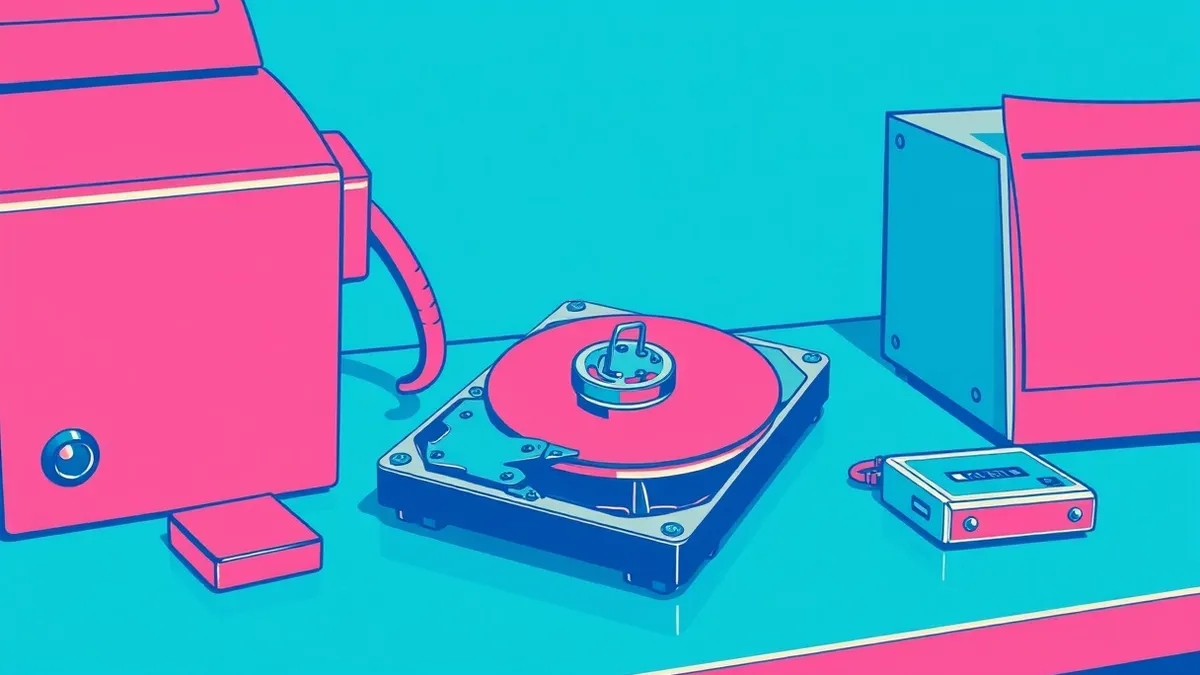
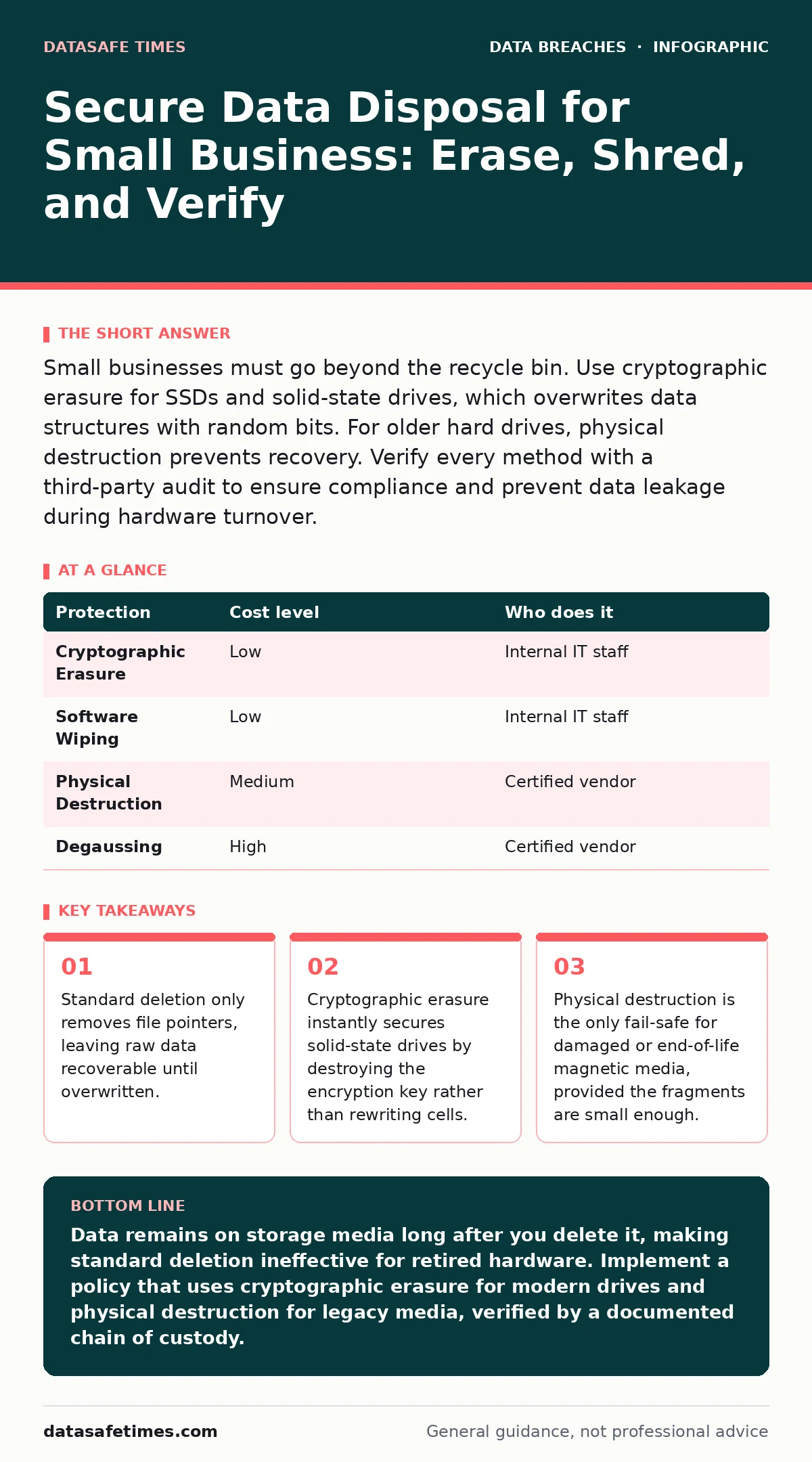
Small businesses must go beyond the recycle bin. Use cryptographic erasure for SSDs and solid-state drives, which overwrites data structures with random bits. For older hard drives, physical destruction prevents recovery. Verify every method with a third-party audit to ensure compliance and prevent data leakage during hardware turnover.
The Illusion of Deletion
When you delete a file, the operating system does not erase the data. It merely removes the pointer that tells the system where the file lives on the disk. The actual bits remain on the platter or flash memory until new data overwrites them. This design allows for quick recovery of accidental deletions, but it creates a persistent vulnerability for retired hardware.
For a small business, this means every retired laptop, server, or backup drive is a potential breach vector. The cost of a data breach often exceeds the value of the hardware being sold or recycled. You are trading a small asset for a massive liability if you do not sanitize the storage medium correctly.
The risk extends beyond simple theft. If you donate equipment to a charity or sell it on a secondary market, the next owner has physical access to the storage. They do not need to hack your network; they only need to remove the drive and connect it to another machine. This bypasses all your network security controls.
Choosing the Right Sanitization Method
Not all storage media behaves the same way. Magnetic hard disk drives store data magnetically, while solid-state drives use flash memory cells. These physical differences dictate which sanitization methods are effective. Using the wrong method can leave data intact or destroy the drive without removing the data.
| Protection | Cost level | Who does it |
|---|---|---|
| Cryptographic Erasure | Low | Internal IT staff |
| Software Wiping | Low | Internal IT staff |
| Physical Destruction | Medium | Certified vendor |
| Degaussing | High | Certified vendor |
Cryptographic erasure is the most efficient method for modern solid-state drives. Many enterprise drives have a self-encrypting feature that locks data behind a key. When you send a command to erase the key, the data becomes instantaneously unreadable. This process takes seconds and does not wear out the drive cells.
Software wiping involves overwriting the drive with patterns of zeros and ones. This works well for magnetic drives but can reduce the lifespan of solid-state drives due to write cycles. It also takes significantly longer, often hours for large drives. You must verify that the software reaches every sector, including hidden areas that the operating system does not manage.
Physical destruction is the final resort for drives that are broken, encrypted without a key, or too old for software tools. Shredding, crushing, or incinerating the drive ensures that no data can be reconstructed.
The Hidden Cost of DIY Sanitization
Doing this yourself saves money on service fees but introduces operational risks. The primary cost is time. Wiping a dozen drives manually can take a full workday. During this time, your staff is not working on revenue-generating tasks.
There is also the risk of human error. If you forget to wipe one drive, or if the wiping software fails silently, you have a breach waiting to happen. You may also lack the tools to verify that the data is gone. Without verification, you are trusting the software blindly.
Another hidden cost is chain of custody. If you shred drives in-house, you must manage the waste. If you ship drives to a vendor, you must track them from pickup to destruction. Losing a drive in transit is a security incident. You need a process to account for every device from the moment it is taken offline until it is destroyed.
When to Delegate to Professionals
Small businesses often lack the volume to justify buying industrial shredders or high-end wiping appliances. In these cases, delegating to a certified data destruction vendor is the pragmatic choice. These vendors provide certificates of destruction, which serve as proof for audits and insurance claims.
Look for vendors who follow recognized standards such as NIST Special Publication 800-88. This guide provides guidelines for media sanitization and defines methods for clearing, purging, and destroying data. A vendor who adheres to this framework understands the technical requirements for different storage types.
Delegation is also wise when dealing with specialized media. Tape backups, for example, require different handling than hard drives. Optical media like CDs and DVDs are difficult to wipe and often require physical destruction. A professional vendor has the equipment to handle these varied formats safely and efficiently.
Verifying Third-Party Providers
You cannot assume a vendor is competent. You must vet them as carefully as you would a cloud provider. The relationship is one of trust, but trust must be verified. Ask specific questions about their processes and certifications.
- What standards do you follow for sanitization?
- Do you provide a certificate of destruction for each drive?
- How do you ensure chain of custody from pickup to destruction?
- What happens to the physical waste after destruction?
Also, consider how this fits into your broader security strategy. If you are managing employee offboarding security, you should have a policy that triggers data disposal when an employee leaves. Their laptop must be sanitized before it is reassigned or returned. Similarly, if you are concerned about third-party data breaches, your vendors who handle your data must have their own disposal policies.
Integrating Disposal into Lifecycle Management
Data disposal is not a one-time event. It is part of the hardware lifecycle. From the moment you purchase a device, you should plan for its retirement. This includes tagging the device, recording its serial number, and noting what data it holds.
When the device reaches end-of-life, the process should be automatic. Do not rely on memory or ad-hoc decisions. A structured process ensures that no device slips through the cracks. This is similar to file integrity monitoring, where you track changes to critical files. Here, you track the state of critical hardware.
If your business processes payments, you must adhere to specific disposal rules for payment card theft prevention. Cardholder data must be destroyed with extreme care, often requiring physical destruction of any media that stored it. Even if you use a payment gateway that does not store data on your servers, backup tapes or log files might contain fragments of transaction data.
The Role of Encryption in Disposal
Encryption simplifies disposal significantly. If you encrypt all drives at rest, you can often rely on cryptographic erasure. This means you do not need to physically destroy every drive or run long wiping processes. You simply delete the key.
This approach reduces the environmental impact of disposal, as many drives can be wiped and reused. It also speeds up the offboarding process. However, you must ensure that the encryption is strong and that the key management is secure. If an attacker steals the drive and the key, encryption is useless.
For small businesses, using full disk encryption is a baseline security measure. It protects data if a device is lost or stolen. It also makes disposal easier and cheaper. Consider this when budgeting for security tools. The cost of encryption software is often lower than the cost of professional wiping services.
Key takeaways
- Standard deletion only removes file pointers, leaving raw data recoverable until overwritten.
- Cryptographic erasure instantly secures solid-state drives by destroying the encryption key rather than rewriting cells.
- Physical destruction is the only fail-safe for damaged or end-of-life magnetic media, provided the fragments are small enough.
Data remains on storage media long after you delete it, making standard deletion ineffective for retired hardware. Implement a policy that uses cryptographic erasure for modern drives and physical destruction for legacy media, verified by a documented chain of custody.
Frequently asked questions
Is deleting files and emptying the recycle bin enough?
No, this only removes the file reference. The data remains on the disk and can be recovered with common software tools until it is overwritten by new data.
Can I use the same wiping software for SSDs and HDDs?
It is not recommended. SSDs have limited write cycles, and overwriting them can reduce their lifespan. Cryptographic erasure is preferred for SSDs, while overwriting is suitable for HDDs.
Do I need a certificate of destruction?
Yes, if you are subject to compliance regulations or have insurance requirements. It serves as legal proof that you handled the data responsibly and mitigated the risk of breach.
What if the drive is damaged and won't boot?
If the drive is not bootable, software wiping is not possible. You must use physical destruction methods such as shredding or crushing to ensure the data cannot be recovered.
How this guide was produced: written by the DataSafe Times editorial team with AI assistance, checked against the public references listed below, and reviewed when the facts change. See our editorial policy or report an error.