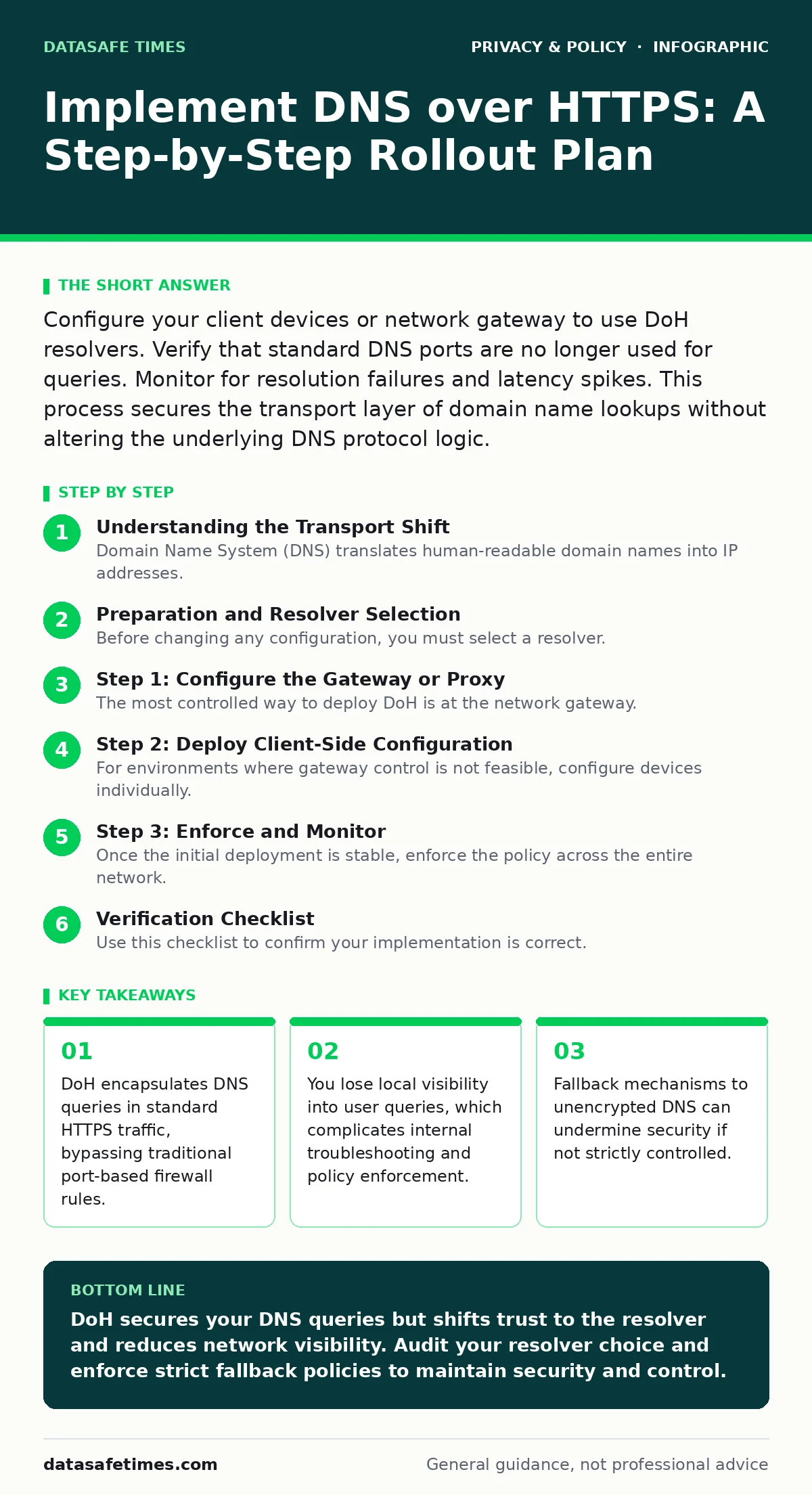
Configure your client devices or network gateway to use DoH resolvers. Verify that standard DNS ports are no longer used for queries. Monitor for resolution failures and latency spikes. This process secures the transport layer of domain name lookups without altering the underlying DNS protocol logic.
Understanding the Transport Shift
Domain Name System (DNS) translates human-readable domain names into IP addresses. Traditionally, this protocol uses UDP or TCP on port 53. This traffic is unencrypted and unauthenticated. Any observer on the network path can see which domains you query. They cannot see the specific resources you access, but the query log reveals your interests and habits.
DNS over HTTPS (DoH) wraps these queries in standard HTTPS traffic. It uses port 443, the same port used for secure web browsing. This makes DNS traffic indistinguishable from regular web traffic to intermediate observers. The encryption protects the integrity and confidentiality of the query. However, the resolver you choose now sees all your DNS traffic. You are trading network-level privacy for resolver-level trust.
This shift impacts how you manage network visibility. If you rely on DNS logs for security monitoring, DoH breaks that chain of sight. You must decide whether to terminate DoH at the network edge or allow clients to connect directly to external resolvers. Each choice carries distinct operational costs.
Preparation and Resolver Selection
Before changing any configuration, you must select a resolver. A resolver is the server that answers your DNS queries. You can use public resolvers or run your own. Running your own gives you full visibility but requires maintaining secure infrastructure. Using a public resolver shifts the trust boundary to that provider.
Consider the implications for your internal network. If your organization uses DNS for access control or content filtering, external resolvers bypass these controls. You may need a proxy architecture that terminates DoH traffic, inspects it, and forwards queries to your internal infrastructure. This adds complexity but preserves policy enforcement.
Review your existing network policies. Some firewalls block outbound traffic on port 443 to non-whitelisted destinations. DoH requires outbound access to your chosen resolver’s IP addresses. Ensure your firewall rules allow this traffic. Blocking it will cause resolution failures for all devices using DoH.
Step 1: Configure the Gateway or Proxy
The most controlled way to deploy DoH is at the network gateway. This ensures all devices use the same resolver and policy. Configure your router or proxy server to forward DNS queries over HTTPS. You will need the DoH endpoint URL and the associated IP addresses.
Set the gateway to reject standard DNS queries on port 53. This forces all traffic through the encrypted channel. If your device supports it, enable DNSSEC validation at this stage. DNSSEC adds cryptographic signatures to DNS responses, preventing spoofing. It works independently of DoH but complements it by ensuring the answer is authentic.
Verify the configuration by checking the gateway logs. You should see HTTPS connections to the resolver’s endpoint. Standard DNS traffic on port 53 should drop to zero. If you see port 53 traffic, some devices are bypassing the gateway. You must identify and reconfigure those devices.
Step 2: Deploy Client-Side Configuration
For environments where gateway control is not feasible, configure devices individually. Modern operating systems support DoH natively. You can push these settings via mobile device management (MDM) or group policy. Specify the DoH endpoint and enable the strict mode.
Strict mode prevents the device from falling back to unencrypted DNS if the DoH connection fails. Without strict mode, a network issue could silently revert your traffic to plaintext. This defeats the purpose of the encryption. You must balance availability against security. If the resolver is down, strict mode means no internet access.
Test the configuration on a small group of devices first. Monitor for application failures. Some legacy applications may not handle DNS resolution correctly when the underlying transport changes. They may expect UDP responses or specific timing behaviors. Adjust timeouts or application settings as needed.
Step 3: Enforce and Monitor
Once the initial deployment is stable, enforce the policy across the entire network. Block outbound traffic on port 53 at the perimeter firewall. This prevents devices from bypassing DoH by using external resolvers directly. It also stops misconfigured devices from leaking queries.
Monitor the health of your DoH connections. Track latency and error rates. DoH adds a small overhead due to TLS negotiation. This can increase the time it takes to resolve a domain. If latency becomes unacceptable, consider using a resolver geographically closer to your users.
Keep an eye on certificate validity. DoH relies on TLS certificates to prove the resolver’s identity. If a certificate expires or is revoked, resolution will fail. Ensure your systems have access to a valid root certificate store. Update this store regularly to maintain trust.
Verification Checklist
Use this checklist to confirm your implementation is correct. Each item requires a specific test. Do not assume success based on configuration alone.
- Standard DNS queries on port 53 are blocked at the firewall.
- All outbound DNS traffic occurs over port 443.
- DNSSEC validation is enabled and returning valid signatures.
- Strict mode is enabled on client devices to prevent fallback.
- Resolver latency is within acceptable thresholds for your applications.
- Certificate chains for the DoH endpoint are valid and trusted.
- Internal applications resolve domains without errors or timeouts.
Ongoing Maintenance and Edge Cases
DoH is not a set-and-forget solution. Resolvers change their endpoints, certificates, and policies. You must update your configurations accordingly. Subscribe to status pages or APIs from your resolver to receive early warnings of outages or maintenance.
Watch for changes in your operating systems. New OS updates may introduce default DoH settings that conflict with your network policy. These defaults can bypass your gateway and send queries directly to external resolvers. Test every major OS update in a staging environment before rolling it out to production.
Consider the interaction with other privacy tools. If you use ad blockers or content filters, ensure they are compatible with DoH. Some filters rely on DNS-level blocking. If DoH bypasses the local DNS server, these filters may stop working. You may need to move filtering to the application layer or use a proxy that supports both DoH and filtering.
For deeper context on how data flows through encrypted channels, see our guide on end-to-end encryption. It explains the trust model that underpins these protocols. Similarly, understanding online tracking helps you appreciate why hiding DNS queries matters. Ad blockers often operate at the DNS level, so their effectiveness changes when you switch to DoH.
Handling Legacy and IoT Devices
Not all devices support DoH. Internet of Things (IoT) devices and older systems often rely on hardcoded DNS settings or DHCP-assigned servers. You cannot force DoH on these devices. You must route their traffic through a gateway that performs DoH on their behalf.
This creates a split in your network architecture. Some devices use DoH directly, while others rely on a proxy. Ensure your proxy can handle the load from these legacy devices. Monitor their traffic patterns for anomalies. Unencrypted DNS from IoT devices can reveal sensitive information about your network topology.
If you cannot proxy their traffic, isolate these devices on a separate network segment. Apply strict firewall rules to limit their outbound connections. This reduces the risk of data leakage from devices that cannot support modern security protocols. It is a trade-off between functionality and security.
Key takeaways
- DoH encapsulates DNS queries in standard HTTPS traffic, bypassing traditional port-based firewall rules.
- You lose local visibility into user queries, which complicates internal troubleshooting and policy enforcement.
- Fallback mechanisms to unencrypted DNS can undermine security if not strictly controlled.
DoH secures your DNS queries but shifts trust to the resolver and reduces network visibility. Audit your resolver choice and enforce strict fallback policies to maintain security and control.
Frequently asked questions
Does DNS over HTTPS hide my browsing history from my employer?
It hides your DNS queries from network monitors, but your employer can still see the websites you visit if they inspect HTTPS traffic or use endpoint monitoring software.
Can I use DNS over HTTPS with my own internal domains?
Yes, but your internal DNS server must support DoH or you must use a proxy that forwards internal queries securely. Standard DoH resolvers cannot resolve private internal domains.
Why is my internet slower after enabling DoH?
DoH adds TLS handshake overhead and may route traffic to a geographically distant resolver. Choose a closer resolver and ensure your devices cache DNS responses effectively.
Does DoH prevent DNS hijacking by my ISP?
Yes, because the queries are encrypted and authenticated. Your ISP cannot intercept or alter the DNS responses without breaking the TLS connection, which would cause the request to fail.
How this guide was produced: written by the DataSafe Times editorial team with AI assistance, checked against the public references listed below, and reviewed when the facts change. See our editorial policy or report an error.