
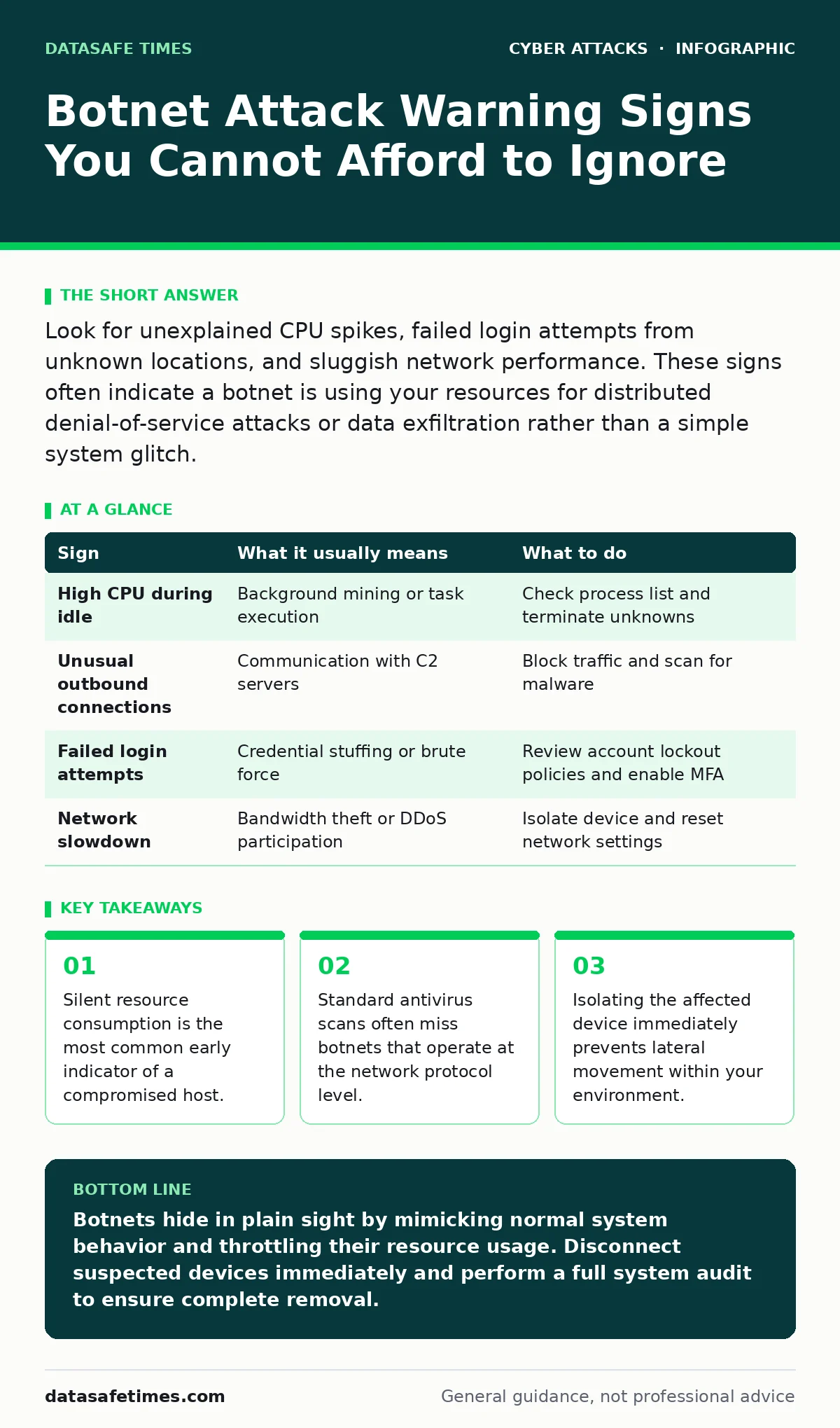
Look for unexplained CPU spikes, failed login attempts from unknown locations, and sluggish network performance. These signs often indicate a botnet is using your resources for distributed denial-of-service attacks or data exfiltration rather than a simple system glitch.
The Illusion of Normal Operation
Botnets rarely announce their presence with flashy pop-ups or ransom demands. Instead, they integrate quietly into your system's background processes. This stealth approach allows the malware to harvest resources without triggering immediate user concern. You may continue to work normally while your device contributes to a larger network of compromised machines. The danger lies in this invisibility. By the time you notice significant performance degradation, the infection may have already persisted for weeks or months.
Obvious Signs of Compromise
Some indicators are loud enough to demand attention, even from a casual observer. These symptoms often appear when the botnet operator initiates a high-volume activity, such as a distributed denial-of-service attack. Your computer may become unresponsive or freeze frequently. Network connections might drop unexpectedly as bandwidth is consumed by outbound traffic you did not initiate. If you see these issues, the infection is likely active and aggressive.
Subtle Indicators You Might Miss
Experienced operators know that loud activity draws attention. Therefore, they often throttle their commands to keep resource usage within acceptable limits. You might notice your fan spinning louder than usual during idle times. This heat generation occurs because the processor is handling background tasks it should not be performing. Another subtle sign is unexpected outbound connections in your firewall logs. These connections may appear to be legitimate services but are actually communication with command-and-control servers.
Resource Anomalies and Process Hiding
Malware often attempts to hide its processes by mimicking legitimate system services. A process named similarly to a Windows or Linux utility might be consuming disproportionate CPU or memory. You can inspect running processes to identify discrepancies in memory usage. If a standard service is using more resources than usual, it could be a hollowed-out process hosting the botnet payload. This technique, known as process injection, allows the malware to run within a trusted executable, evading simple checks.
Network Traffic Patterns
Botnets require constant communication with their controllers. This traffic creates a distinct pattern that differs from normal user behavior. You might see regular, small packets being sent to unknown IP addresses at fixed intervals. This heartbeat signal ensures the infected device remains part of the network. Additionally, an increase in DNS queries can indicate the malware is resolving new command servers. Monitoring these patterns helps you detect the infection before it causes widespread damage.
| Sign | What it usually means | What to do |
|---|---|---|
| High CPU during idle | Background mining or task execution | Check process list and terminate unknowns |
| Unusual outbound connections | Communication with C2 servers | Block traffic and scan for malware |
| Failed login attempts | Credential stuffing or brute force | Review account lockout policies and enable MFA |
| Network slowdown | Bandwidth theft or DDoS participation | Isolate device and reset network settings |
See also: 7 Public Wi-Fi Mistakes That Leak Your Data
Immediate Containment Steps
When you suspect a botnet infection, speed is critical. Disconnect the affected device from the network immediately. This action cuts off communication with the command-and-control server, stopping further instructions. Do not shut down the machine yet, as you may need to analyze the volatile memory for evidence. Instead, keep it running but isolated. This preserves the state of the infection for forensic analysis.
Remediation and Prevention
After isolation, perform a thorough scan using updated security tools. If the malware persists, consider wiping the drive and reinstalling the operating system. This ensures no remnants remain. To prevent future infections, keep all software patched and use application whitelisting. This restricts execution to known, trusted programs. Regular tabletop exercises can help your team respond faster to such incidents. Additionally, implementing strict rate limiting on your servers can mitigate the impact of bot-driven traffic.
Key takeaways
- Silent resource consumption is the most common early indicator of a compromised host.
- Standard antivirus scans often miss botnets that operate at the network protocol level.
- Isolating the affected device immediately prevents lateral movement within your environment.
Botnets hide in plain sight by mimicking normal system behavior and throttling their resource usage. Disconnect suspected devices immediately and perform a full system audit to ensure complete removal.
Frequently asked questions
Can a botnet steal my passwords?
Yes, many botnets are designed to harvest credentials. They may use keyloggers or intercept data from insecure forms.
How do I know if my firewall blocked a botnet?
Check your firewall logs for blocked outbound connections to unknown IPs. Frequent blocks to the same address indicate suspicious activity.
Is antivirus software enough to stop botnets?
No, antivirus software often misses fileless botnets or those that use legitimate tools. You need endpoint detection and network monitoring.
Should I reset my passwords after a botnet infection?
Yes, assume all credentials stored on the infected device are compromised. Reset passwords from a clean device.
How this guide was produced: written by the DataSafe Times editorial team with AI assistance, checked against the public references listed below, and reviewed when the facts change. See our editorial policy or report an error.