
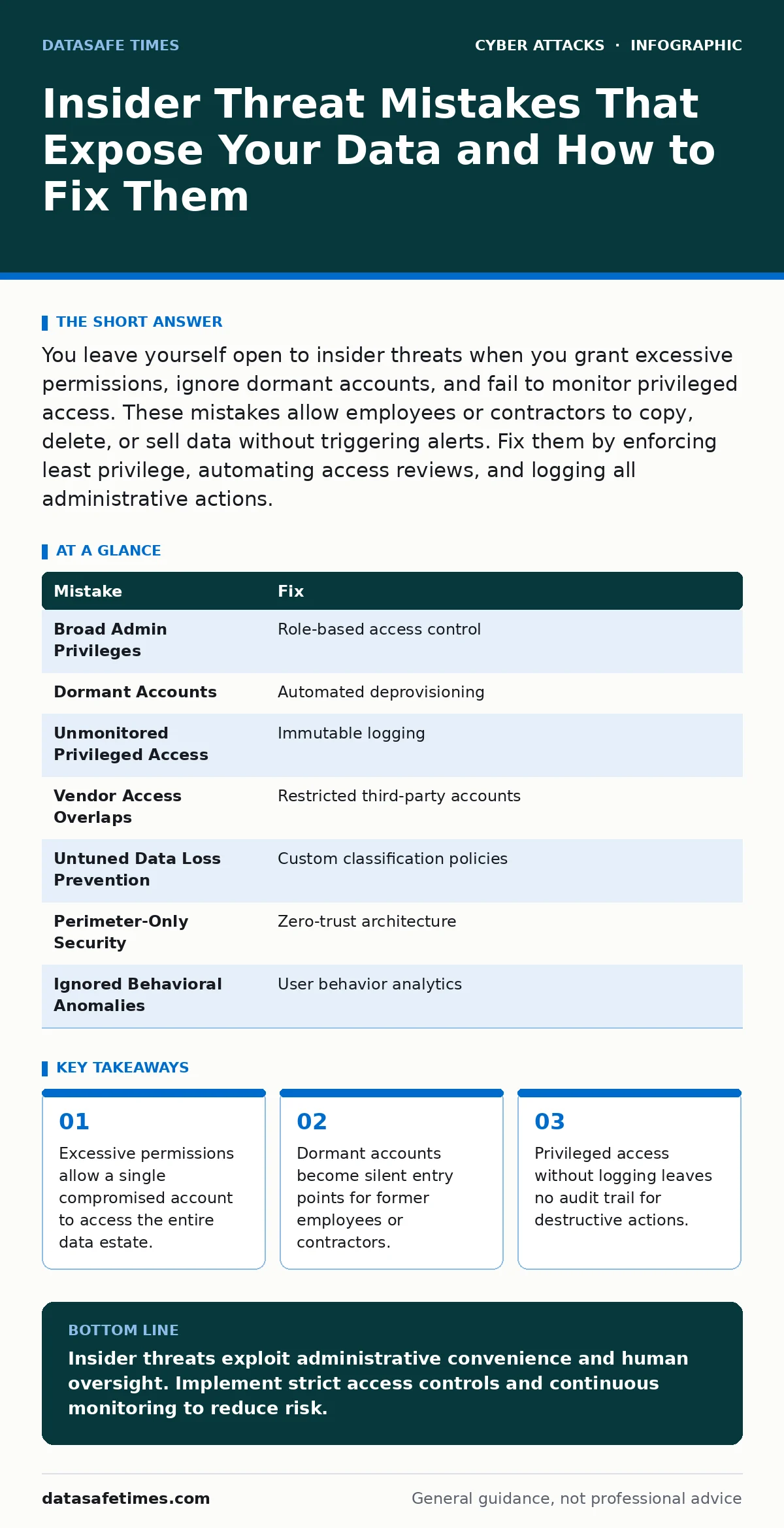
You leave yourself open to insider threats when you grant excessive permissions, ignore dormant accounts, and fail to monitor privileged access. These mistakes allow employees or contractors to copy, delete, or sell data without triggering alerts. Fix them by enforcing least privilege, automating access reviews, and logging all administrative actions.
Mistake 1: Granting Broad Administrative Privileges
Assigning full administrative rights to every user who needs occasional elevated access creates a massive attack surface. When a developer or support agent has root or administrator access, they can modify security logs, disable monitoring tools, and export sensitive data without restriction. The consequence is that a single compromised credential grants an attacker immediate control over the entire environment. This bypasses standard segmentation controls.
Why it hurts: Broad privileges eliminate the principle of least privilege. An attacker who steals one account can move laterally across the network without hitting permission barriers. This makes containment nearly impossible. The damage scales with the number of systems the account can touch.
The fix: Implement role-based access control. Grant users only the permissions necessary for their specific job functions. Use just-in-time access for temporary administrative tasks. This ensures that elevated rights expire automatically after a set period. Review these roles regularly to remove unnecessary permissions.
Mistake 2: Ignoring Dormant and Stale Accounts
Accounts that remain active after an employee leaves or changes roles are a silent vulnerability. Human resources systems often fail to synchronize with identity management tools in real time. The consequence is that former employees retain access to sensitive repositories, email archives, and internal networks. This allows them to exfiltrate data weeks or months after departure.
Why it hurts: Dormant accounts do not generate routine login activity, so they rarely trigger anomaly detection. They sit quietly until a malicious actor or a disgruntled former employee uses them. This creates a blind spot in your security posture. The longer an account remains active, the harder it is to attribute actions to it.
The fix: Automate the deprovisioning of user accounts. Link your human resources system to your identity provider. When an employee status changes to terminated, disable all associated accounts immediately. Conduct quarterly audits to identify and remove accounts that have not been used in the last 90 days. This reduces the pool of available credentials for attackers.
Mistake 3: Failing to Monitor Privileged Access
Administrative actions require high trust, but they also carry high risk. Many organizations log standard user activities but neglect to record detailed actions taken by administrators. The consequence is that you cannot reconstruct what happened during a breach. You may see that data was deleted, but you cannot determine who deleted it or when. This lack of visibility hinders incident response.
Why it hurts: Without detailed logging, insider threats operate with impunity. An administrator can delete logs to cover their tracks. This makes forensic analysis impossible. You lose the ability to prove intent or negligence. This exposes the organization to legal and regulatory penalties.
The fix: Enable comprehensive logging for all privileged accounts. Send these logs to a secure, write-once storage system that administrators cannot modify. Monitor for unusual patterns, such as logins at odd hours or bulk data exports. This creates an immutable record of administrative actions. It deters malicious behavior and aids in investigation.
Mistake 4: Overlooking Contractor and Vendor Access
Third-party vendors often require network access to provide services. Organizations frequently grant these vendors the same access levels as internal employees. The consequence is that a breach in a vendor’s security becomes a breach in yours. If a contractor’s account is compromised, the attacker gains entry to your internal systems. This extends your attack surface beyond your direct control.
Why it hurts: Vendor accounts are often managed with less rigor than employee accounts. Passwords may be shared, and multi-factor authentication may not be enforced. This creates weak links in your security chain. An attacker can pivot from a vendor’s less secure environment to your core infrastructure.
The fix: Treat third-party access as high-risk. Use separate, restricted accounts for contractors and vendors. Enforce multi-factor authentication for all external access. Limit access to only the specific systems and data required for their work. Review and revoke these permissions regularly. This limits the blast radius of a compromised vendor account.
Mistake 5: Neglecting Data Loss Prevention Controls
Data loss prevention tools monitor and block sensitive data from leaving the organization. Many organizations deploy these tools but fail to tune them for their specific data types. The consequence is that sensitive information is exfiltrated via email, cloud storage, or removable media without triggering alerts. This allows insiders to copy intellectual property or customer data without detection.
Why it hurts: Untuned data loss prevention rules generate high volumes of false positives, leading to alert fatigue. Security teams ignore warnings, assuming they are benign. This allows genuine threats to slip through. The organization loses visibility into where its sensitive data resides and how it moves.
The fix: Define clear policies for sensitive data classification. Configure data loss prevention tools to detect and block unauthorized transfers of classified information. Test these rules regularly to ensure they work as intended. This provides a layer of protection against accidental or intentional data leaks. It adds friction to the exfiltration process.
See also: Identity Theft Risks and Low-Cost Protections for Small Teams · Warning Signs of Leaked Source Code and How to React
Mistake 6: Relying Solely on Perimeter Security
Traditional security models focus on protecting the network perimeter. Insiders already have access to the internal network, rendering perimeter defenses ineffective against them. The consequence is that security teams miss threats that originate from within. This creates a false sense of security. Attackers can move freely inside the network without triggering perimeter-based alerts.
Why it hurts: Perimeter security assumes that threats come from outside. This mindset leads to weak internal controls. Insiders can bypass firewalls and intrusion detection systems. This makes it easy for them to access sensitive data. The organization remains vulnerable to threats that do not cross the network boundary.
The fix: Adopt a zero-trust architecture. Verify every request as if it originates from an untrusted network. Implement micro-segmentation to limit lateral movement. This ensures that even if an insider compromises one system, they cannot easily access others. It shifts the focus from perimeter defense to identity and data protection.
Mistake 7: Ignoring Behavioral Anomalies
Insiders often exhibit behavioral changes before committing a breach. Increased access to sensitive files, unusual login times, or changes in work patterns can signal malicious intent. Many organizations fail to monitor these behavioral indicators. The consequence is that early warning signs are missed. By the time the breach is detected, significant damage may have occurred.
Why it hurts: Behavioral analytics rely on establishing a baseline of normal activity. Without this baseline, anomalies are difficult to detect. This allows insiders to operate undetected for extended periods. The organization loses the opportunity to intervene early. This increases the potential impact of the threat.
The fix: Implement user and entity behavior analytics. Monitor for deviations from established baselines. Investigate alerts that indicate unusual activity. This provides early detection of potential insider threats. It allows security teams to take proactive measures. This reduces the window of opportunity for malicious actors.
| Mistake | Fix |
|---|---|
| Broad Admin Privileges | Role-based access control |
| Dormant Accounts | Automated deprovisioning |
| Unmonitored Privileged Access | Immutable logging |
| Vendor Access Overlaps | Restricted third-party accounts |
| Untuned Data Loss Prevention | Custom classification policies |
| Perimeter-Only Security | Zero-trust architecture |
| Ignored Behavioral Anomalies | User behavior analytics |
Key takeaways
- Excessive permissions allow a single compromised account to access the entire data estate.
- Dormant accounts become silent entry points for former employees or contractors.
- Privileged access without logging leaves no audit trail for destructive actions.
Insider threats exploit administrative convenience and human oversight. Implement strict access controls and continuous monitoring to reduce risk.
Frequently asked questions
How do I detect a malicious insider?
Monitor for unusual data access patterns, after-hours logins, and bulk file transfers. Behavioral analytics can flag deviations from normal user activity.
Should I use different passwords for vendors?
Yes. Vendor accounts should have unique credentials and limited access. This prevents a breach in a vendor’s system from compromising your internal network.
What is the role of multi-factor authentication?
Multi-factor authentication adds a layer of security to login processes. It makes it harder for attackers to use stolen credentials, but it does not stop insiders who already have valid access.
How often should I review user permissions?
Review permissions quarterly or whenever an employee changes roles. This ensures that access rights remain aligned with job responsibilities and reduces the risk of excessive privileges.
How this guide was produced: written by the DataSafe Times editorial team with AI assistance, checked against the public references listed below, and reviewed when the facts change. See our editorial policy or report an error.