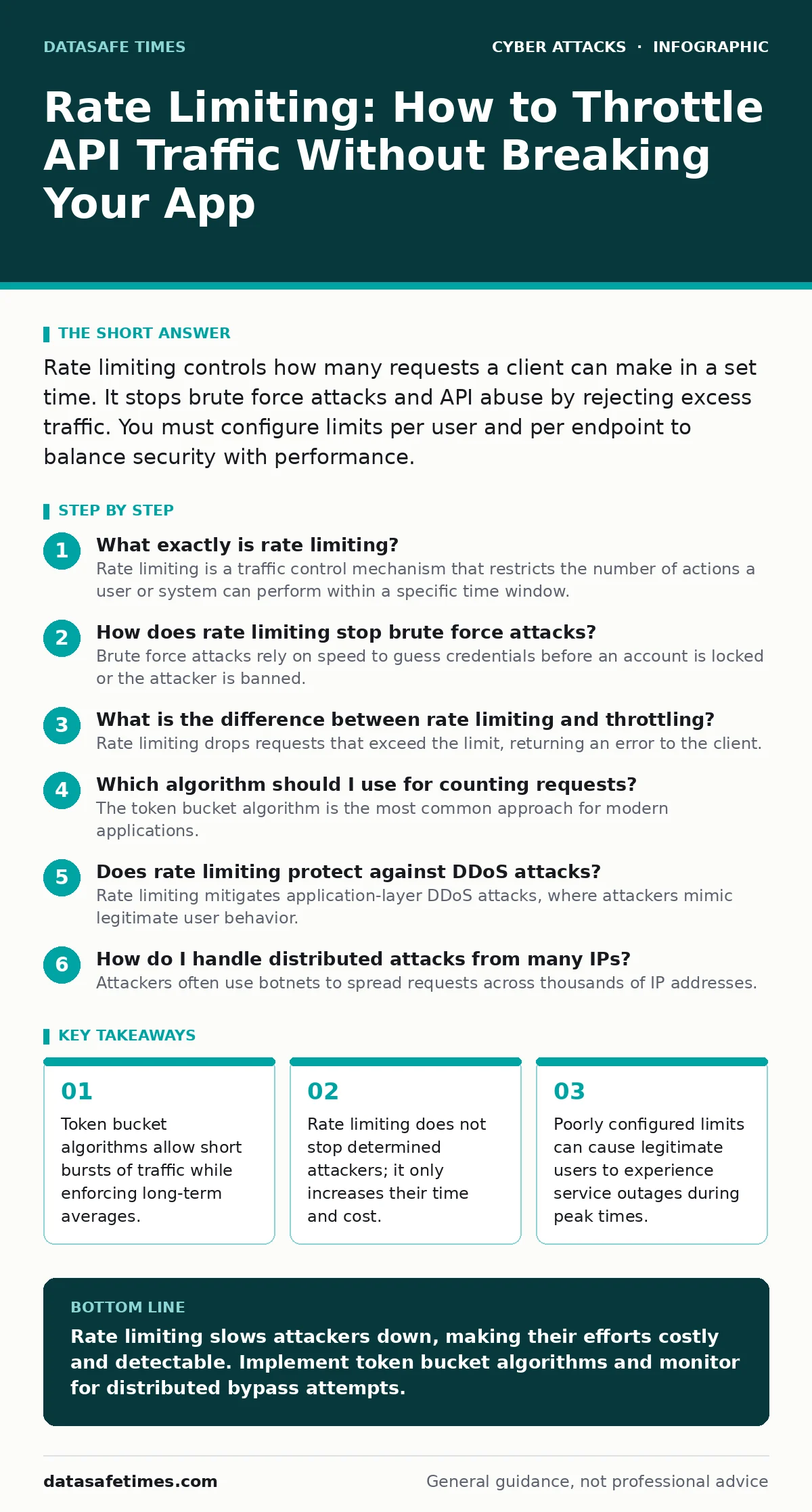
Rate limiting controls how many requests a client can make in a set time. It stops brute force attacks and API abuse by rejecting excess traffic. You must configure limits per user and per endpoint to balance security with performance.
What exactly is rate limiting?
Rate limiting is a traffic control mechanism that restricts the number of actions a user or system can perform within a specific time window. It acts as a digital speed bump, forcing clients to wait between requests. This prevents any single source from overwhelming your server resources.
You implement this by counting requests and comparing them against a predefined threshold. When the count exceeds the limit, the server rejects subsequent requests with a specific error code. This protects your infrastructure from resource exhaustion.
How does rate limiting stop brute force attacks?
Brute force attacks rely on speed to guess credentials before an account is locked or the attacker is banned. Rate limiting slows this process down to a crawl. If an attacker can only try five passwords per minute, guessing a complex password becomes computationally impractical.
This delay also creates noise. Security monitoring systems can detect the pattern of repeated failures. You can then trigger additional checks, such as those described in guides on MFA fatigue attacks, to verify the user's identity.
What is the difference between rate limiting and throttling?
Rate limiting drops requests that exceed the limit, returning an error to the client. Throttling slows down the processing of requests without dropping them. The client still receives a response, but it takes longer.
Rate limiting is better for security because it stops the attack vector immediately. Throttling is better for quality of service, ensuring that heavy users do not degrade the experience for others. You often use both together for balanced protection.
Which algorithm should I use for counting requests?
The token bucket algorithm is the most common approach for modern applications. It allows for bursts of traffic by filling a "bucket" with tokens at a steady rate. Each request consumes a token. If the bucket is empty, the request is rejected.
The sliding window log algorithm tracks every request timestamp. It is more accurate but consumes more memory. For most web APIs, the token bucket offers the best balance of performance and fairness.
| Algorithm | Memory Usage | Burst Support | Accuracy |
|---|---|---|---|
| Fixed Window | Low | No | Low |
| Sliding Window | High | Yes | High |
| Token Bucket | Medium | Yes | Medium |
| Leaky Bucket | Medium | No | Medium |
Does rate limiting protect against DDoS attacks?
Rate limiting mitigates application-layer DDoS attacks, where attackers mimic legitimate user behavior. It does not stop volumetric attacks that flood your network bandwidth. Those require upstream filtering at the internet service provider level.
For application attacks, rate limiting ensures that no single IP can consume all your server threads. You must combine this with IP reputation checks. This is similar to how DKIM validates email sources, adding a layer of trust before processing the request.
How do I handle distributed attacks from many IPs?
Attackers often use botnets to spread requests across thousands of IP addresses. Simple IP-based rate limiting fails here because each IP stays under the limit. You must identify the user by other means, such as API keys or session tokens.
If you rely on cookies, ensure they are secure. Weak session management can lead to session cookie theft, allowing attackers to hijack legitimate identities. Rate limiting per session ID is more effective than per IP for authenticated users.
What happens when legitimate users hit the limit?
Legitimate users may hit limits during peak usage or when using automated tools. If you reject their requests, they lose access to your service. This creates a poor user experience and can lead to revenue loss.
You should implement graceful degradation. Return a clear error message explaining the limit and when it resets. Use the HTTP 429 Too Many Requests status code. This tells the client to back off and retry later.
Can attackers bypass rate limiting easily?
Attackers can bypass simple IP-based limits by rotating proxies or using residential IP addresses. They can also bypass user-based limits by creating many accounts. This is why you must layer defenses.
Combine rate limiting with behavioral analysis. Look for patterns that indicate automation, such as identical request intervals or missing browser fingerprints. This approach complements defenses against formjacking, where malicious scripts steal data before it is submitted.
How do I test my rate limiting configuration?
You cannot assume your limits are correct without testing. Use automated scripts to simulate high traffic from single and multiple sources. Monitor your server logs to see if requests are rejected as expected.
Include rate limiting in your tabletop exercises. Discuss scenarios where limits are too strict and block valid users, or too loose and allow abuse. This helps your team understand the trade-offs.
What is the relationship between rate limiting and account lockout?
Rate limiting slows down login attempts, while account lockout policies disable an account after a certain number of failures. They serve different purposes. Rate limiting protects the server; lockout protects the user account.
If you use both, ensure they do not conflict. A rate limit might prevent an attacker from reaching the lockout threshold. In that case, the lockout policy never triggers. You must tune both to work together. See our guide on account lockout policies for detailed configuration advice.
How does rate limiting affect API development?
Developers must design APIs that expect rate limits. Clients should implement retry logic with exponential backoff. This means waiting longer between each retry attempt, reducing the load on your server.
Document your limits clearly in your API documentation. Specify the limit per endpoint, per user, and per IP. This transparency reduces support tickets and helps developers build better integrations. It also prevents accidental abuse from poorly written scripts.
Key takeaways
- Token bucket algorithms allow short bursts of traffic while enforcing long-term averages.
- Rate limiting does not stop determined attackers; it only increases their time and cost.
- Poorly configured limits can cause legitimate users to experience service outages during peak times.
Rate limiting slows attackers down, making their efforts costly and detectable. Implement token bucket algorithms and monitor for distributed bypass attempts.
Frequently asked questions
Should I rate limit internal services?
Yes. Internal services can be abused by compromised components or misconfigured applications. Rate limiting prevents a single faulty service from cascading failures across your infrastructure.
How do I rate limit unauthenticated users?
Use IP addresses or device fingerprints. Combine this with CAPTCHA challenges for suspicious behavior. This prevents anonymous attackers from spamming your public endpoints.
Is rate limiting enough to stop credential stuffing?
No. Credential stuffing uses stolen valid credentials. Rate limiting slows it down, but you must also monitor for logins from unusual locations or devices. Refer to guides on **callback phishing** for related attack vectors.
What HTTP status code should I use?
Use 429 Too Many Requests. This standard code tells the client that they have exceeded the rate limit. It is distinct from 503 Service Unavailable, which indicates server-side issues.
How this guide was produced: written by the DataSafe Times editorial team with AI assistance, checked against the public references listed below, and reviewed when the facts change. See our editorial policy or report an error.