
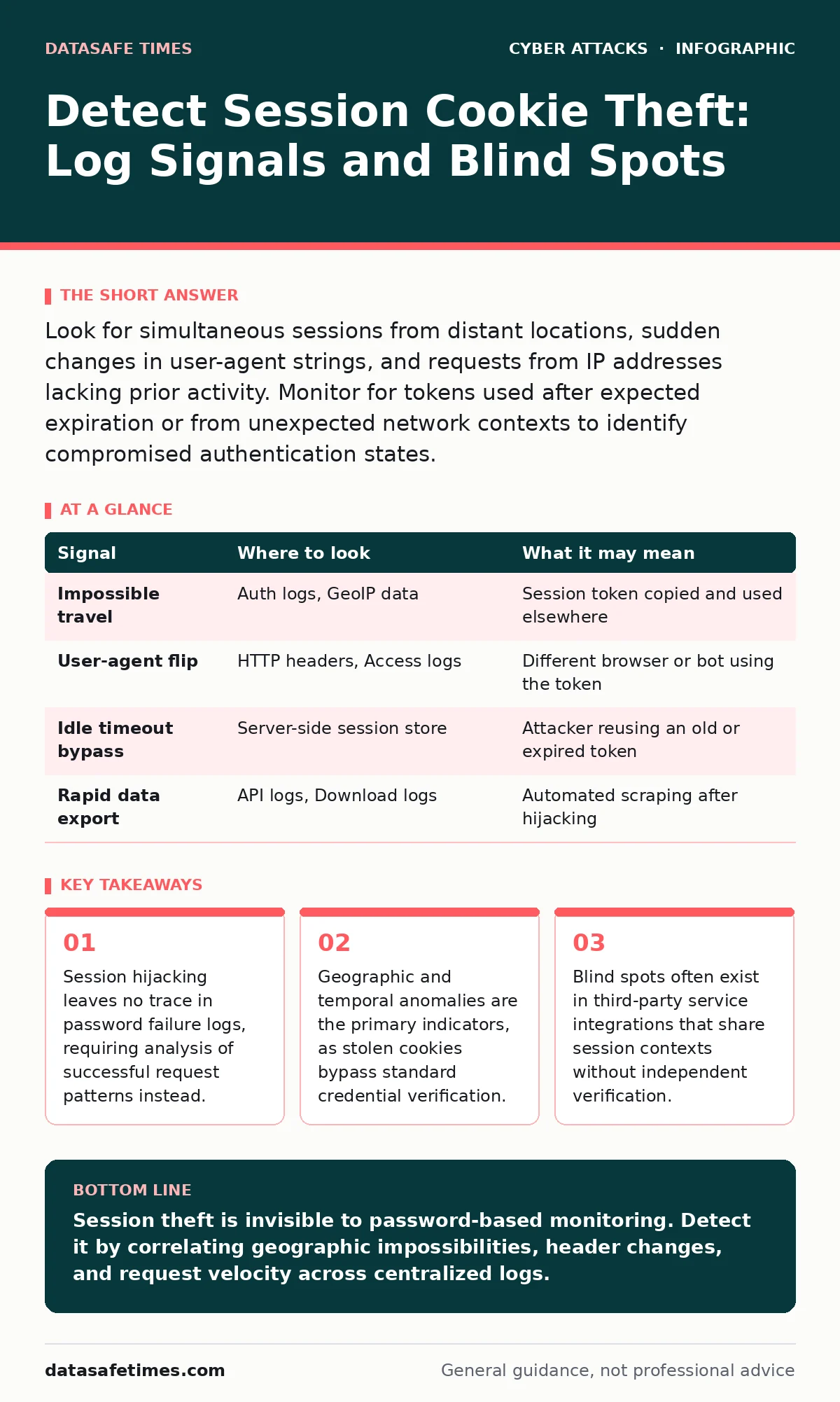
Look for simultaneous sessions from distant locations, sudden changes in user-agent strings, and requests from IP addresses lacking prior activity. Monitor for tokens used after expected expiration or from unexpected network contexts to identify compromised authentication states.
The Nature of the Signal
Session cookies are small text files that store a unique identifier. This identifier links a browser to an authenticated session on a server. When an attacker steals this cookie, they gain immediate access to the user’s account. They do not need the password. This distinction changes how you must approach detection.
Traditional security tools focus on login attempts. They look for failed passwords or brute-force patterns. A stolen cookie generates a successful login record. The system sees a valid token and grants access. You cannot detect this theft by watching for failed entries. You must watch for successful entries that behave incorrectly.
Analyzing Geographic and Temporal Impossibilities
Imagine a user logs in from New York. Two minutes later, the same session token generates a request from Tokyo. Humans cannot travel between these points in that time. This is called impossible travel. It is one of the strongest signals of session hijacking.
You must compare the timestamp and IP location of consecutive requests. If the distance between two points exceeds human travel speed, the session is likely compromised. This does not account for users with multiple devices in different locations. However, a single session token should not appear on devices in different countries simultaneously unless your architecture explicitly allows it.
| Signal | Where to look | What it may mean |
|---|---|---|
| Impossible travel | Auth logs, GeoIP data | Session token copied and used elsewhere |
| User-agent flip | HTTP headers, Access logs | Different browser or bot using the token |
| Idle timeout bypass | Server-side session store | Attacker reusing an old or expired token |
| Rapid data export | API logs, Download logs | Automated scraping after hijacking |
Inspecting Header Consistency
Browsers send specific headers with every request. These include the User-Agent string, which identifies the browser and operating system. If a session token is stolen, the attacker often uses a different browser or a script. This changes the User-Agent string.
Monitor the User-Agent associated with each session ID. If the same token suddenly switches from a standard Chrome browser to a Python requests library, flag it. This indicates automation. Attackers often use scripts to extract data quickly. These scripts do not mimic human browser behavior perfectly.
Monitoring Request Patterns and Velocity
Human users browse at a variable pace. They pause, scroll, and click intermittently. Bots and automated tools often send requests at a constant, high velocity. Look for bursts of activity that exceed normal human capability.
Count the number of requests per minute for a single session. If a session that usually makes five requests per minute suddenly makes fifty, investigate. This spike often precedes data exfiltration. The attacker is trying to dump as much information as possible before the session expires or is invalidated.
This behavior differs from botnet attacks, which typically involve many distinct IPs targeting a single resource. Here, a single identity is behaving abnormally. The volume comes from one source, not a distributed network.
The Blind Spot in Third-Party Integrations
Many applications embed third-party widgets or analytics scripts. These components often share the same domain context or access the same session cookies. If a third-party script is compromised, it can read the session cookie.
This is similar to formjacking, where malicious code intercepts data entry. However, session theft via third-party scripts is quieter. It does not alter the form. It simply reads the authentication token in the background.
You cannot always control the security of every library you load. This creates a blind spot. Your application logs will show valid requests. The token is valid. The headers look correct. The only anomaly is the source of the request originating from a script rather than direct user interaction.
Limitations of Standard Rate Limiting
Rate limiting restricts the number of requests an IP can make. It protects against brute-force attacks. It does not protect against session theft. The attacker is using a valid token. The system considers them a legitimate user.
If you apply strict rate limiting based on IP, you may block legitimate users who use mobile data. Their IP changes frequently. This causes friction. Conversely, if you limit by session ID, you may miss the attack. The attacker stays within the allowed rate to avoid detection.
Correlating Events Across Systems
Single-point detection is fragile. You must correlate data from multiple sources. Combine web server logs with database query logs. If a user’s profile is accessed, check if the database shows a sudden query for sensitive fields.
This requires a centralized logging system. You must ingest logs from the application server, the reverse proxy, and the database. Correlate them by session ID. If the web server shows a valid request but the database shows an unexpected query pattern, you have a discrepancy.
This approach mirrors the depth required in tabletop exercises, where you simulate an attack to find gaps in your monitoring. You are looking for the mismatch between expected behavior and actual data access.
Validating Token Binding
One mitigation is to bind the session token to additional client attributes. This is called token binding. You link the token to the IP address or the User-Agent. If the token is used with a different IP, the server rejects it.
This breaks the utility of stolen cookies. If the attacker copies the token, it will not work on their machine. The IP will not match. However, this breaks legitimate use cases. Users behind NAT networks share an IP. Mobile users switch between Wi-Fi and cellular data.
You must balance security with usability. Strict binding causes lockouts. Loose binding allows theft. This trade-off is central to your detection strategy. If you cannot implement strict binding, you must rely on the behavioral detection methods described above.
The Role of Expired Sessions
Attackers sometimes steal old session tokens. These tokens should have expired. If your server accepts an expired token, it is a configuration error. Check your session store. Ensure that tokens are invalidated immediately upon logout or expiration.
If you see requests with expired tokens, your system is not cleaning up properly. This is a maintenance issue, not just a security one. It allows attackers to use tokens that should be dead. Ensure your cleanup jobs run reliably.
This relates to account lockout policies, which often focus on password failures. You need a similar policy for session anomalies. If a session behaves suspiciously, revoke it. Do not wait for a password reset. Revoke the token immediately.
Key takeaways
- Session hijacking leaves no trace in password failure logs, requiring analysis of successful request patterns instead.
- Geographic and temporal anomalies are the primary indicators, as stolen cookies bypass standard credential verification.
- Blind spots often exist in third-party service integrations that share session contexts without independent verification.
Session theft is invisible to password-based monitoring. Detect it by correlating geographic impossibilities, header changes, and request velocity across centralized logs.
Frequently asked questions
Can I detect cookie theft if the attacker uses the same browser and IP?
It is nearly impossible. If the attacker is on the same machine and network, the signatures match. You must rely on endpoint detection or user reporting in this case.
Do HTTP-only cookies prevent all theft?
No. HTTP-only prevents JavaScript access. It does not prevent network interception via Man-in-the-Middle attacks or theft via server-side vulnerabilities.
Should I invalidate all sessions if one is compromised?
Yes. If you suspect the server is leaking tokens, assume all are at risk. Force a global re-authentication to issue new tokens.
How does this differ from CSRF attacks?
CSRF tricks the user’s browser into sending a request. Theft involves the attacker directly using the token. CSRF requires the user to be logged in; theft requires the token to be stolen.
How this guide was produced: written by the DataSafe Times editorial team with AI assistance, checked against the public references listed below, and reviewed when the facts change. See our editorial policy or report an error.