This checklist verifies that end-to-end encryption is correctly implemented by checking key management, protocol standards, and metadata handling. It helps you ensure that only intended recipients can read messages, preventing server-side decryption and securing data against interception.
Scope and Verification Strategy
This checklist applies to systems where confidentiality depends on keeping decryption keys away from service providers. You use it to audit your own architecture or to evaluate third-party services before integration. The goal is to confirm that the cryptographic boundary aligns with your trust model.
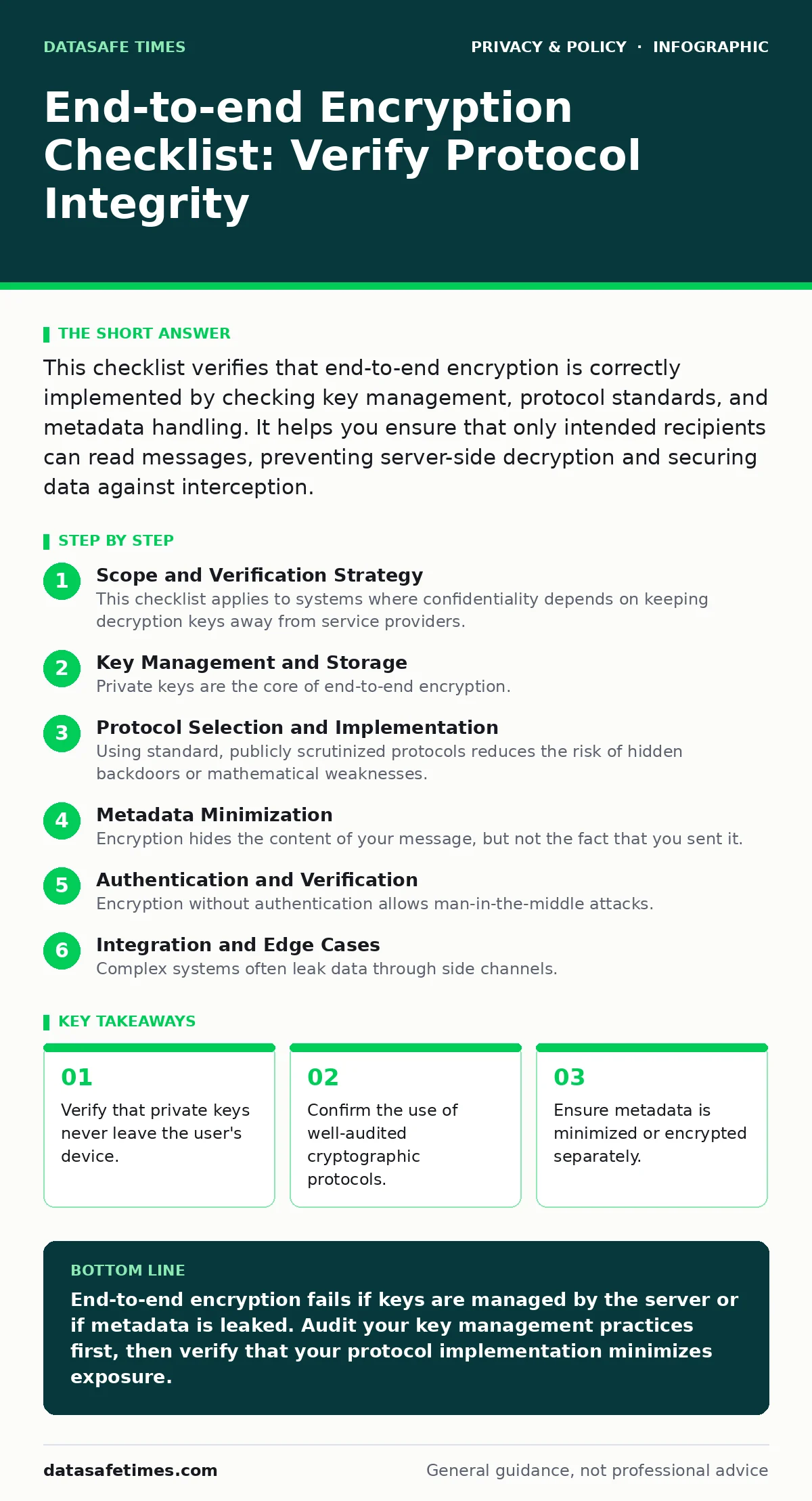
Key Management and Storage
Private keys are the core of end-to-end encryption. If a server holds these keys, it can decrypt your data, breaking the promise of the protocol. You must ensure that key generation happens locally on the user’s device.
- Generate keys on-device: Keys created locally prevent the server from ever possessing the master secret.
- Isolate private keys: Store private keys in hardware security modules or secure enclaves to prevent extraction via memory dumps.
- Implement key rotation: Regularly updating keys limits the exposure window if a single key is compromised.
- Secure key backup: Encrypt backups with a user-controlled password, not a server-side key, to maintain the trust boundary.
Protocol Selection and Implementation
Using standard, publicly scrutinized protocols reduces the risk of hidden backdoors or mathematical weaknesses. Custom cryptographic implementations often contain subtle flaws that only appear under attack. You should rely on established standards like Signal or OTR.
- Use audited libraries: Rely on well-known cryptographic libraries rather than writing custom encryption code.
- Verify protocol version: Ensure the system uses the latest stable version of the protocol to patch known vulnerabilities.
- Check for perfect forward secrecy: This feature ensures that compromising one key does not reveal past or future communications.
- Validate peer identity: Implement a mechanism to verify that you are communicating with the intended recipient, not an imposter.
Metadata Minimization
Encryption hides the content of your message, but not the fact that you sent it. Metadata includes timestamps, sender and recipient identifiers, and message frequency. Attackers often use this data to infer sensitive information even without reading the content.
- Minimize stored metadata: Delete logs that link user identities to communication events after delivery.
- Encrypt metadata where possible: Some protocols allow encrypting headers to hide who is talking to whom.
- Use traffic padding: Adding dummy data can obscure message length and timing patterns from network observers.
- Separate identity from traffic: Consider using mix networks or relays to decouple user identity from network activity.
Authentication and Verification
Encryption without authentication allows man-in-the-middle attacks. An attacker can intercept and modify messages if you cannot verify the recipient’s identity. You must implement a way for users to confirm they share the same encryption keys.
- Implement identity verification: Use safety numbers or QR codes to let users manually verify key fingerprints.
- Alert on key changes: Notify users immediately if a contact’s public key changes, indicating a potential compromise.
- Require explicit trust: Do not automatically accept new keys; require user confirmation to establish trust.
- Document verification steps: Provide clear instructions for users to perform manual verification without technical jargon.
Integration and Edge Cases
Complex systems often leak data through side channels. File attachments, read receipts, and typing indicators can bypass encryption if not handled carefully. You must treat every feature as a potential leak point.
- Encrypt attachments end-to-end: Ensure files are encrypted before leaving the device, not just in transit.
- Disable metadata-rich features: Turn off read receipts or typing indicators if they reveal user activity patterns.
- Secure local storage: Encrypt data at rest on the device to protect it if the device is stolen.
- Audit third-party plugins: Ensure any extensions or integrations do not have access to plaintext data.
See our guide on encrypted messaging apps for specific implementation details on popular protocols. Also, review two-factor authentication for personal accounts to secure the accounts that manage these keys.
Compliance and Documentation
Even with perfect encryption, legal and policy requirements may dictate data retention. You must document your encryption strategy to prove compliance and to guide future development. Clear documentation helps auditors understand your trust model.
- Document key lifecycle: Record how keys are generated, stored, rotated, and destroyed.
- Define data retention policies: Specify how long metadata is kept and ensure it aligns with privacy laws.
- Train support staff: Ensure customer support cannot decrypt user data, maintaining the end-to-end promise.
- Regularly audit compliance: Periodically review your implementation against current best practices and legal requirements.
Consult the section on data protection officers to understand the organizational roles required for compliance. Additionally, consider anonymization techniques for any data that must be retained for longer periods.
Key takeaways
- Verify that private keys never leave the user's device.
- Confirm the use of well-audited cryptographic protocols.
- Ensure metadata is minimized or encrypted separately.
End-to-end encryption fails if keys are managed by the server or if metadata is leaked. Audit your key management practices first, then verify that your protocol implementation minimizes exposure.
Frequently asked questions
Does end-to-end encryption protect me from malware?
No, malware on your device can capture keystrokes or screen contents before encryption or after decryption. You need separate security measures for endpoint protection.
Can I use end-to-end encryption for email?
Standard email is not end-to-end encrypted by default. You must use specific protocols like PGP or S/MIME and ensure both parties support them.
What is the difference between transport and end-to-end encryption?
Transport encryption protects data between your device and the server. End-to-end encryption protects data between you and the recipient, keeping the server out of the loop.
How do I recover lost keys?
You generally cannot. If you lose your private key, the data is inaccessible. This is a trade-off for security. Use encrypted backups stored securely.
How this guide was produced: written by the DataSafe Times editorial team with AI assistance, checked against the public references listed below, and reviewed when the facts change. See our editorial policy or report an error.