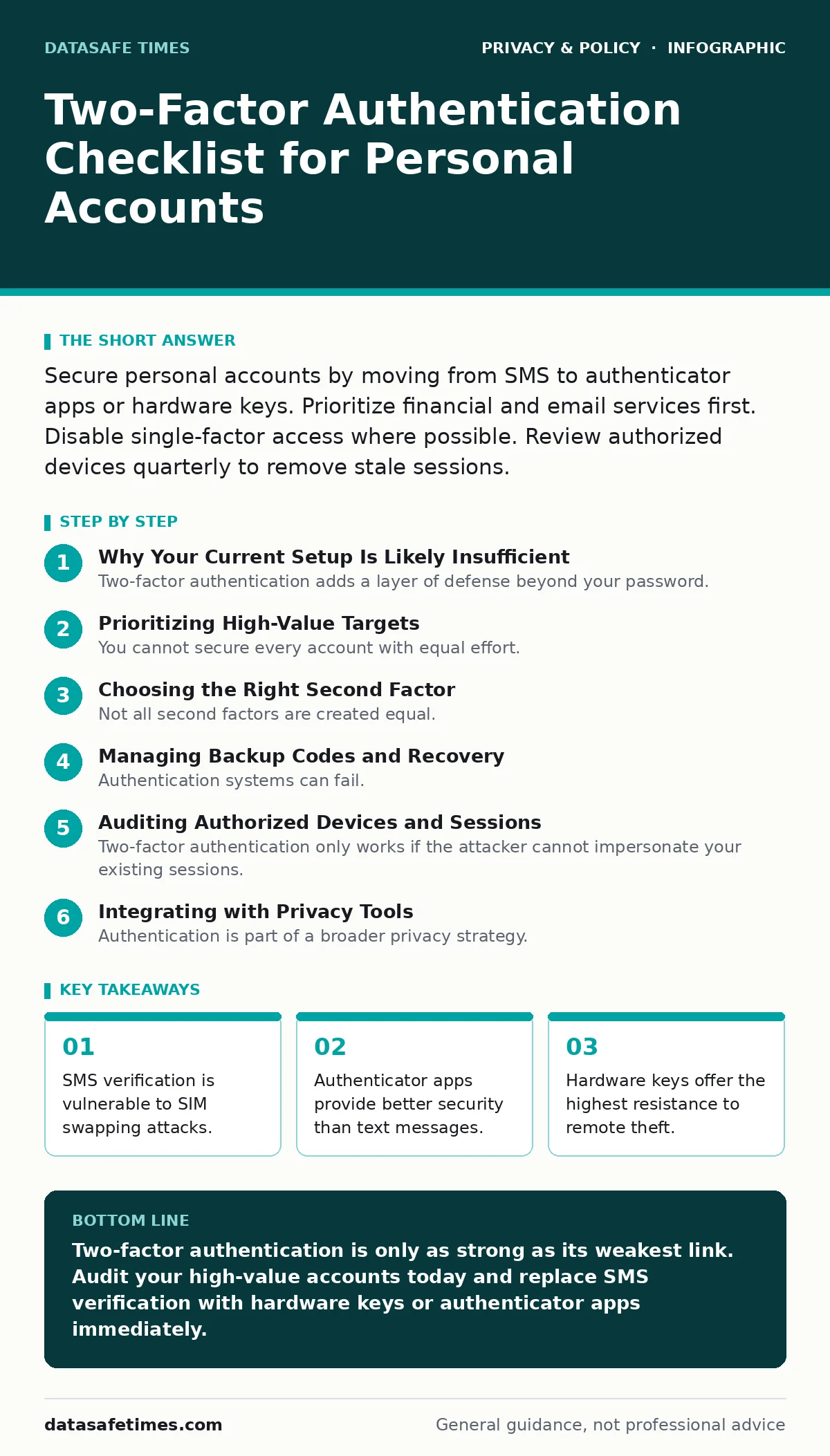
Secure personal accounts by moving from SMS to authenticator apps or hardware keys. Prioritize financial and email services first. Disable single-factor access where possible. Review authorized devices quarterly to remove stale sessions.
Why Your Current Setup Is Likely Insufficient
Two-factor authentication adds a layer of defense beyond your password. Most people assume that if they use a unique password, they are safe. This assumption ignores the reality of credential stuffing and phishing. Attackers often bypass the first factor entirely by stealing session cookies or tricking users into logging in on fake sites. The second factor is your only remaining barrier. If that barrier is weak, the entire system collapses. You need to evaluate each account based on the method it supports and the value of the data it holds.
Prioritizing High-Value Targets
You cannot secure every account with equal effort. Resources are finite, and fatigue sets in when you try to harden low-risk services first. Start with the accounts that control your identity and finances. Email is the master key for resetting passwords on other services. If an attacker takes your email, they can reset the passwords for your bank, social media, and work accounts. Banking and investment platforms hold direct access to your assets. These three categories require the strongest possible authentication methods. Lower priority accounts, such as forum logins or newsletter subscriptions, can wait until the critical ones are locked down.
Choosing the Right Second Factor
Not all second factors are created equal. The method you choose determines how hard it is for an attacker to bypass your defenses. SMS-based verification is convenient but flawed. It relies on the cellular network, which is susceptible to SIM swapping. In this attack, the attacker convinces your carrier to port your phone number to a new SIM card. They then receive your verification codes.
Authenticator apps generate time-based one-time passwords locally on your device. They do not rely on the phone network. This makes them significantly more resistant to remote interception. Hardware security keys provide the highest level of security. They require physical possession of the device to approve a login. This eliminates the risk of remote phishing entirely.
- Replace SMS verification with an authenticator app: Eliminates reliance on the vulnerable cellular network.
- Use a hardware key for financial accounts: Prevents remote phishing and credential theft.
- Keep SMS as a last resort backup: Accepts higher risk for convenience in low-value scenarios.
Managing Backup Codes and Recovery
Authentication systems can fail. You might lose your phone, break your hardware key, or get locked out by a software update. Without a recovery plan, you lose access to your data permanently. Most services provide backup codes when you first enable two-factor authentication. These are single-use strings of text that act as a key to the door. If you store them in a password manager, you create a circular dependency. If you lose access to the password manager, you lose the codes. If you store them on a piece of paper, you must keep that paper safe from theft and fire. Digital storage on an encrypted drive is a reasonable compromise.
Auditing Authorized Devices and Sessions
Two-factor authentication only works if the attacker cannot impersonate your existing sessions. Many services remember your browser or device for a period of time. This feature is designed for convenience, not security. An attacker who gains access to your account can add their own device to the trusted list. They can then bypass the second factor for future logins. You must regularly review the list of authorized devices. Look for unfamiliar operating systems, locations, or hardware models. Revoke access for any device you do not recognize or no longer use. This step is often overlooked, leaving a backdoor open long after the initial compromise.
- Review active sessions on email accounts: Identifies unauthorized access that bypasses login checks.
- Remove old devices from trusted lists: Prevents attackers from using stale tokens for entry.
- Check for unknown app-specific passwords: Detects third-party tools that may have been compromised.
Integrating with Privacy Tools
Authentication is part of a broader privacy strategy. If your login credentials are exposed, strong authentication is your only defense. However, if your browsing habits are tracked, attackers can build a profile to target you. Using ad blockers reduces the surface area for malicious scripts that might steal session cookies.
This complements your authentication efforts by reducing the chance of initial compromise. Similarly, using encrypted messaging apps ensures that verification codes or sensitive information are not intercepted in transit. While these tools do not replace two-factor authentication, they reduce the likelihood of an attacker gaining the initial foothold needed to trigger the verification process.
Maintaining Long-Term Security
Security is not a one-time configuration. It is a continuous process of verification and adjustment. Services change their policies, add new features, and sometimes introduce vulnerabilities. You should revisit your settings every few months. Check if the service has added support for stronger authentication methods. Update your backup codes if you have used any. Verify that your recovery email and phone number are still active. Neglecting these maintenance tasks allows your security posture to decay over time. The goal is to maintain a consistent level of protection that matches the current threat environment.
Key takeaways
- SMS verification is vulnerable to SIM swapping attacks.
- Authenticator apps provide better security than text messages.
- Hardware keys offer the highest resistance to remote theft.
Two-factor authentication is only as strong as its weakest link. Audit your high-value accounts today and replace SMS verification with hardware keys or authenticator apps immediately.
Frequently asked questions
Is SMS two-factor authentication safe?
It is better than no authentication, but it is vulnerable to SIM swapping and interception. Use it only when no other option is available.
What if I lose my hardware key?
You must rely on your backup codes or recovery email. Keep these stored securely but separately from your primary authentication method.
Can I use the same authenticator app for all accounts?
Yes, but ensure you have backups of your recovery codes. If you lose your phone, you lose access to all linked accounts simultaneously.
How often should I check my authorized devices?
Review the list every three to six months. Check immediately if you suspect any unusual activity or receive a login alert from an unknown location.
How this guide was produced: written by the DataSafe Times editorial team with AI assistance, checked against the public references listed below, and reviewed when the facts change. See our editorial policy or report an error.