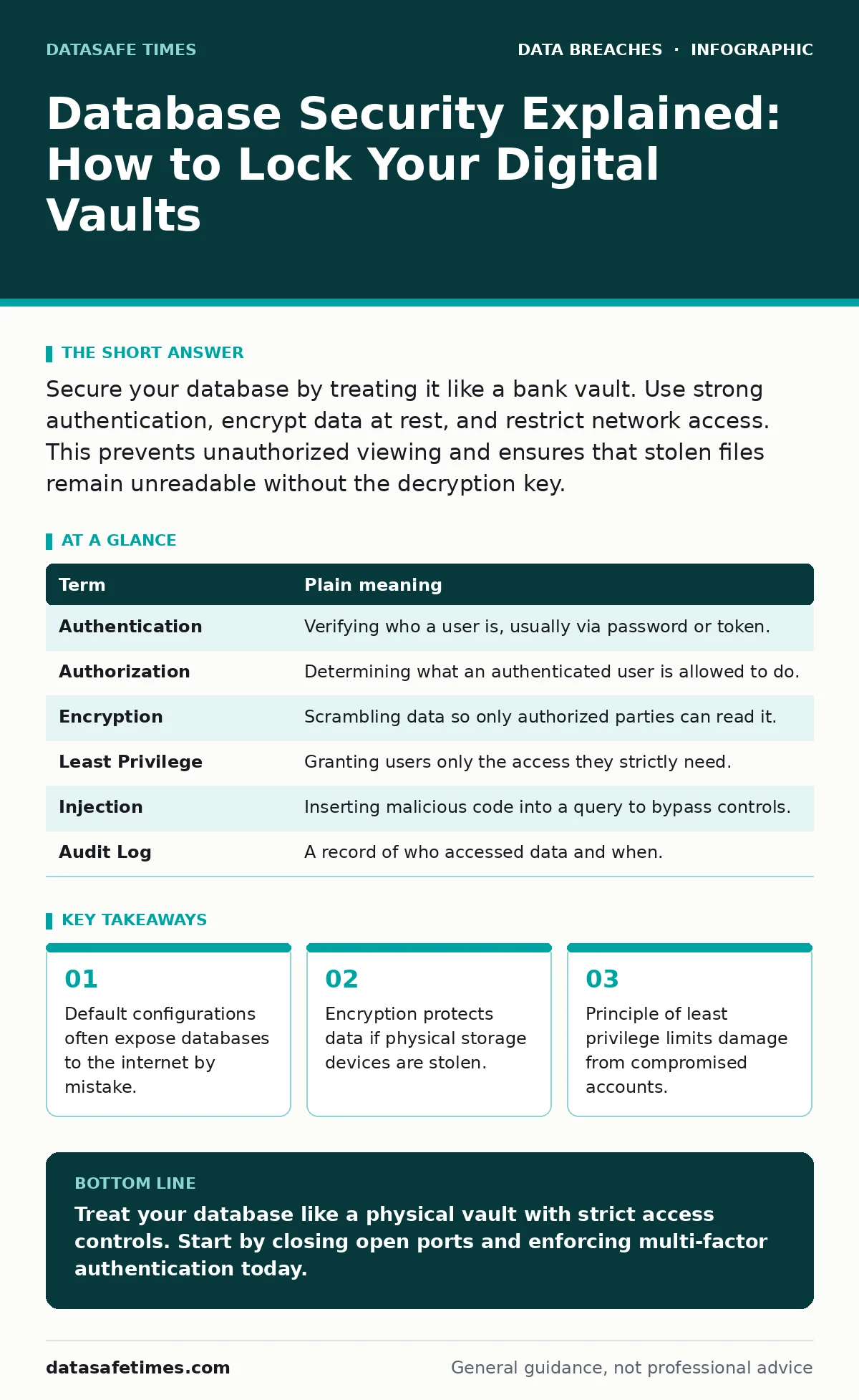
Secure your database by treating it like a bank vault. Use strong authentication, encrypt data at rest, and restrict network access. This prevents unauthorized viewing and ensures that stolen files remain unreadable without the decryption key.
The Vault Analogy
Imagine your database is a high-security bank vault. You would not leave the vault door open in a busy street. You would not give every customer a master key. You would not write the combination on a sticky note attached to the door. Most people secure their homes with locks and alarms. They fail to apply the same logic to their data storage. This oversight leads to preventable exposure.
Key Terms
Understanding the vocabulary helps you discuss security with colleagues. These terms define the boundaries of your protection.
| Term | Plain meaning |
|---|---|
| Authentication | Verifying who a user is, usually via password or token. |
| Authorization | Determining what an authenticated user is allowed to do. |
| Encryption | Scrambling data so only authorized parties can read it. |
| Least Privilege | Granting users only the access they strictly need. |
| Injection | Inserting malicious code into a query to bypass controls. |
| Audit Log | A record of who accessed data and when. |
The Open Door Problem
Many developers deploy databases with default settings. These settings often allow connections from any IP address. It is like building a vault with no outer door. The internet scans for these open ports constantly. Bots find them within minutes. You must configure the firewall to block all traffic except from specific application servers. This reduces the attack surface significantly.
Strong Authentication
Passwords are the first line of defense. Weak passwords are easy to guess. Use multi-factor authentication where possible. This requires a second form of verification, like a code from a phone. Even if a password is stolen, the attacker cannot log in. This adds a layer of friction that stops casual attackers.
Authorization and Least Privilege
Authentication proves identity. Authorization defines permissions. A common mistake is giving all users admin rights. This violates the principle of least privilege. Imagine giving every janitor a master key to the vault. If one key is lost, the entire bank is at risk. Create separate accounts for different roles. A reporting tool should not have write access. Restricting permissions limits the damage of a breach.
See also: Third-Party Data Breaches: How External Risks Compromise Your System · Parameterized Queries: 6 Misunderstandings That Leave Code Exposed
Encryption at Rest
Encryption protects data on disk. If someone steals the hard drive, they cannot read the files. This is similar to shredding documents before throwing them away. Without the key, the data is useless noise. Ensure your database encrypts data automatically. This does not stop an attacker from stealing the drive. It only prevents them from reading it.
Input Validation
Attackers often use SQL injection to bypass controls. This involves inserting malicious commands into input fields. It is like tricking a guard into opening the vault by forging a pass. Validate all user input before it reaches the database. Use prepared statements to separate code from data. This prevents the database from executing unintended commands.
Monitoring and Logging
You cannot protect what you do not monitor. Audit logs record every access attempt. Review these logs for unusual activity. Look for multiple failed login attempts. Check for access at odd hours. Monitoring does not prevent an attack. It helps you detect it early. Early detection limits the scope of data loss.
Try This Now
- Audit your database ports and ensure they are not exposed to the public internet.
- Enable multi-factor authentication for all administrative accounts.
- Review user permissions and revoke any access that is not strictly necessary.
Related Considerations
Data security extends beyond the database. You must also consider how data moves. See our guide on misdirected emails to prevent accidental data leaks. Ensure employee offboarding security procedures revoke access immediately. Understand the risks of third-party data breaches when using external services.
Proper secure data disposal prevents recovery of deleted records. Monitor for file integrity monitoring signs to detect tampering. Be aware of payment card theft vectors if you handle financial data. Finally, recognize that data breaches can happen even with good security, so prepare a response plan.
Key takeaways
- Default configurations often expose databases to the internet by mistake.
- Encryption protects data if physical storage devices are stolen.
- Principle of least privilege limits damage from compromised accounts.
Treat your database like a physical vault with strict access controls. Start by closing open ports and enforcing multi-factor authentication today.
Frequently asked questions
Is encryption enough to secure my database?
No, encryption protects data at rest but does not prevent unauthorized access if credentials are stolen.
How often should I review database permissions?
Review permissions quarterly or whenever an employee changes roles or leaves the organization.
What is the biggest risk for small businesses?
Default configurations and weak passwords are the most common entry points for attackers.
Do I need a security team to secure my database?
No, basic security practices like least privilege and MFA can be implemented by any administrator.
How this guide was produced: written by the DataSafe Times editorial team with AI assistance, checked against the public references listed below, and reviewed when the facts change. See our editorial policy or report an error.