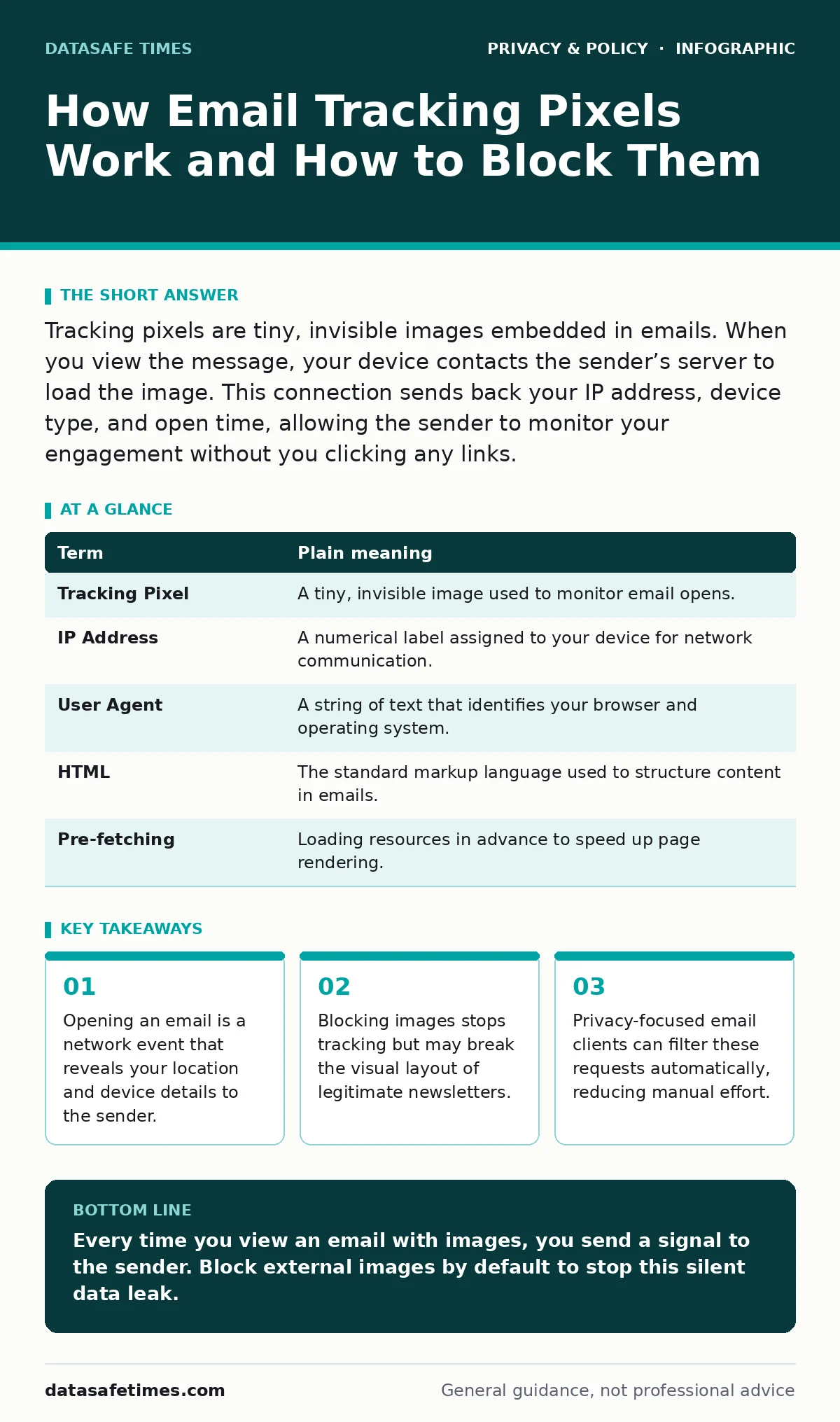
Tracking pixels are tiny, invisible images embedded in emails. When you view the message, your device contacts the sender’s server to load the image. This connection sends back your IP address, device type, and open time, allowing the sender to monitor your engagement without you clicking any links.
The Invisible Postcard
Imagine you send a physical letter to a friend. You want to know if they read it, but you do not want to call them. So, you use a special stamp that only sticks when exposed to sunlight. When your friend opens the envelope, the sunlight hits the stamp. A sensor in the stamp sends a signal back to you. You now know the letter was opened, where it was opened, and at what time.
Email tracking pixels work on this same principle. Instead of a stamp, the sender embeds a tiny image in the HTML code of the message. The image is one pixel wide and one pixel high, making it invisible to the human eye. It contains a unique identifier for you. When your email client fetches the image to display the email, it sends a request to the sender’s server. That request is the signal.
The Mechanics of Observation
The process relies on standard web technologies. Your email client acts like a web browser. It parses the HTML of the message. When it encounters an image tag, it requests that image from the URL provided. The server hosting the image records the request. It logs the timestamp, the IP address of your device, and the user agent string. The user agent string tells the server what operating system and browser you are using.
This happens before you see the text. It happens before you click any links. The act of rendering the email is the act of being tracked. If you have images disabled, the request is not sent, and the sender does not know you opened the message. However, many modern email clients pre-fetch images to improve loading speed, which can trigger the pixel even if you have not consciously opened the email.
| Term | Plain meaning |
|---|---|
| Tracking Pixel | A tiny, invisible image used to monitor email opens. |
| IP Address | A numerical label assigned to your device for network communication. |
| User Agent | A string of text that identifies your browser and operating system. |
| HTML | The standard markup language used to structure content in emails. |
| Pre-fetching | Loading resources in advance to speed up page rendering. |
What Your Data Reveals
The data collected is more than just a timestamp. Your IP address can approximate your physical location. It often reveals your city or neighborhood. Combined with the user agent, the sender can build a profile of your device. They know if you are on a phone or a desktop. They know if you are using a specific version of an operating system.
Suppose you receive a job application confirmation. The sender can see if you open it from your home network or a public library. They can see if you open it again an hour later. This pattern of behavior helps them gauge your interest level. It is not magic; it is basic network logging. The sender is not reading your mind, but they are watching your habits.
The Trade-off of Privacy
You face a choice between convenience and privacy. If you allow images, you get a fully formatted email with logos and charts. You also give the sender data about your habits. If you block images, the email may look broken. Text may overlap. Logos may disappear. But you retain control over your data.
This is similar to the trade-off with ad blockers. Blocking ads improves speed and privacy but can break some websites. Blocking images in email improves privacy but can break some emails. There is no perfect solution. You must decide which emails are worth the data exchange. Personal emails from friends rarely contain pixels. Marketing emails almost always do.
Simple Safety Habits
You do not need complex tools to protect yourself. Most email clients have built-in settings to manage image loading. Look for an option to "Ask before displaying external images" or "Block external images by default." This setting stops the pixel from loading until you explicitly choose to load it.
- Enable the setting to block external images by default in your email client.
- Review the sender before choosing to load images. If it is a trusted source, load them. If it is a marketing blast, leave them blocked.
- Use a privacy-focused email client that filters tracking requests automatically.
Beyond the Pixel
Email tracking is just one method of surveillance. Other methods include unique URLs in the text of the email. If you click a link, the sender knows you clicked it. This is more precise than a pixel. It confirms intent, not just viewing.
For higher security, consider encrypted messaging apps. These applications do not rely on standard email protocols. They use end-to-end encryption to ensure only you and the recipient can read the message. They do not send metadata to the sender’s server in the same way.
Managing Your Digital Footprint
You can also request data deletion from companies. Many regions have laws that allow you to ask for your data. These are often called data subject access requests. You can ask a company what data they have on you and request its deletion. This does not stop future tracking, but it cleans up the past.
Anonymization techniques can also help. Using a separate email address for newsletters reduces the value of the data. If the email address is not tied to your real identity, the profile is less useful. This is a form of compartmentalization. It limits the damage if one account is compromised.
Key takeaways
- Opening an email is a network event that reveals your location and device details to the sender.
- Blocking images stops tracking but may break the visual layout of legitimate newsletters.
- Privacy-focused email clients can filter these requests automatically, reducing manual effort.
Every time you view an email with images, you send a signal to the sender. Block external images by default to stop this silent data leak.
Frequently asked questions
Can I track if someone is tracking me?
No, you cannot easily see if a pixel has fired. You can only prevent it from firing by blocking images.
Do all emails have tracking pixels?
No, personal emails and plain-text emails usually do not. Marketing and automated emails often do.
Is it illegal to use tracking pixels?
No, it is generally legal to track opens. Laws vary by region, but consent is usually not required for this basic metric.
Can I use an alias to stop tracking?
Yes, using an alias hides your real email address. The sender still tracks the alias, but it is less valuable to them.
How this guide was produced: written by the DataSafe Times editorial team with AI assistance, checked against the public references listed below, and reviewed when the facts change. See our editorial policy or report an error.