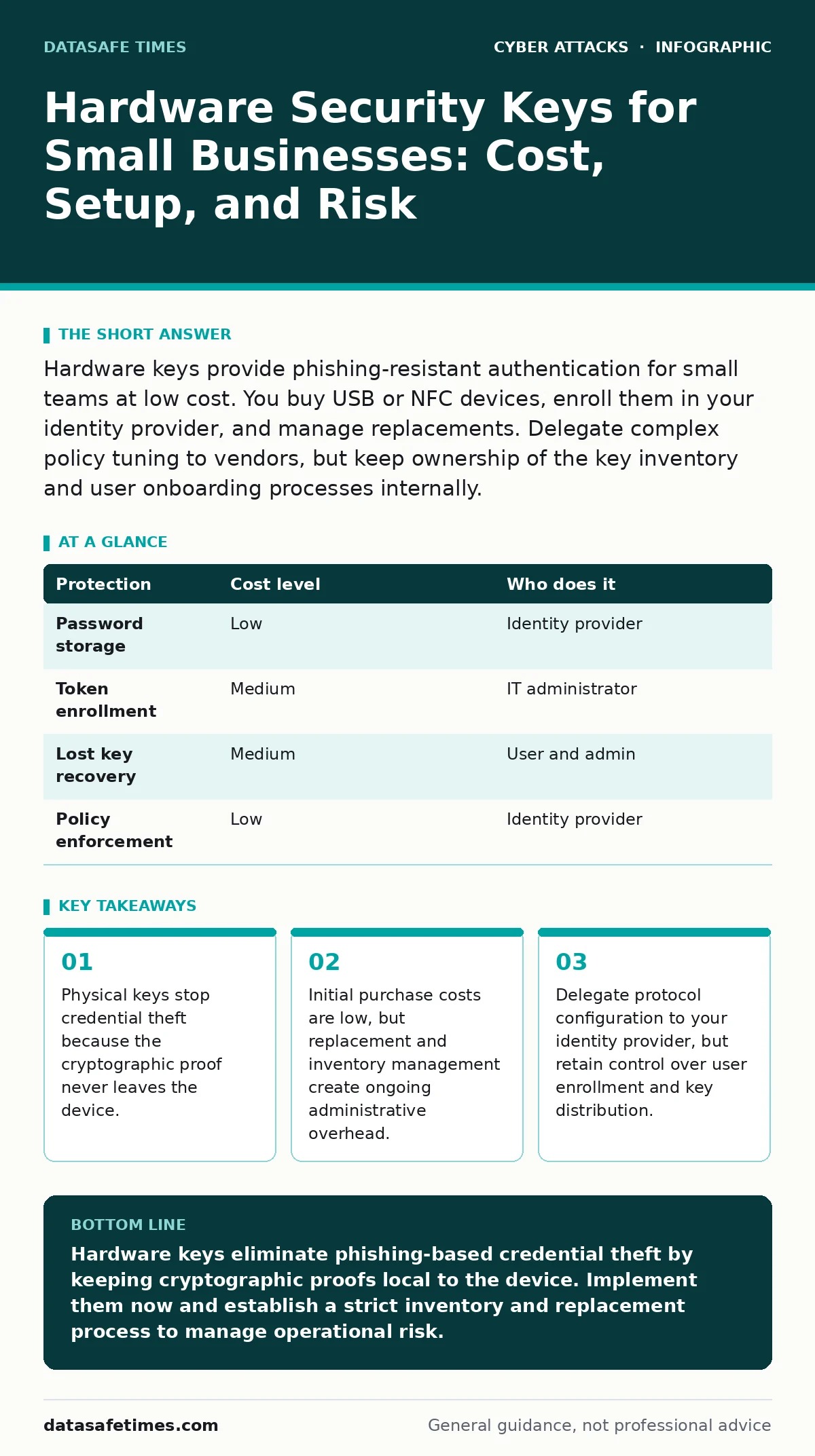
Hardware keys provide phishing-resistant authentication for small teams at low cost. You buy USB or NFC devices, enroll them in your identity provider, and manage replacements. Delegate complex policy tuning to vendors, but keep ownership of the key inventory and user onboarding processes internally.
Why Physical Tokens Matter for Small Teams
Small organizations often assume that software-based multi-factor authentication provides sufficient protection. Software authenticators generate time-based one-time passwords that verify identity. These codes travel over the network to the server. An attacker who intercepts this traffic can reuse the code before it expires. This is known as session cookie theft. Hardware security keys eliminate this risk by performing cryptographic operations locally. The server never sees the private key material.
The key proves ownership through a challenge-response protocol. This mechanism prevents man-in-the-middle attacks regardless of network security. Small teams benefit because they lack the resources to monitor for sophisticated phishing campaigns. Physical tokens remove the human variable from the authentication equation. You do not rely on users to recognize deceptive login pages. The key simply fails to authenticate on a fake site. This reduces the attack surface significantly.
The Mechanics of Phishing Resistance
Phishing attacks succeed by tricking users into entering credentials on malicious sites. These sites mimic legitimate login portals perfectly. When a user enters their password and software-based verification code, the attacker captures both. The attacker then uses these credentials to log in to the real service. This is called account takeover. Hardware keys use the Universal 2nd Factor standard. This open standard ensures compatibility across many identity providers.
The key checks the domain of the website requesting authentication. If the domain does not match the registered service, the key refuses to sign the challenge. This behavior is automatic and requires no user judgment. You cannot be tricked into approving a login to a wrong site. This protection works even if the user clicks a link in a vishing attempt where an attacker calls pretending to be IT support. The physical token remains the gatekeeper.
| Protection | Cost level | Who does it |
|---|---|---|
| Password storage | Low | Identity provider |
| Token enrollment | Medium | IT administrator |
| Lost key recovery | Medium | User and admin |
| Policy enforcement | Low | Identity provider |
Affordable Implementation Strategies
The perception that hardware security is expensive stems from enterprise-grade solutions. Small businesses can use consumer-grade devices that support open standards. These devices cost a fraction of proprietary enterprise tokens. You do not need a dedicated hardware security module for every user. Standard USB-A or USB-C keys suffice for most desktop environments. Bluetooth keys offer convenience for mobile devices and laptops without ports.
You must balance convenience with security. Bluetooth keys can be exploited if paired improperly, though this risk is low with proper configuration. NFC keys allow tap-to-login on smartphones. This is useful for teams that work remotely or use mobile devices frequently. Budget for initial purchase, but also for replacements. Keys can be lost, damaged, or stolen. A spare key for each user is a prudent investment. This avoids downtime when a primary key is misplaced.
What to Delegate to Vendors
Your identity provider handles the complex cryptographic verification. You should delegate the configuration of authentication protocols to the vendor. They maintain the servers that validate the signatures from your keys. You do not need to manage the backend infrastructure. However, you must not delegate user enrollment. Your team must physically possess the keys to enroll them. This ensures that the person receiving the key is authorized.
You should also retain control over key distribution. Shipping keys to employees directly introduces supply chain risks. An attacker could intercept a key in transit and enroll it before the user does. You must verify the identity of the recipient before handing over the device. This step is critical for maintaining trust in the system. Delegate policy updates, but keep the physical chain of custody internal.
Managing Inventory and Replacements
Lost keys are the primary operational cost of this system. You need a clear process for replacing lost devices. This involves revoking the old key and enrolling a new one. The user must still prove their identity to the administrator. This is usually done through out-of-band verification. You cannot rely on the lost key for verification. If the user has a backup key, they can authenticate and request a replacement.
If both keys are lost, you need a secondary verification method. This might involve a phone call to a known number. This is where callback phishing becomes a risk. Attackers may try to impersonate the user to request a replacement key. You must verify the request through a trusted channel. Keep a log of all issued and revoked keys. This audit trail helps identify patterns of loss or theft.
Edge Cases and Limitations
Hardware keys are not a panacea. They protect the authentication step, not the session. Once logged in, users can still fall for social engineering. They might grant excessive permissions to malicious applications. This is why least privilege access remains necessary. Keys also do not protect against keyloggers if the attacker has physical access to the machine. If malware runs on the computer, it can capture screen data or keystrokes.
Hardware keys cannot prevent this local compromise. You must combine keys with endpoint detection and response tools. Another limitation is browser compatibility. Some older browsers or custom applications do not support the Universal 2nd Factor standard. You may need to maintain legacy authentication methods for these specific cases. This creates a security gap that attackers can exploit. Plan for these exceptions explicitly.
Questions for Your IT Provider
If you outsource IT support, you must ensure they understand hardware security. Ask specific questions to verify their competence. Do not accept vague assurances about security. You need to know how they handle key management and recovery.
- How do you verify the identity of a user requesting a key replacement?
- What is your process for revoking lost or stolen keys across all services?
- Do you support the Universal 2nd Factor standard for all critical accounts?
- How do you handle users who work with legacy systems that lack key support?
- What is the average time to resolve a lost key incident?
These questions ensure that your provider can support the operational realities of hardware security. You maintain control, but they execute the technical tasks. This division of labor reduces your burden while maintaining security standards.
Integrating with Existing Security Controls
Hardware keys work best when combined with other controls. You should implement account lockout policies to prevent brute force attacks. Even with keys, repeated failed attempts can indicate compromise. Rate limiting helps protect your authentication servers from denial of service attacks. These measures complement the physical security provided by the keys. You should also review your email filtering rules.
Phishing attempts often target users to bypass MFA. Better filtering reduces the likelihood of users encountering deceptive sites. While keys resist phishing, reducing the volume of attacks lowers user fatigue. This creates a layered defense strategy. Each layer addresses different weaknesses. Keys handle credential theft. Policies handle abuse. Filtering handles initial contact. This combination provides resilience against diverse threats.
Key takeaways
- Physical keys stop credential theft because the cryptographic proof never leaves the device.
- Initial purchase costs are low, but replacement and inventory management create ongoing administrative overhead.
- Delegate protocol configuration to your identity provider, but retain control over user enrollment and key distribution.
Hardware keys eliminate phishing-based credential theft by keeping cryptographic proofs local to the device. Implement them now and establish a strict inventory and replacement process to manage operational risk.
Frequently asked questions
Can I use the same hardware key for multiple accounts?
Yes, most keys support multiple credentials. You can register the same physical device with your email, bank, and work accounts. This reduces the number of devices you need to carry.
What happens if my hardware key battery dies?
Most USB keys do not use batteries. They draw power from the computer. NFC and Bluetooth keys may have batteries. You should check the manufacturer specifications. Replace the device when the battery is low.
Do hardware keys work with all websites?
No, only websites that support the Universal 2nd Factor standard. Most major services support it, but some legacy or custom applications may not. You will need alternative verification for those specific cases.
How do I prevent MFA fatigue attacks with hardware keys?
Hardware keys require physical interaction. You must touch the button to authenticate. This prevents attackers from spamming push notifications to trick you into approving a login. The physical requirement stops fatigue-based exploits.
How this guide was produced: written by the DataSafe Times editorial team with AI assistance, checked against the public references listed below, and reviewed when the facts change. See our editorial policy or report an error.