
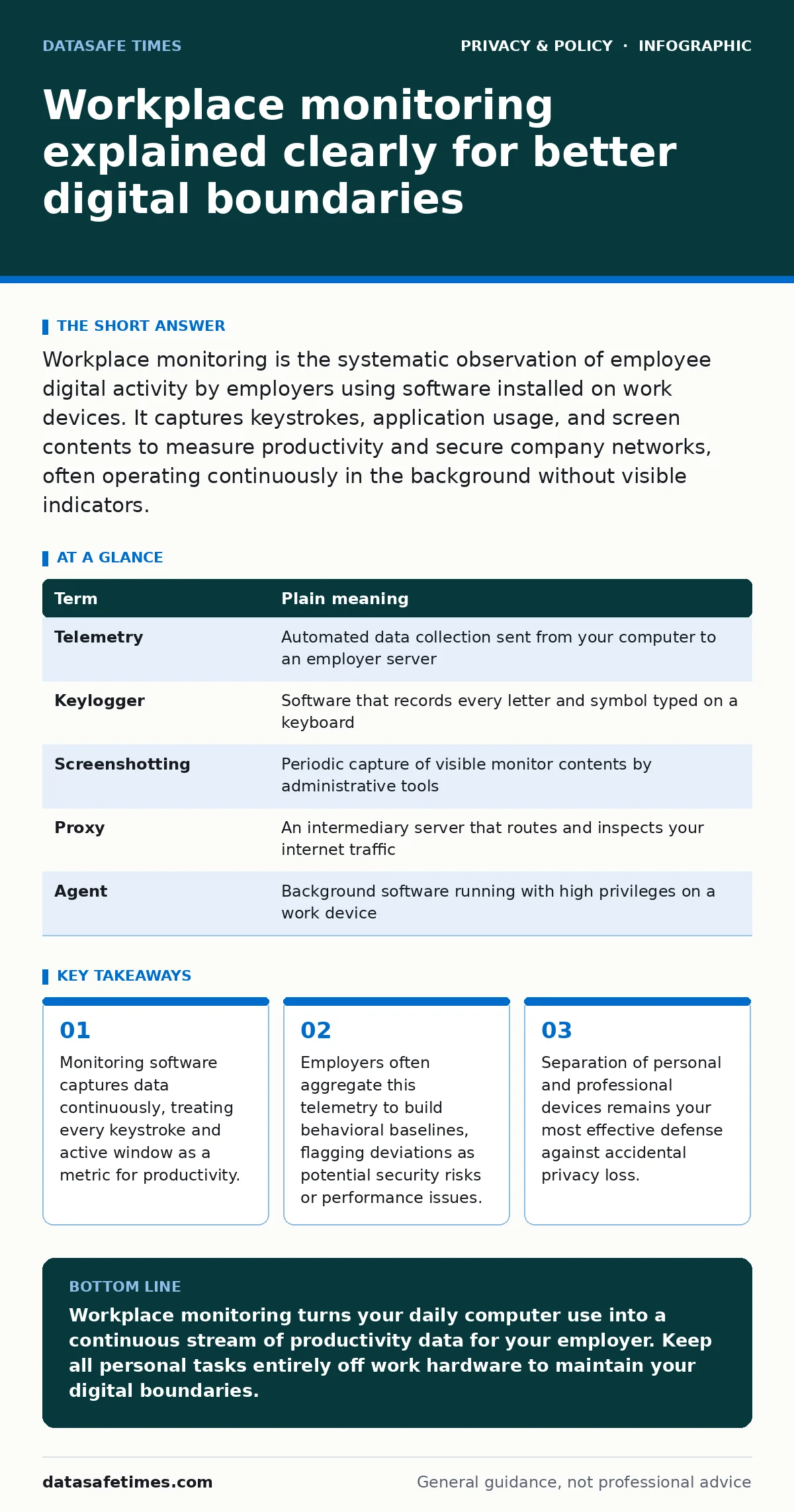
Workplace monitoring is the systematic observation of employee digital activity by employers using software installed on work devices. It captures keystrokes, application usage, and screen contents to measure productivity and secure company networks, often operating continuously in the background without visible indicators.
How digital observation works in modern employment
Workplace monitoring functions like an open-plan office built inside your computer, where invisible managers walk behind your desk all day. Employers deploy background agents that record application usage, active window durations, and network requests. This continuous observation turns routine tasks into quantifiable data points, measuring output through telemetry rather than finished results.
Telemetry refers to the automated collection and transmission of data from remote devices to central servers for analysis. When you type an email or open a spreadsheet, telemetry logs timestamps, application names, and input frequencies. Employers review these aggregated logs to spot inefficiencies, yet the same system quietly gathers intimate details about your personal habits.
The mechanics of constant oversight
Monitoring tools operate with deep system privileges, allowing them to capture data at the hardware and operating system levels. Screen capture utilities take periodic snapshots of your monitor, while keystroke loggers record every character typed into any application. These capabilities mean the system does not just see what you produce, but also the mistakes, corrections, and private thoughts you type and delete.
Background agents stream this gathered information to administrative dashboards where managers view productivity scores and flagged keywords. Network proxies inspect your encrypted web traffic by installing custom security certificates, decrypting your secure sessions to read the contents of web pages you visit. Understanding digital privacy rights helps you recognize when observation crosses the line from network security into personal surveillance.
| Term | Plain meaning |
|---|---|
| Telemetry | Automated data collection sent from your computer to an employer server |
| Keylogger | Software that records every letter and symbol typed on a keyboard |
| Screenshotting | Periodic capture of visible monitor contents by administrative tools |
| Proxy | An intermediary server that routes and inspects your internet traffic |
| Agent | Background software running with high privileges on a work device |
Hidden costs and surprising consequences
Constant digital observation alters human behavior in subtle ways, leading employees to avoid exploratory learning and difficult problem-solving. Knowing that every pause is recorded discourages deep concentration, replacing it with performative busyness designed to keep productivity metrics high. Workers often create rigid workarounds, such as maintaining personal phones nearby to handle private matters off the monitored network.
Another hidden cost involves false positives generated by automated behavioral analysis tools. When algorithms flag unusual typing patterns or extended idle times, human reviewers rarely verify the context before issuing warnings. This dynamic creates a chilling effect on workplace communication, as employees filter their thoughts through the assumption of permanent record-keeping.
What monitoring means for your personal life
Blurred boundaries between professional duties and personal tasks create severe privacy risks when using employer-provided hardware. Imagine borrowing a transparent glass notebook for your personal journaling, knowing the manufacturer keeps a duplicate copy of every page. Personal credentials entered into work browsers for banking, healthcare, or social media become accessible to anyone with administrator rights on that system.
Employers frequently retain monitoring logs for long periods, creating large stores of sensitive employee data that attract internal threats and external attackers. If you must handle personal matters on a work machine, you might inadvertently leak details that complicate matters like children's online privacy risks within your household. Treating every keystroke on a company device as public information prevents false assumptions of privacy.
Simple steps to protect your boundaries
Protecting your digital footprint on managed hardware requires deliberate habits and a clear understanding of system capabilities. You must assume that any file created, downloaded, or viewed on a work device remains visible to administrators indefinitely.
- Restrict all personal communications, financial transactions, and private web browsing strictly to your own personal devices.
- Review company acceptable use policies to understand which specific monitoring tools and data collection methods are deployed on your machine.
- Disable cloud synchronization services that link personal accounts, photo libraries, or password managers to work-issued operating systems.
Key takeaways
- Monitoring software captures data continuously, treating every keystroke and active window as a metric for productivity.
- Employers often aggregate this telemetry to build behavioral baselines, flagging deviations as potential security risks or performance issues.
- Separation of personal and professional devices remains your most effective defense against accidental privacy loss.
Workplace monitoring turns your daily computer use into a continuous stream of productivity data for your employer. Keep all personal tasks entirely off work hardware to maintain your digital boundaries.
Frequently asked questions
Can my employer see my passwords when monitoring software is active?
Monitoring tools can capture plain-text passwords as you type them if they include keystroke logging or form-scraping features.
Does workplace monitoring apply when I work remotely from home?
Employer-installed monitoring agents run continuously regardless of your physical location, as long as the device connects to the internet or stores data locally.
Will clearing my browser cache stop my boss from seeing what websites I visited?
Network-level logging and proxy servers record your web traffic before your browser ever saves history, making local cache deletion ineffective.
Can my employer legally read my personal emails sent from a work computer?
Employers generally hold broad legal rights to monitor all activities conducted on company-owned hardware and networks, including personal webmail accessed through work browsers.
How this guide was produced: written by the DataSafe Times editorial team with AI assistance, checked against the public references listed below, and reviewed when the facts change. See our editorial policy or report an error.