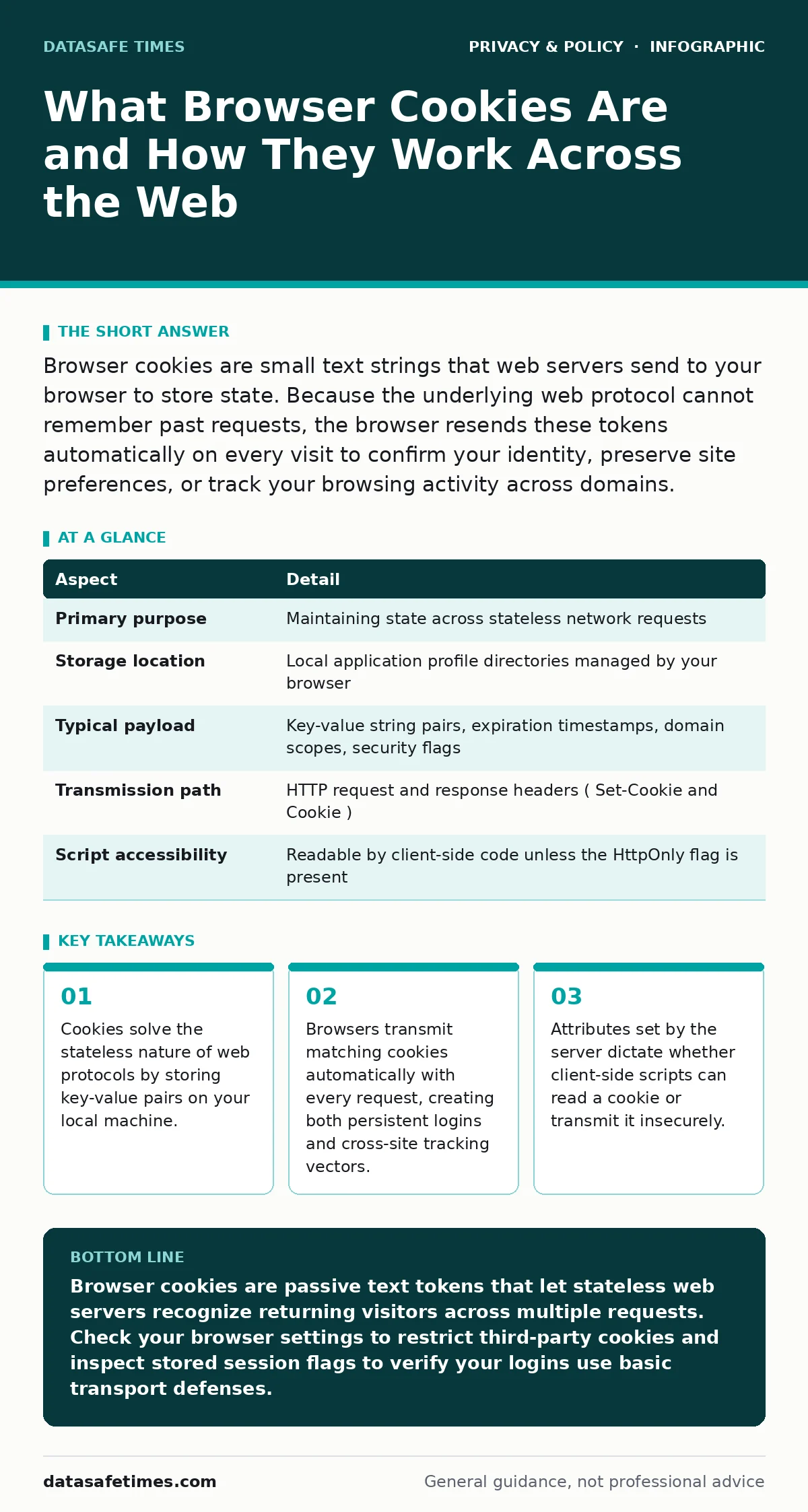
Browser cookies are small text strings that web servers send to your browser to store state. Because the underlying web protocol cannot remember past requests, the browser resends these tokens automatically on every visit to confirm your identity, preserve site preferences, or track your browsing activity across domains.
The Coat Check Model of Web State
Coat check counters issue a numbered physical claim ticket in exchange for your jacket. The attendant behind the desk retains no memory of your face, your name, or your arrival order, relying exclusively on the ticket you present upon return. Web traffic operates on the same logic. Hypertext Transfer Protocol (HTTP) is strictly stateless, processing every page fetch, image request, and form submission as an isolated event with no memory of prior interactions.
Cookies act as that physical claim ticket. When an application server verifies your credentials, it writes a small string of alphanumeric characters to a header. Your browser stores this data in a local database and hands it back to the server on every subsequent outbound request.
| Aspect | Detail |
|---|---|
| Primary purpose | Maintaining state across stateless network requests |
| Storage location | Local application profile directories managed by your browser |
| Typical payload | Key-value string pairs, expiration timestamps, domain scopes, security flags |
| Transmission path | HTTP request and response headers (Set-Cookie and Cookie) |
| Script accessibility | Readable by client-side code unless the HttpOnly flag is present |
Origin of the Term and Technical Definition
The name derives from magic cookies, a longstanding computing concept describing an opaque token passed between programs without modification. The receiving program inspects the token, performs an action, and returns it intact. Web developers adapted the mechanism to attach lightweight state directly to browser profiles without redesigning network protocols.
Formally, a browser cookie is a packet of key-value data that an HTTP server transmits to a web user agent via the Set-Cookie response header. The browser stores this packet alongside specific metadata: a domain, a URL path, an expiration date, and flags governing transport security. Whenever the user agent dispatches a new request matching that domain and path, it serializes the key-value pairs into a Cookie header and transmits them without user intervention.
How Modern Applications Use Stored State Day to Day
Applications partition cookies into specific roles based on lifecycle and security requirements.
- Authentication and Session State: Servers store signed or encrypted session identifiers inside cookies to avoid asking you to re-authenticate on every page navigation.
- Personalization: Sites record non-sensitive interface choices, such as selected layout densities or dark mode preferences, keeping these parameters persistent between visits.
- Cross-Site Tracking: Third-party scripts loaded into multiple websites record identical cookie identifiers, letting advertising networks assemble behavioral profiles across unrelated domains.
Third-party tracking works because your browser determines cookie scope by the origin of the resource being requested, not the URL displayed in the address bar. If an external analytics provider serves a tracking asset on 50 different sites, your browser presents that provider's cookie on all 50 sites. While technologies like email tracking pixels monitor message opens independently, browser cookies track ongoing interactions across domains.
The Security Flags Governing Cookie Safety
Servers define how browsers protect cookies by appending specific directive flags during creation. Omitting these flags exposes users to direct session theft.
- HttpOnly: Blocks client-side scripts from reading the cookie through document object model APIs, preventing malicious injected scripts from siphoning active session tokens.
- Secure: Forces the browser to transmit the cookie exclusively over encrypted transport channels, stopping cleartext eavesdroppers on public networks from intercepting credentials.
- SameSite: Governs whether the browser attaches the cookie to requests originating from external sites, offering defense against cross-site request forgery attacks. Setting this to
Strictlimits transmission to direct first-party visits, whileLaxpermits sending tokens during top-level navigations like clicking an external link.
Where Common Assumptions About Cookies Fail
General advice often equates clearing cookies with clearing identity, yet modern web fingerprinting circumvents cookie deletion entirely. Trackers correlate your browser engine version, installed fonts, audio rendering characteristics, and hardware concurrency to regenerate lost identifiers. Using private browsing mode isolates cookie jars for the duration of a session, but it cannot stop an application from tracking an active account once you authenticate.
Many users assume third-party cookie controls block tracking outright. When advertising systems find third-party cookies disabled, they shift to link decoration, appending unique tokens directly to external URLs. Furthermore, if you rely on two-factor authentication for personal accounts, remember that this mechanism only protects the point of login. If an attacker extracts your active session cookie through malicious client software, they bypass the two-factor prompt completely, inheriting all authenticated rights until the token expires server-side.
See also: Detect Session Cookie Theft: Log Signals and Blind Spots
Technical Realities Behind Cookie Invalidation
A significant architectural issue stems from how systems revoke cookies. A browser deletes a cookie immediately when you click a logout button or clear your application cache. However, the server does not necessarily know the cookie was discarded unless the application explicitly tracks active sessions in a centralized database.
Stateless authentication architectures that embed cryptographic signatures directly into the cookie payload remain valid until their internal expiration timestamps pass. If an intermediary intercepts that signed token, clearing your browser storage does nothing to invalidate the token on the web server. Your identity on that platform remains accessible to anyone holding the raw string.
Inspecting and Managing Stored Tokens Locally
Developers and privacy-conscious users can inspect stored data using built-in browser inspection tools.
- Open your browser developer tools and navigate to the application storage tab.
- Locate the cookies menu to inspect domain scopes, expiration values, and transport flags.
- Verify that critical authentication tokens use both
HttpOnlyandSecureattributes. - Delete suspicious tokens tied to unfamiliar hostnames or analytics aggregators.
- Configure browser settings to purge transient data automatically upon closing windows.
Managing local tokens limits long-term tracking but requires understanding the trade-off: aggressive clearing breaks persistent logins and resets interface preferences across all visited services.
Key takeaways
- Cookies solve the stateless nature of web protocols by storing key-value pairs on your local machine.
- Browsers transmit matching cookies automatically with every request, creating both persistent logins and cross-site tracking vectors.
- Attributes set by the server dictate whether client-side scripts can read a cookie or transmit it insecurely.
Browser cookies are passive text tokens that let stateless web servers recognize returning visitors across multiple requests. Check your browser settings to restrict third-party cookies and inspect stored session flags to verify your logins use basic transport defenses.
Frequently asked questions
Can a browser cookie spread a virus or damage local files?
Browser cookies cannot execute code, run processes, or spread viruses because they are plain text data rather than executable programs. However, attackers can steal authentication cookies through security flaws to impersonate you on remote services.
What is the difference between a first-party cookie and a third-party cookie?
First-party cookies belong to the domain listed in your browser address bar and handle essential functions like logins and interface choices. Third-party cookies belong to external domains embedded on the page, such as ad networks or tracking scripts that monitor activity across multiple websites.
Does clearing browser cookies protect my privacy completely?
Clearing cookies deletes stored identification tokens and resets site preferences, but it does not protect your privacy completely. Tracking companies can still identify your device using browser fingerprinting, network IP addresses, and unique query strings embedded in URLs.
Why do websites make you accept cookies when you visit?
Websites display consent notices to comply with regional privacy regulations that require user permission before placing non-essential tracking tokens on your device. Essential tokens used strictly to keep the site functioning do not legally require prior consent in most jurisdictions.
How this guide was produced: written by the DataSafe Times editorial team with AI assistance, checked against the public references listed below, and reviewed when the facts change. See our editorial policy or report an error.