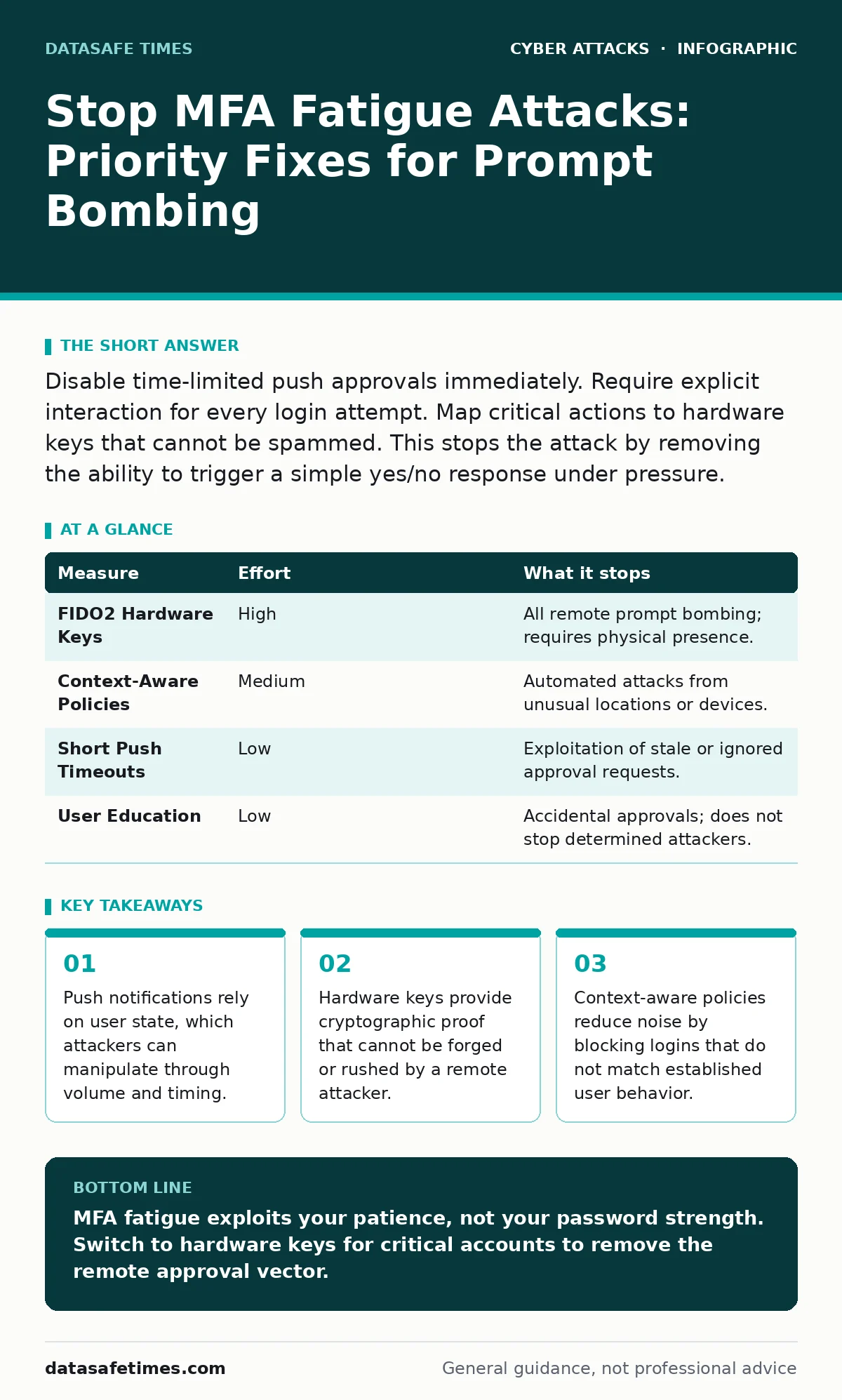
Disable time-limited push approvals immediately. Require explicit interaction for every login attempt. Map critical actions to hardware keys that cannot be spammed. This stops the attack by removing the ability to trigger a simple yes/no response under pressure.
The Mechanics of Prompt Bombing
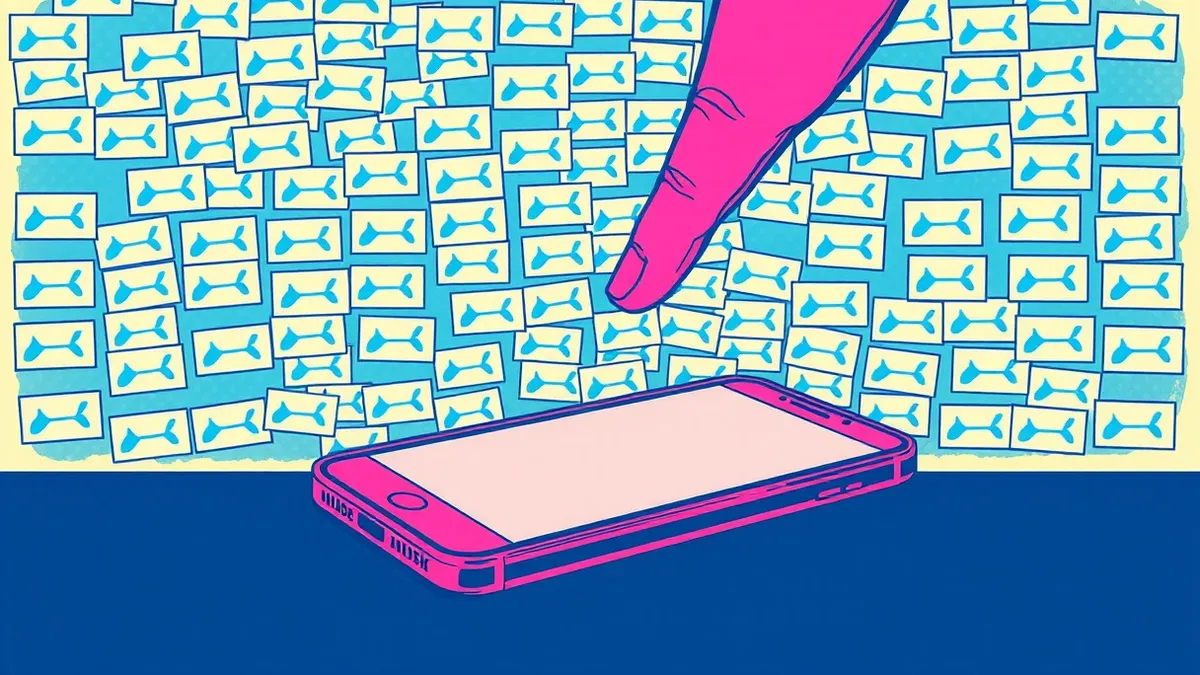
MFA fatigue, often called prompt bombing, exploits the friction of managing security devices. An attacker gains a valid username and password, then triggers a flood of multi-factor authentication requests. The goal is not to guess the code, but to exhaust your patience. You receive dozens of notifications asking you to approve a login. Eventually, you approve one just to make the noise stop. The attacker then uses that approval to access the account.
This attack works because most push-based MFA systems treat an approval as a static token. Once you click "Approve," the system assumes you verified the context. It does not verify that you are still looking at the same screen or that the request is still valid. The mechanism relies on your continuous attention, which is a scarce resource. Attackers know this and weaponize the duration of the attack. They keep sending requests for hours or days. The cumulative pressure breaks your resolve.
Why Push Notifications Fail Under Load
Push notifications are convenient, but they are stateless in a critical way. They do not carry the session context of the login attempt. When you click approve, the server accepts it without re-verifying the location, device, or time. This creates a window of opportunity. Imagine you approve a login at home, but the attacker triggered it from a foreign IP address. The system accepts the approval because the cryptographic signature in the push payload matches. It ignores the mismatched context.
This failure mode is distinct from session cookie theft, where an attacker steals an already active session. In fatigue attacks, the attacker forces you to create a new valid session. The danger lies in the assumption that you reviewed the details. Most users do not. They see the app name and the device name, then click through. The attack succeeds because the protocol lacks a challenge-response loop that binds the approval to the specific request parameters.
The Hardware Key Advantage
Hardware security keys provide a physical barrier to fatigue attacks. These devices use the FIDO2 standard, which requires physical touch to sign a cryptographic challenge. An attacker cannot trigger a touch event remotely. They cannot send a flood of requests that require a physical button press. Each login attempt requires you to pick up the device and touch it. This breaks the automation loop.
The trade-off is convenience. You must carry the key and have it nearby to log in. If you lose it, recovery processes can be slow. However, the security gain is significant. The key proves presence. It also binds the authentication to the specific origin of the website or service. This prevents man-in-the-middle attacks where a proxy tries to capture the login. For high-value accounts, this physical requirement removes the vector for remote exhaustion.
Context-Aware Authentication Policies
You can reduce the noise by making the system smarter about when to ask for MFA. Context-aware policies analyze the login request before triggering the second factor. If the IP address matches your home network, the system might skip MFA or use a passive check. If the request comes from a new country, it triggers a harder challenge. This reduces the frequency of prompts for legitimate users.
However, attackers can adapt. They may use residential proxies to mimic normal behavior. This turns the policy into a game of cat and mouse. You must balance security with usability. If you lock out too many legitimate logins, users will disable MFA or write down codes. This creates a different risk. The policy must be tuned to your specific user base. Regular review of access logs helps refine these rules. This approach complements rate limiting, which throttles the number of requests an attacker can send in a given timeframe.
What Does Not Work
Many organizations believe that strong passwords prevent this attack. This is incorrect. The attacker needs only one valid credential pair to trigger the prompts. They obtain these through credential stuffing, phishing, or data breaches. Once they have the password, the strength of that password is irrelevant. The vulnerability lies in the second factor. Focusing on password length ignores the actual attack path.
Similarly, account lockout policies can backfire. If an attacker triggers enough login attempts to lock the account, they may cause a denial of service for the legitimate user. This is a separate issue from fatigue, but it shows how defensive measures can conflict. A locked account is safe, but it is also unusable. You must distinguish between brute-force attempts and social engineering attacks. Fatigue is social engineering. It targets the user's psychology, not the system's computational limits.
Priority Prevention Measures
Ranking measures by risk reduction helps you allocate resources effectively. Hardware keys remove the attack vector entirely for supported accounts. Context-aware policies reduce the likelihood of a successful approval. Push notification timeouts minimize the window for exploitation.
| Measure | Effort | What it stops |
|---|---|---|
| FIDO2 Hardware Keys | High | All remote prompt bombing; requires physical presence. |
| Context-Aware Policies | Medium | Automated attacks from unusual locations or devices. |
| Short Push Timeouts | Low | Exploitation of stale or ignored approval requests. |
| User Education | Low | Accidental approvals; does not stop determined attackers. |
Implementing hardware keys for privileged accounts is the highest impact step. It requires procurement and training, but it eliminates the fatigue vector. For general users, shortening the lifetime of push notifications reduces the risk. A timeout of five minutes is better than one hour. It forces the user to act quickly or ignore the prompt. This breaks the long-duration assault.
Immediate Mitigation Steps
You can improve your posture today without new hardware. Check your MFA settings for "remember this device" options. Disable them for sensitive accounts. These options often bypass MFA for subsequent logins, creating a persistent foothold. If an attacker tricks you once, they keep access forever.
Review your notification settings. Some apps allow you to hide details like IP addresses. Turn these on. Seeing the location can help you spot anomalies. However, do not rely on this alone. The visual check is prone to error under pressure. Instead, use it as a secondary cue. Combine it with a mandatory wait time or a manual code entry for high-risk actions. This adds friction that benefits the user, not the attacker.
Closing Checklist
Use this checklist to verify your defenses. These steps address the most common failures in MFA implementations.
- Disable "remember this device" for all administrative and financial accounts.
- Set push notification expiry to five minutes or less.
- Require hardware security keys for any account with root or admin privileges.
These actions do not guarantee complete protection. They raise the bar significantly. Attackers will still try to phish for credentials, as seen in callback phishing scenarios where they verify identity over the phone. But they cannot bomb you with prompts if the system requires a physical key or if the prompts expire before you can be worn down.
Key takeaways
- Push notifications rely on user state, which attackers can manipulate through volume and timing.
- Hardware keys provide cryptographic proof that cannot be forged or rushed by a remote attacker.
- Context-aware policies reduce noise by blocking logins that do not match established user behavior.
MFA fatigue exploits your patience, not your password strength. Switch to hardware keys for critical accounts to remove the remote approval vector.
Frequently asked questions
Does two-step SMS stop MFA fatigue attacks?
No. SMS can be spammed just like push notifications. Attackers can send hundreds of text messages to overwhelm you. SMS also lacks context awareness and is vulnerable to SIM swapping.
How do I know if I am being targeted by prompt bombing?
Look for a sudden influx of login notifications from unknown locations or devices. If you receive more than a few requests in a short period without initiating them, assume an attack is in progress. Ignore them and change your password.
Can AI detect and block fatigue attacks automatically?
AI can help by analyzing patterns in login requests. It can flag unusual volumes or locations. However, it cannot replace user verification. AI assists in policy enforcement but does not eliminate the need for strong second factors.
Is it safe to use software authenticator apps instead of push notifications?
Software authenticators are better than SMS but still vulnerable to fatigue if they use push-style approvals. Use time-based one-time passwords (TOTP) where you manually enter a code. This requires you to look at the screen and type, adding a layer of friction that slows down attackers.
How this guide was produced: written by the DataSafe Times editorial team with AI assistance, checked against the public references listed below, and reviewed when the facts change. See our editorial policy or report an error.