
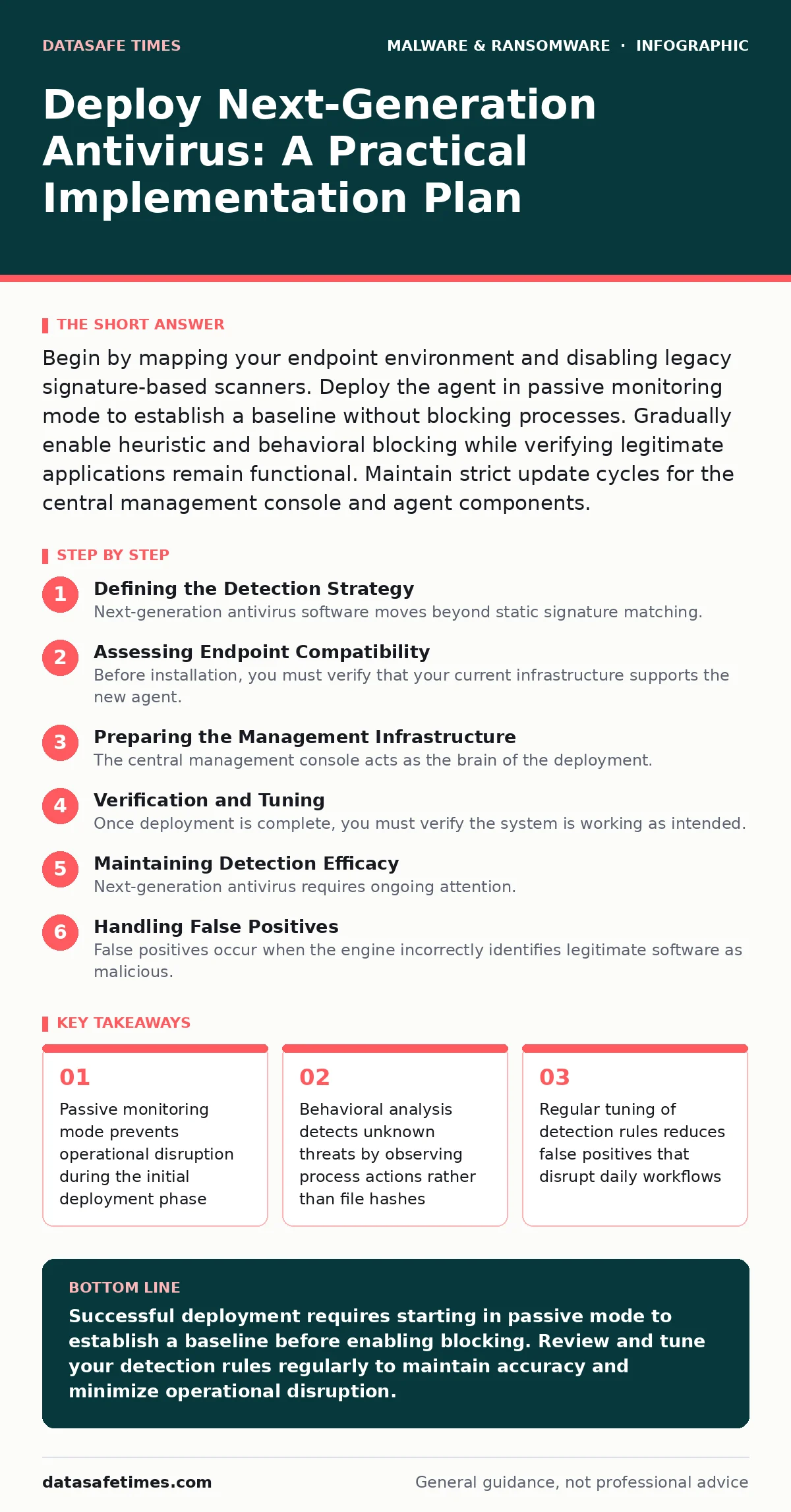
Begin by mapping your endpoint environment and disabling legacy signature-based scanners. Deploy the agent in passive monitoring mode to establish a baseline without blocking processes. Gradually enable heuristic and behavioral blocking while verifying legitimate applications remain functional. Maintain strict update cycles for the central management console and agent components.
Defining the Detection Strategy
Next-generation antivirus software moves beyond static signature matching. Traditional scanners compare file hashes against a known database of malicious indicators. This method fails against zero-day exploits or polymorphic code that changes its signature upon execution. Modern solutions use behavioral analysis, which monitors how processes interact with the system, the network, and other files. You must understand this shift before beginning deployment.
The primary trade-off is computational overhead. Behavioral analysis requires constant inspection of system calls and memory operations. This consumes more CPU and memory resources than periodic file scanning. If you deploy this on resource-constrained devices without tuning, performance degradation becomes noticeable. You need to identify which endpoints can handle the additional load and which require lighter configurations.
Assessing Endpoint Compatibility
Before installation, you must verify that your current infrastructure supports the new agent. Check for conflicts with existing security software. Many legacy antivirus programs hook into the same kernel drivers or file system filters. Running two deep-inspection agents simultaneously causes system instability or deadlock conditions. Disable or uninstall previous signature-based scanners before introducing the new solution.
Review your application portfolio for known false positive triggers. Custom internal tools or specialized development environments often exhibit behaviors that look malicious to a heuristic engine. For example, a script that modifies system registry keys or creates multiple child processes may trigger a containment alert. Document these applications now. You will need to create specific exceptions or tuning rules later.
Preparing the Management Infrastructure
The central management console acts as the brain of the deployment. It pushes configuration policies, receives telemetry data, and coordinates response actions. Ensure this server has sufficient storage and network bandwidth. Telemetry data from hundreds or thousands of endpoints generates significant traffic. A bottleneck here results in delayed threat detection and sluggish console performance.
Configure your network firewall to allow communication between endpoints and the management console. The agent must reach the server to receive updates and report events. Block all other outbound connections from the management server to the public internet unless required for cloud-based threat intelligence feeds. Isolate this infrastructure from general user access to prevent configuration tampering.
Step 1: Deploy Agents in Passive Mode
Install the endpoint agent on a small pilot group of machines. Configure the security policy to "passive" or "monitoring" mode. In this state, the agent inspects all activities and logs events but does not block or quarantine anything. This allows you to observe the baseline behavior of your environment. You are gathering data without impacting user productivity.
Wait at least one week for this phase. Ensure all critical business applications run on the pilot machines during this period. Review the logs for alerts triggered by legitimate software. If you see frequent alerts for your email client or database server, adjust the sensitivity settings. Do not proceed to blocking mode until the pilot group runs cleanly for the full observation period.
Step 2: Enable Heuristic Blocking
After validating the baseline, enable heuristic blocking on the pilot group. Heuristic analysis uses probabilistic methods to identify potential threats based on code structure and behavior patterns. This catches malware that lacks a known signature. Enable logging for all blocked events. You must verify that legitimate processes are not being stopped.
Monitor the pilot group closely for two days. If users report application failures, check the event logs immediately. Identify the specific process causing the block. Add a permanent exception for that application if it is verified as safe. Repeat this tuning process until you achieve a balance between security and usability. Only then expand to the next group of endpoints.
Step 3: Full Deployment and Automation
Roll out the agent to the remaining endpoints in waves. Group machines by function or department to limit the blast radius of any configuration error. Enable automated response actions, such as isolating an infected host from the network. This feature relies on the central console to execute commands remotely. Ensure your network switches support the necessary isolation protocols.
Verify that the management console receives data from all deployed agents. Check for gaps in coverage. Unmanaged endpoints represent blind spots in your defense. Automate the installation process using your existing software distribution tools. Manual installation is prone to error and difficult to scale. Consistency in configuration is vital for effective threat detection.
Verification and Tuning
Once deployment is complete, you must verify the system is working as intended. Use the following checklist to confirm functionality.
- All endpoints report status to the central console
- Passive mode logs show no critical alerts from known applications
- Heuristic blocking catches simulated malicious scripts
- Automated isolation works when triggered by a test event
- Network traffic to the management console is stable
You can test detection by creating a benign file that mimics malware behavior. For example, a script that attempts to encrypt files in a temporary directory. The agent should detect this behavior and trigger an alert. Do not use actual malware samples for testing. This risks accidental execution and requires specialized containment environments.
Maintaining Detection Efficacy
Next-generation antivirus requires ongoing attention. Threat actors constantly modify their tactics to evade detection. Regularly review the threat intelligence feeds integrated with your solution. Ensure the agent receives updates for its behavioral models. Outdated models miss new attack patterns.
Conduct periodic reviews of exception lists. Applications change over time. A tool that was safe six months ago may now exhibit risky behavior due to an update. Remove exceptions that are no longer needed. This reduces the attack surface. Also, review logs for unusual patterns that may indicate a sophisticated intrusion attempt.
See also: How Sandboxing Works: The Mechanics of Isolated Execution · 7 Mistakes That Leave You Open to Remote Access Trojans
Handling False Positives
False positives occur when the engine incorrectly identifies legitimate software as malicious. This disrupts workflow and erodes trust in the security tool. When a false positive happens, do not simply disable the detection rule. Investigate why the behavior triggered the alert.
Analyze the process tree and the specific actions taken by the application. If the behavior is indeed safe, create a targeted exception. If the behavior is risky, work with the application vendor to change how the software operates. For instance, if a utility modifies system files unnecessarily, request a patch. This approach maintains security while resolving the conflict.
The integration of these tools complements existing strategies. For instance, pairing this detection method with application allowlisting ensures that only approved software runs, reducing the chance of unexpected behavior. This layered approach strengthens your overall security posture without relying on a single control.
Key takeaways
- Passive monitoring mode prevents operational disruption during the initial deployment phase
- Behavioral analysis detects unknown threats by observing process actions rather than file hashes
- Regular tuning of detection rules reduces false positives that disrupt daily workflows
- Centralized logging provides visibility into endpoint activity across the entire network
Successful deployment requires starting in passive mode to establish a baseline before enabling blocking. Review and tune your detection rules regularly to maintain accuracy and minimize operational disruption.
Frequently asked questions
Can next-generation antivirus protect against ransomware?
It can detect and block many ransomware behaviors, such as rapid file encryption, but it is not a substitute for offline backups and business continuity planning.
Does this replace the need for user training?
No. Technical controls cannot prevent social engineering attacks. Users must still recognize phishing attempts and suspicious links to prevent initial compromise.
What happens if the management console goes offline?
Most agents continue to function using local policies and cached threat intelligence, but they may not receive new updates or send real-time telemetry.
How this guide was produced: written by the DataSafe Times editorial team with AI assistance, checked against the public references listed below, and reviewed when the facts change. See our editorial policy or report an error.