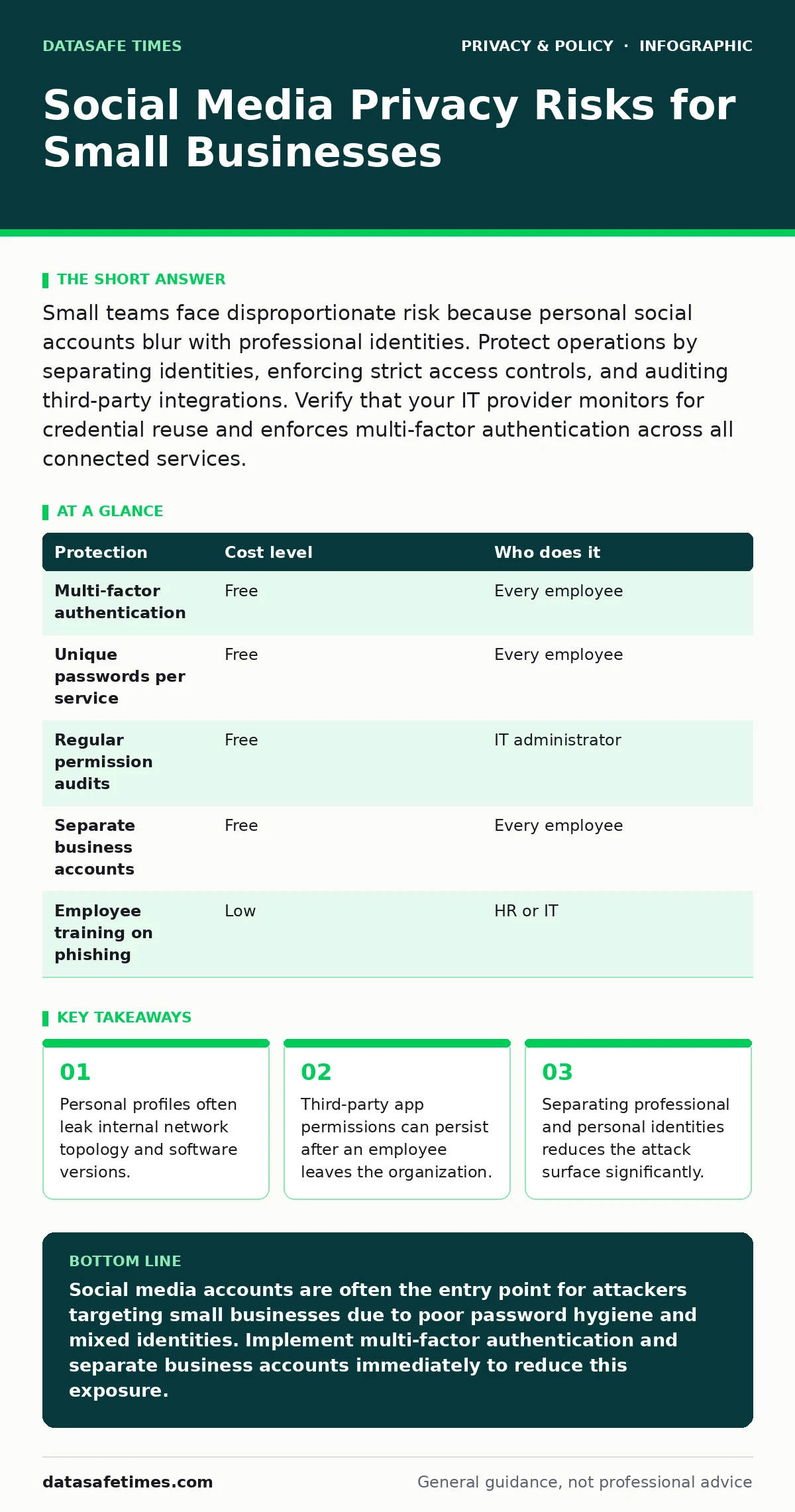
Small teams face disproportionate risk because personal social accounts blur with professional identities. Protect operations by separating identities, enforcing strict access controls, and auditing third-party integrations. Verify that your IT provider monitors for credential reuse and enforces multi-factor authentication across all connected services.
The Illusion of Separation
Small organizations often believe that keeping business discussions on professional platforms and personal life on private accounts creates a safe boundary. This boundary is porous. Social media platforms aggregate data from multiple sources to build detailed profiles. Even if you restrict who sees your posts, the platform itself retains the data. This data can be sold to advertisers or exposed in a platform-wide breach.
The risk is not just about embarrassment. It is about reconnaissance. Attackers study public profiles to understand your technology stack, your team structure, and your habits. If a developer posts a photo of their desk, the background might show a whiteboard with API keys or a sticky note with a password. These details are enough to launch a targeted attack.
Credential Reuse Amplifies Damage
The most common vector for social media compromise is credential reuse. Humans are bad at generating unique passwords for every service. You likely use the same password for your email, your social accounts, and your company’s internal tools. When one service suffers a breach, attackers take those credentials and try them on other platforms. This is called credential stuffing.
Imagine an attacker obtains your email password from a breached forum. They then log into your social media account. From there, they look for connected apps. Many small businesses use social logins for internal tools or customer portals. If the attacker can reset passwords or access linked accounts, they gain a foothold inside your organization. This is why multi-factor authentication is non-negotiable. It adds a second layer of verification that a stolen password cannot bypass.
Read more about encrypted messaging apps to understand how to keep conversations private even if your accounts are compromised.
The Hidden Cost of Third-Party Apps
Social media platforms allow third-party applications to access your data. These apps often request broad permissions. A calendar app might ask for access to your friends list and location history. You grant this permission to get a feature, but you rarely revoke it later. This creates a persistent backdoor.
When an employee leaves a small organization, their social media accounts may still be connected to company tools. If the employee’s account is compromised, the attacker can access the company tools through the lingering permission. This is a silent risk. The connection remains active even if the employee no longer has access to the company email. You must audit these connections regularly.
Consider privacy audits to identify which third-party apps have access to your organizational data.
Identity Fragmentation and Risk
Small teams often use personal accounts for business purposes. This is convenient but dangerous. If you use your personal Facebook page for business, your personal friends and your business clients see the same content. This blurs the line between professional and private life. It also means that personal disputes or controversial posts can damage the business reputation.
More importantly, it ties the business’s access to an individual’s personal account. If that person leaves or is locked out, the business loses access. You should create separate, professional accounts for business activities. These accounts should be owned by the organization, not the individual. Use business email addresses for registration. This ensures that the account remains with the company regardless of staff turnover.
Check the rules for legitimate interest under the GDPR if you process personal data from your social media followers.
Protecting the Perimeter
You cannot control what users post, but you can control what they connect. The following table outlines low-cost protections.
| Protection | Cost level | Who does it |
|---|---|---|
| Multi-factor authentication | Free | Every employee |
| Unique passwords per service | Free | Every employee |
| Regular permission audits | Free | IT administrator |
| Separate business accounts | Free | Every employee |
| Employee training on phishing | Low | HR or IT |
Implementing multi-factor authentication is the single most effective step. It prevents attackers from using stolen passwords to access your accounts. Use an authenticator app rather than SMS codes, as SMS can be intercepted.
What to Ask Your IT Provider
If you outsource your IT support, you must ensure they understand social media risks. Many providers focus on servers and networks, ignoring the human element. Ask them these specific questions.
- Do you monitor for credential reuse across our services?
- How do you handle offboarding for employees with social media responsibilities?
- Can you audit third-party app permissions on our business accounts?
- Do you provide training on recognizing social engineering attacks?
- How do you enforce password policies for social media accounts?
A competent provider will have processes for these scenarios. If they do not, you are exposed.
Learn how data protection officers can help structure these policies within your organization.
The Limits of Private Browsing
Many users believe that using private browsing mode protects their social media activity. It does not. Private browsing only prevents your local device from saving history and cookies. The social media platform still sees your IP address and activity. Your internet service provider also sees your traffic.
Private browsing is useful for shared computers, but it offers no protection against platform tracking or network-level surveillance. It does not hide your identity from the platform or from attackers who have compromised your account. Do not rely on it for security.
Read about ISP tracking to understand how much data your internet provider collects.
Managing the Human Element
Technology alone cannot solve social media risks. The human element is the weakest link. Employees may click on malicious links in direct messages. They may share sensitive information in comments. They may fall for phishing scams that mimic colleagues.
Training must be specific and regular. Do not just send a generic email. Run simulated phishing campaigns. Show employees real examples of social engineering attacks. Make security a part of the company culture. Reward employees who report suspicious activity.
Consider encrypted cloud storage for sensitive documents that should never be shared on social media.
Conclusion of Risks
Social media privacy risks are not just about personal reputation. They are about operational security. Small organizations are exposed because they lack dedicated security teams and often mix personal and professional identities. By separating identities, enforcing strong authentication, and auditing third-party connections, you can significantly reduce your risk.
The goal is not to eliminate social media. It is to use it safely. Understand the trade-offs. Accept that you cannot control everything. Focus on the controls you can implement.
Key takeaways
- Personal profiles often leak internal network topology and software versions.
- Third-party app permissions can persist after an employee leaves the organization.
- Separating professional and personal identities reduces the attack surface significantly.
Social media accounts are often the entry point for attackers targeting small businesses due to poor password hygiene and mixed identities. Implement multi-factor authentication and separate business accounts immediately to reduce this exposure.
Frequently asked questions
Does deleting my social media account protect my business data?
Deleting an account removes public access, but the platform may retain data for legal reasons. It does not automatically revoke third-party app permissions or delete data shared with other users.
Is two-factor authentication enough to protect my social media accounts?
Two-factor authentication significantly reduces risk by requiring a second verification step. However, it does not protect against phishing attacks that steal both the password and the verification code in real-time.
How often should I review third-party app permissions?
Review permissions at least every six months. Also review them whenever an employee leaves the organization or when a third-party app is no longer in use.
Can I use a personal account for business if I enable privacy settings?
Privacy settings limit who sees your posts, but they do not prevent the platform from collecting data. Using a personal account for business ties the business’s access to an individual, creating operational risk.
How this guide was produced: written by the DataSafe Times editorial team with AI assistance, checked against the public references listed below, and reviewed when the facts change. See our editorial policy or report an error.