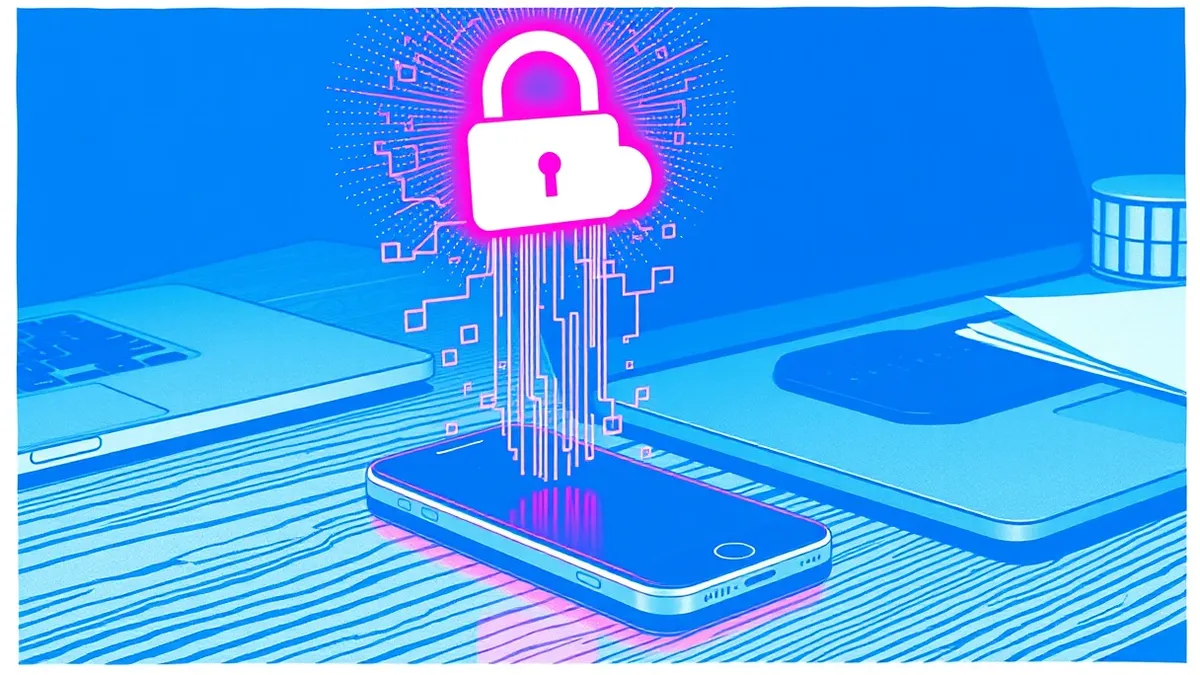
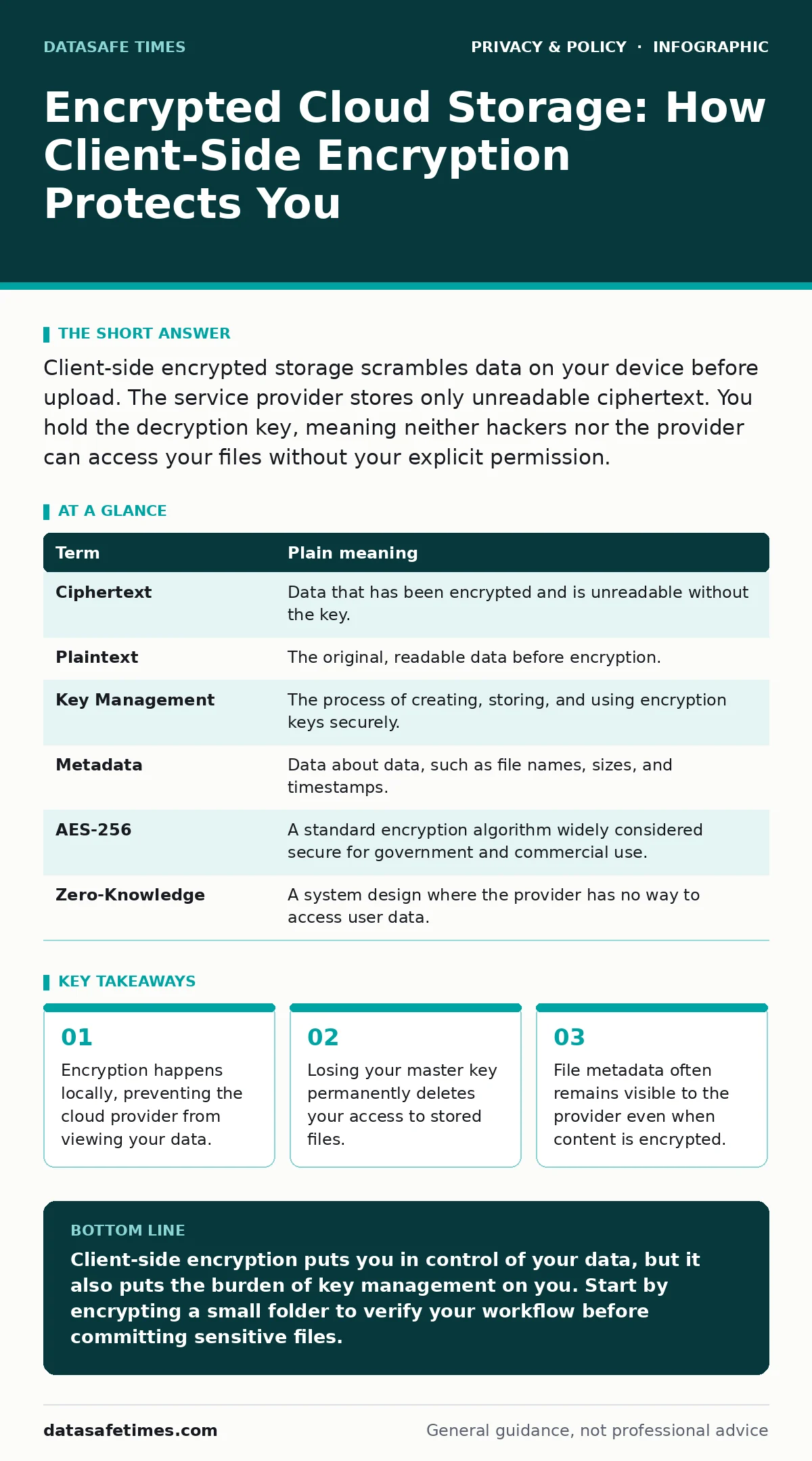
Client-side encrypted storage scrambles data on your device before upload. The service provider stores only unreadable ciphertext. You hold the decryption key, meaning neither hackers nor the provider can access your files without your explicit permission.
The Locked Box Analogy
Imagine you send a letter to a friend. If you write it on plain paper, the postal worker can read it. If you lock it in a metal box and keep the only key, the postal worker can move the box but cannot open it. Encrypted cloud storage works like that locked box. Your device is the lock. The cloud server is the post office. The encryption key is the only thing that matters.
This analogy holds up because the server never sees the key. It only sees the sealed box. If someone steals the box, they still cannot open it. This separation of custody is the core security model. It shifts trust from the provider to your own device and your own key management.
Client-Side Versus Server-Side Encryption
Most cloud services use server-side encryption by default. The provider encrypts your data after it arrives at their servers. They hold the keys. They can decrypt the data if required by law or if their systems are breached. Client-side encryption reverses this. Your device encrypts the data before it leaves. The provider receives only ciphertext. They cannot decrypt it because they do not have the key.
This distinction is critical for privacy. Server-side encryption protects data in transit and at rest from casual snooping. It does not protect you from the provider itself. Client-side encryption protects you from the provider, from hackers who breach the provider, and from legal subpoenas demanding data handover. The trade-off is convenience. You must manage the key yourself.
The Hidden Cost of Metadata
Encrypting file content does not hide file names, sizes, or upload times. This information is called metadata. The cloud provider still needs this data to organize storage and bill you. If you upload a file named "Taxes_2024.pdf", the provider sees that name. They do not see the contents.
An attacker or a curious provider can infer sensitive information from metadata patterns. Frequent uploads of large files at night might indicate video editing. A file named "PasswordList.txt" is a clear signal. Some advanced client-side tools encrypt filenames as well, turning them into random strings. This adds complexity. You lose the ability to search for files by name within the cloud interface. You must rely on local indexes or tags.
Key Management Reality
The strongest encryption fails if you lose the key. In client-side systems, the provider cannot reset your password. If you forget your master key, your data is gone forever. There is no "forgot password" link that works for the data itself. Some services offer a recovery phrase. This phrase acts as a backup key. You must store it offline, away from your computer and phone.
Imagine writing the recovery phrase on a piece of paper. You must keep that paper safe from fire, water, and theft. If the paper is lost, the data is lost. If the paper is stolen, the data is exposed. This physical security requirement is often overlooked. Digital security becomes physical security. You are now responsible for the physical safety of your digital life.
Practical Implementation Steps
Start with a small, non-critical dataset. Verify the process works before moving sensitive files. Use established open-source tools that allow independent verification. Avoid proprietary "black box" solutions where you cannot audit the encryption method.
- Choose a client-side encryption tool that supports standard algorithms like AES-256.
- Create a strong master password and generate a recovery phrase. Store the phrase physically offline.
- Encrypt a test folder and upload it. Delete the original unencrypted files from your device. Verify you can decrypt and read the files.
See also: Cloud Attack Surface Explained: Mapping Your Hidden Exposure · Cloud Security Posture Management: 6 Common Misunderstandings
Glossary of Terms
| Term | Plain meaning |
|---|---|
| Ciphertext | Data that has been encrypted and is unreadable without the key. |
| Plaintext | The original, readable data before encryption. |
| Key Management | The process of creating, storing, and using encryption keys securely. |
| Metadata | Data about data, such as file names, sizes, and timestamps. |
| AES-256 | A standard encryption algorithm widely considered secure for government and commercial use. |
| Zero-Knowledge | A system design where the provider has no way to access user data. |
Limitations and Scope
Client-side encryption does not protect against malware on your device. If a virus infects your computer, it can capture your keystrokes or take screenshots before encryption occurs. It does not protect against social engineering attacks where you are tricked into revealing your password. It also does not hide the fact that you are using a cloud service.
For broader privacy concerns, consider how your online behavior is tracked. See the guide on online tracking to understand how websites monitor your activity. Also, review the guide on email tracking pixels to see how simple images reveal your reading habits. These threats operate outside the storage layer. Encryption protects the data at rest, not the data in use or the user's identity.
Key takeaways
- Encryption happens locally, preventing the cloud provider from viewing your data.
- Losing your master key permanently deletes your access to stored files.
- File metadata often remains visible to the provider even when content is encrypted.
Client-side encryption puts you in control of your data, but it also puts the burden of key management on you. Start by encrypting a small folder to verify your workflow before committing sensitive files.
Frequently asked questions
Can I use client-side encryption for photos?
Yes, but be aware that metadata like location tags may still be visible unless the tool strips them.
Does this work with free cloud accounts?
Yes, the encryption happens on your device before the data reaches the free or paid server.
What if I change my password?
You must re-encrypt your data with the new key, which can be slow for large datasets.
Is this legal in all countries?
Encryption is generally legal, but some jurisdictions have laws regarding key escrow or export restrictions.
How this guide was produced: written by the DataSafe Times editorial team with AI assistance, checked against the public references listed below, and reviewed when the facts change. See our editorial policy or report an error.