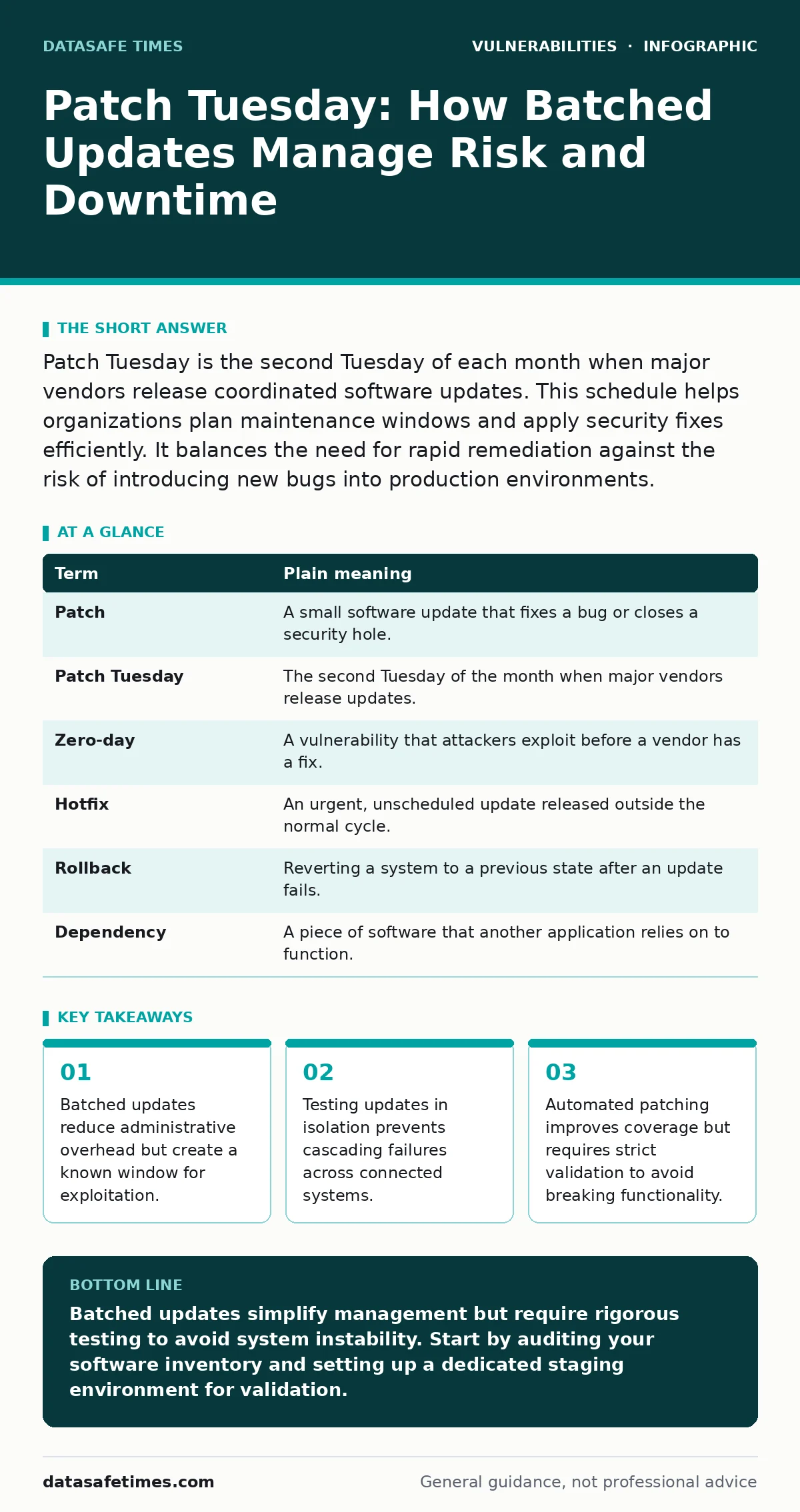
Patch Tuesday is the second Tuesday of each month when major vendors release coordinated software updates. This schedule helps organizations plan maintenance windows and apply security fixes efficiently. It balances the need for rapid remediation against the risk of introducing new bugs into production environments.
The Grocery Store Inventory Model
Imagine a grocery store that receives fresh produce every day. If the manager inspected every single item as it arrived, the aisles would be blocked, and customers could not shop. Instead, the store sets aside one day a week for a full inventory check. On that day, expired items are removed, shelves are restocked, and the layout is adjusted. The rest of the week, the store operates normally.
This weekly inventory day is similar to how software vendors handle updates. They gather fixes, improvements, and security patches throughout the month. Then, they release them all at once on a specific Tuesday. This approach allows system administrators to plan their work. You know when the new code will arrive. You can schedule downtime or testing accordingly.
The trade-off is predictability. Attackers know exactly when new fixes are released. They also know when organizations will struggle to apply them. This dynamic shapes how you manage your infrastructure. You must balance the convenience of a schedule with the reality of threat actors watching that same calendar.
Core Terminology for Update Cycles
Understanding the mechanics requires clear definitions. The following table breaks down the key terms used in patch management.
| Term | Plain meaning |
|---|---|
| Patch | A small software update that fixes a bug or closes a security hole. |
| Patch Tuesday | The second Tuesday of the month when major vendors release updates. |
| Zero-day | A vulnerability that attackers exploit before a vendor has a fix. |
| Hotfix | An urgent, unscheduled update released outside the normal cycle. |
| Rollback | Reverting a system to a previous state after an update fails. |
| Dependency | A piece of software that another application relies on to function. |
The Hidden Cost of Batched Releases
The main benefit of Patch Tuesday is administrative efficiency. You do not need to monitor release feeds constantly. You can batch your testing and deployment. However, this efficiency has a hidden cost. It concentrates risk.
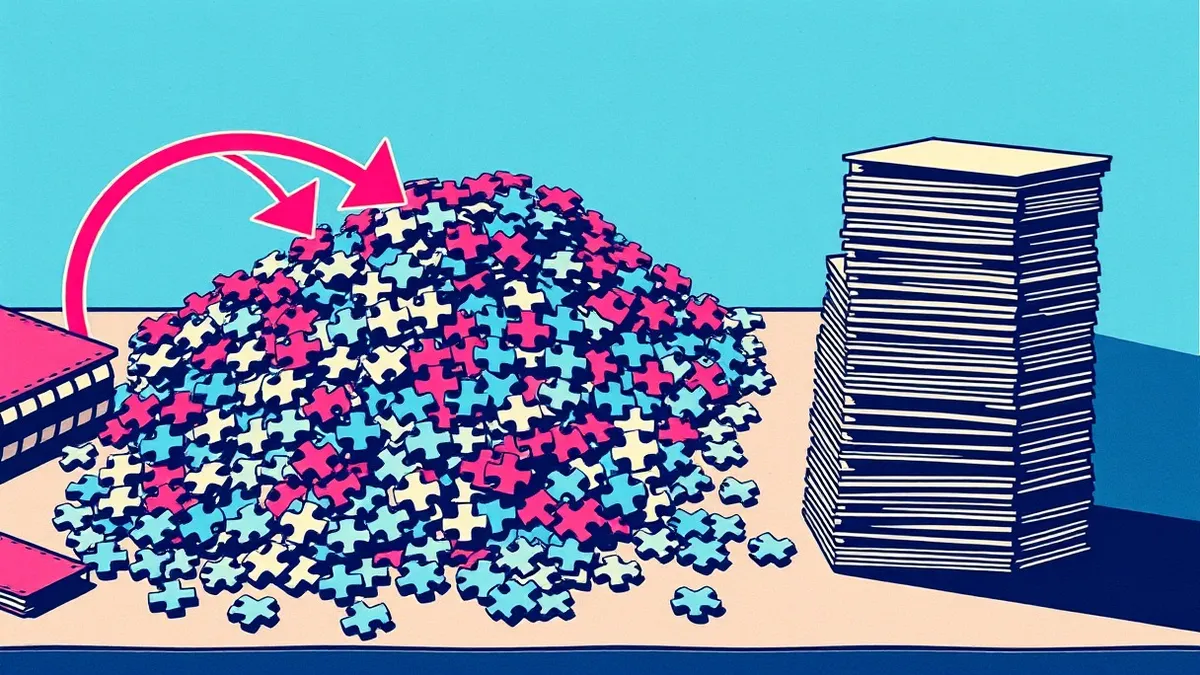
When hundreds of thousands of systems apply updates simultaneously, any bug in the patch affects many users at once. This is known as a cascading failure. If a driver update causes a system crash, the impact is widespread. Vendors are aware of this. They often hold back critical fixes if they are not fully tested.
This delay leaves a gap. Between the discovery of a flaw and the release of the patch, systems are vulnerable. Attackers exploit this window. They know you are waiting for the official fix. They may target systems that cannot be patched immediately. This is why you should check the CISA Known Exploited Vulnerabilities catalog to see if your software is already being targeted in the wild.
Common Points of Confusion
Many teams confuse "patching" with "updating." An update often includes new features or interface changes. A patch is strictly for fixing bugs or security issues. Not every update is a security patch. Applying every update without testing increases the risk of breaking existing functionality.
Another confusion is the belief that automatic updates provide complete protection. They do not. Automatic updates often apply to the operating system. Third-party applications, such as browsers or office suites, may update on their own schedules. These gaps leave your system exposed. You must manage the full stack, not just the core system.
Consider the risk of dependency confusion attacks. These attacks exploit the way applications fetch external libraries. If your update process does not verify the source of every component, an attacker can inject malicious code. Standard patching does not prevent this. You need strict verification of all incoming code packages.
Managing the Maintenance Window
Your maintenance window is the time you allocate for applying patches. It must be long enough to install updates and restart systems. It must also include time for verification. If an update fails, you need time to rollback the change.
Start by testing patches in a non-production environment. This is a staging area that mirrors your live systems. Apply the updates there first. Monitor for errors or performance drops. If the staging environment remains stable, proceed with the live deployment.
Do not skip this step. A broken production system is worse than an unpatched one. Downtime costs revenue and trust. Penetration testing can help identify weak points in your update process. It reveals whether your controls actually work under pressure.
See also: TOCTOU Myths: Why Standard Fixes Fail in Concurrent Code · Exploitability vs Severity: Why High Scores Often Mislead Developers
Practical Steps for Implementation
Use the following steps to refine your patch management process.
- Audit all software. List every application, library, and driver on your network. Identify which ones receive updates on Patch Tuesday and which do not.
- Create a test environment. Mirror your production setup as closely as possible. Use this space to validate every batch of updates before they go live.
- Automate with caution. Set up automated patching for non-critical systems. Keep manual approval for core infrastructure. This reduces risk while maintaining speed.
Beyond the Monthly Cycle
Relying solely on Patch Tuesday leaves you vulnerable to zero-day exploits. These are flaws that have no public fix yet. You must mitigate these risks through other means.
Network segmentation limits the damage. If one system is compromised, it cannot easily reach others. Application whitelisting ensures only approved software runs. These controls reduce the attack surface.
Also consider memory-safe programming languages. These languages prevent entire classes of memory corruption bugs. If your team develops internal tools, using these languages reduces the need for constant patching. It shifts security left, into the development phase.
Balancing Speed and Stability
The goal is not to patch everything immediately. It is to patch what matters, in the right order. Prioritize based on risk. A vulnerability in a public-facing server is more urgent than one in an internal tool.
Use metrics like the EPSS score to gauge likelihood of exploitation. This helps you decide which patches to apply first. High scores mean higher risk. Address those first.
Remember that security is a process, not a product. Patching is one part. You also need monitoring, access controls, and incident response. A well-patched system is still vulnerable if credentials are weak or if users fall for phishing.
Key takeaways
- Batched updates reduce administrative overhead but create a known window for exploitation.
- Testing updates in isolation prevents cascading failures across connected systems.
- Automated patching improves coverage but requires strict validation to avoid breaking functionality.
Batched updates simplify management but require rigorous testing to avoid system instability. Start by auditing your software inventory and setting up a dedicated staging environment for validation.
Frequently asked questions
Why do vendors release updates on a specific day?
A coordinated schedule allows organizations to plan maintenance windows and apply fixes efficiently without constant disruption.
What should I do if a patch breaks my system?
Immediately revert to the previous stable version using a rollback procedure, then report the issue to the vendor.
Are automatic updates enough for security?
No, automatic updates often miss third-party applications and do not replace the need for testing and manual verification of critical systems.
How do I handle software that is no longer supported?
Isolate unsupported software from the network and migrate to a supported alternative as soon as possible to reduce risk.
How this guide was produced: written by the DataSafe Times editorial team with AI assistance, checked against the public references listed below, and reviewed when the facts change. See our editorial policy or report an error.