
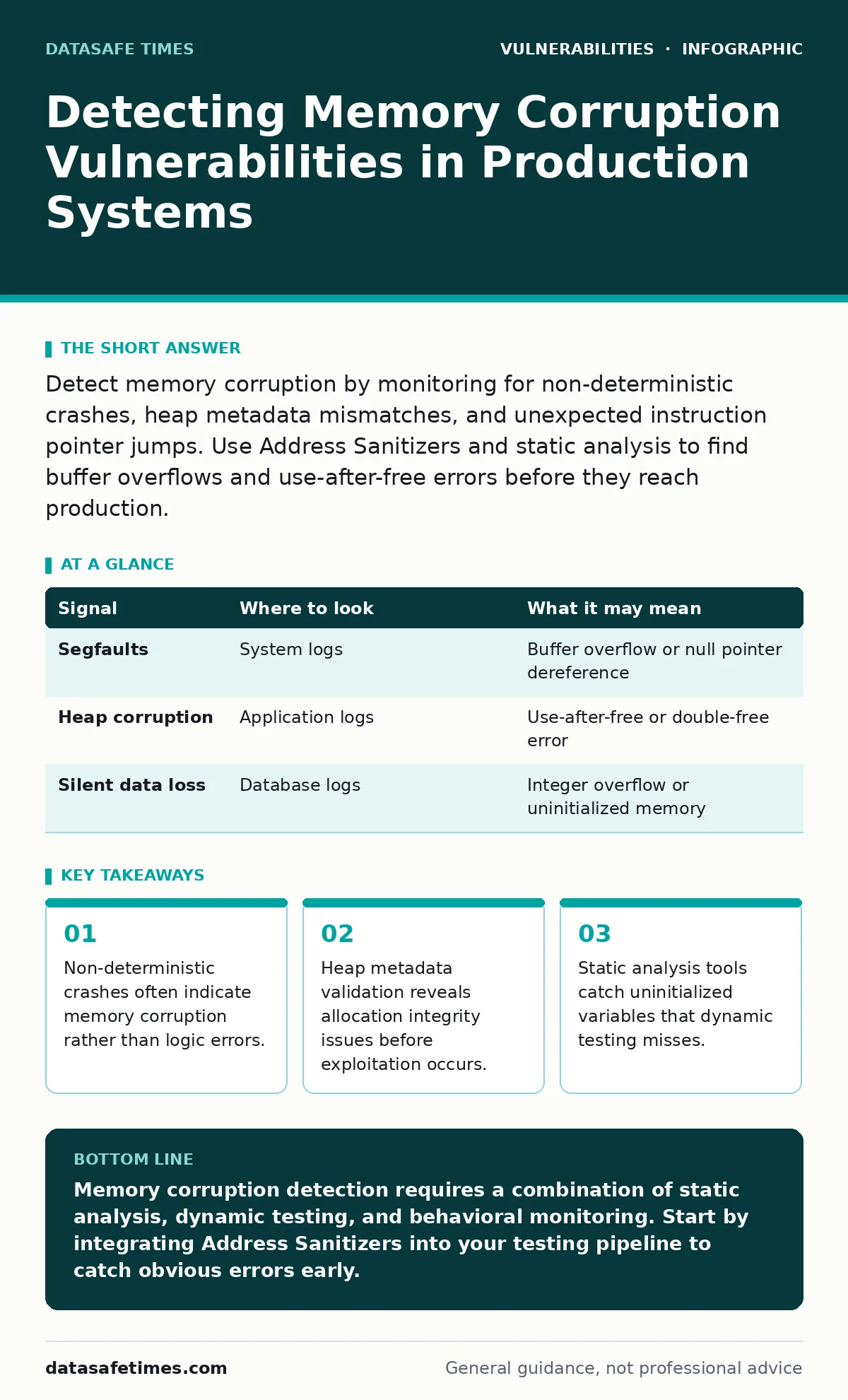
Detect memory corruption by monitoring for non-deterministic crashes, heap metadata mismatches, and unexpected instruction pointer jumps. Use Address Sanitizers and static analysis to find buffer overflows and use-after-free errors before they reach production.
Signals in Application Logs
Application logs rarely record memory corruption directly. The operating kernel usually intervenes before the application can write a descriptive error message. You see segmentation faults, access violations, or general protection faults. These entries indicate the process attempted to access memory it did not own. The stack trace often points to a library function rather than your code. This misdirection occurs because the corruption happened earlier. The crash is merely the consequence of executing corrupted data.
Look for crashes that occur only under specific load conditions. Memory corruption is frequently timing-dependent. Race conditions allow two threads to modify the same memory region simultaneously. If the crash disappears when you reduce concurrency, suspect a race condition leading to corruption. Check for log entries that show repeated failures on the same memory address. This pattern suggests a persistent buffer overflow or a dangling pointer issue.
| Signal | Where to look | What it may mean |
|---|---|---|
| Segfaults | System logs | Buffer overflow or null pointer dereference |
| Heap corruption | Application logs | Use-after-free or double-free error |
| Silent data loss | Database logs | Integer overflow or uninitialized memory |
System-Level Behavioral Anomalies
The operating system provides deeper visibility than application logs. Monitor process memory maps for unexpected changes. A process that grows in memory size without a clear reason may be leaking buffers. More dangerously, a process that shrinks unexpectedly may have freed memory it still uses. Check for page faults that spike during idle periods. These faults can indicate that the system is paging in corrupted data.
Inspect the process’s instruction pointer during crashes. If the pointer lands in a region that is not executable code, an attacker may have injected shellcode. If it lands in a library function with unusual arguments, a return-oriented programming attack may be in progress. Use kernel-level debugging tools to capture the state of the process at the moment of failure. This snapshot reveals whether registers contain values that match expected data structures.
Heap and Stack Integrity Checks
The heap and stack are the primary targets for memory corruption. The heap manages dynamic memory allocation. Corrupting the heap metadata allows an attacker to control how memory is allocated and freed. Look for errors reported by the memory allocator. These errors often indicate that an adjacent buffer overflow has overwritten the metadata. The allocator detects this mismatch and aborts the process to prevent further damage.
The stack stores local variables and function return addresses. Corrupting the stack allows an attacker to redirect execution flow. Check for stack canary violations. Stack canaries are random values placed on the stack to detect overflow. If the canary value is altered when the function returns, the system aborts. This mechanism provides immediate detection of stack-based buffer overflows. However, it does not protect against heap corruption or logic errors.
Static Analysis and Code Review
Static analysis tools examine code without executing it. They detect patterns that commonly lead to memory corruption. Look for unchecked bounds in array access. The tool flags any access that exceeds the declared size of the array. It also identifies use of uninitialized variables. Reading uninitialized memory produces unpredictable results. This behavior is a common source of information disclosure and control flow hijacking.
Review code that handles external input. Any data from a network socket or file can trigger corruption if not validated. Check for integer overflows in size calculations. An overflow can cause a small allocation to be requested, while a large write is performed. This mismatch allows writing beyond the allocated buffer. Static analysis helps identify these mathematical errors before they reach production.
Dynamic Analysis and Fuzzing
Dynamic analysis runs the code with modified inputs to trigger errors. Fuzzing is the most effective technique for finding memory corruption. A fuzzer generates random or mutated inputs and feeds them to the application. It monitors for crashes or abnormal behavior. Address Sanitizers are compiler-based tools that detect memory errors at runtime. They instrument the code to check every memory access.
Address Sanitizers detect buffer overflows, use-after-free, and heap corruption. They provide detailed reports showing the exact line of code that caused the error. This precision makes fixing the issue straightforward. However, sanitizers add overhead to execution. They are not suitable for production environments. Use them during testing and development phases. Combine fuzzing with sanitizers to maximize coverage.
See also: Memory-Safe Languages: Real Security Gains and Hidden Costs · Detect Server-Side Template Injection: Logs, Tools, and Blind Spots
Common Blind Spots in Detection
Many detection efforts focus on known vulnerability patterns. This approach misses novel exploitation techniques. One blind spot is logic-based memory corruption. This occurs when the code is syntactically correct but semantically flawed. The program accesses valid memory but interprets it incorrectly. Static analysis tools often miss these issues because they do not understand the business logic.
Another blind spot is indirect memory corruption. An attacker corrupts a pointer value that is used later in the program. The initial corruption may not cause a crash. The crash occurs only when the corrupted pointer is dereferenced. This delay makes it difficult to link the crash to the initial cause. Detailed logging and tracing are required to reconstruct the sequence of events.
Integrating Detection with Remediation
Detection is only useful if it leads to remediation. Integrate your detection tools with your vulnerability management process. When a memory corruption issue is found, assign a priority based on exploitability versus severity. Not all memory corruption is equally dangerous. Some issues require specific conditions to exploit. Others are trivial to exploit.
Prioritize fixes for issues that are easily exploitable. Use vulnerability remediation SLAs to ensure timely patching. Consider the EPSS score to gauge the likelihood of exploitation. This score helps you focus on vulnerabilities that are most likely to be attacked. Do not ignore low-severity issues. They can be chained together to create a high-impact attack.
Key takeaways
- Non-deterministic crashes often indicate memory corruption rather than logic errors.
- Heap metadata validation reveals allocation integrity issues before exploitation occurs.
- Static analysis tools catch uninitialized variables that dynamic testing misses.
Memory corruption detection requires a combination of static analysis, dynamic testing, and behavioral monitoring. Start by integrating Address Sanitizers into your testing pipeline to catch obvious errors early.
Frequently asked questions
How do I distinguish memory corruption from a standard application bug?
Memory corruption often causes non-deterministic crashes or silent data corruption, whereas standard bugs usually produce consistent error messages or logic failures.
Can static analysis tools detect all memory corruption vulnerabilities?
No, static analysis can miss logic-based errors and indirect corruption that only manifests at runtime with specific inputs.
Is Address Sanitizer safe to use in production environments?
No, Address Sanitizer adds significant performance overhead and should only be used in testing and development environments.
How does exploitability affect the priority of fixing memory corruption?
Vulnerabilities that are easy to exploit should be fixed immediately, even if their severity rating is lower than other issues.
How this guide was produced: written by the DataSafe Times editorial team with AI assistance, checked against the public references listed below, and reviewed when the facts change. See our editorial policy or report an error.