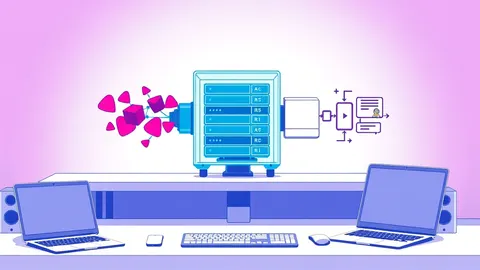
Fuzz testing meaning involves automated software testing that provides invalid, unexpected, or random data as inputs to a computer program. The program is then monitored for exceptions such as crashes, failing built-in code assertions, or potential memory leaks. This method exposes security vulnerabilities and stability issues that traditional unit tests typically overlook.
Everyday Analogy for Fuzz Testing
Imagine testing a coffee machine by pouring only water. You verify it brews coffee correctly. Now imagine pouring sand, oil, or frozen ice cubes into the grinder. The machine might jam, spark, or leak. Fuzz testing is the act of pouring sand. You feed the software garbage data to see how it handles the unexpected. Most developers test for happy paths. Fuzzers test for the unhappy ones.
This approach finds edge cases where input validation fails. It reveals how the system behaves under stress. You do not need to know the internal logic to start. The fuzzer explores the input space blindly. It finds cracks you did not know existed. This method complements manual review and static analysis. It forces the application to handle reality. Reality is messy and often malformed. Software must remain stable when faced with chaos.
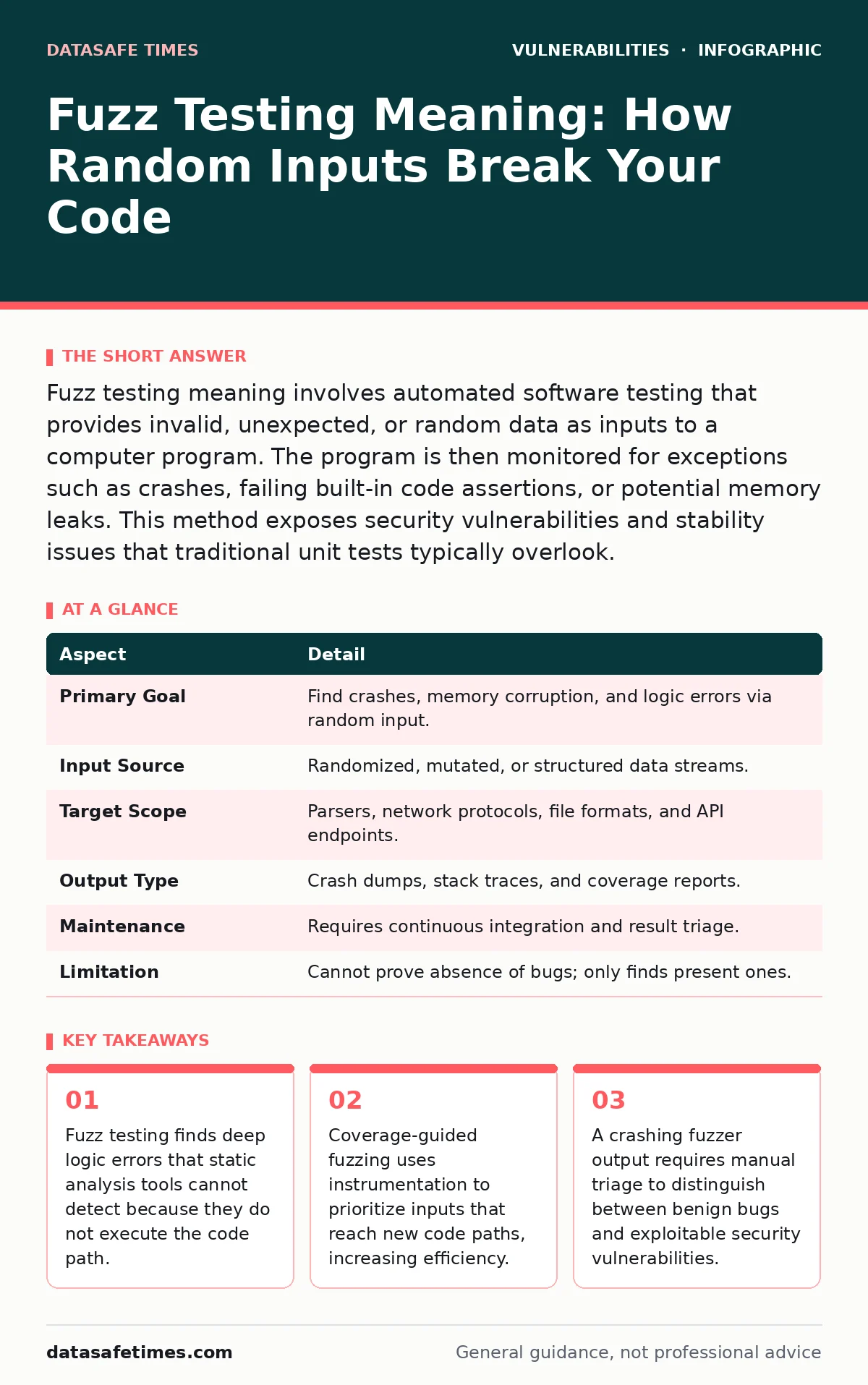
| Aspect | Detail |
|---|---|
| Primary Goal | Find crashes, memory corruption, and logic errors via random input. |
| Input Source | Randomized, mutated, or structured data streams. |
| Target Scope | Parsers, network protocols, file formats, and API endpoints. |
| Output Type | Crash dumps, stack traces, and coverage reports. |
| Maintenance | Requires continuous integration and result triage. |
| Limitation | Cannot prove absence of bugs; only finds present ones. |
Fuzz Testing Meaning and Core Mechanics
Fuzz testing meaning centers on the generation of unstructured or semi-structured inputs. The fuzzer acts as a black box or gray box. It sends data to the target program. The target is usually instrumented to report execution paths. When the program crashes, the fuzzer saves the input. This input becomes a seed for further mutation. The process repeats millions of times. The goal is to maximize code coverage. Coverage means reaching every line of code. If a line is never reached, it is never tested.
Fuzzers prioritize inputs that trigger new branches. This is called coverage-guided fuzzing. It focuses effort on unexplored areas. Random fuzzing without guidance is less efficient. It wastes cycles on already-tested paths. Modern fuzzers use evolutionary algorithms. They keep inputs that increase coverage. They discard inputs that do not. This iterative process finds deep bugs. It requires the target to be compiled with sanitizers. Sanitizers detect memory errors at runtime. They turn silent bugs into loud crashes.
Who Affected by Input Validation Failures
You affect users when your software crashes. A crash is a denial of service. It stops the application from functioning. This affects all users relying on the service. You affect security when the crash is exploitable. Memory corruption allows code execution. An attacker can take control of the system. This affects system integrity and confidentiality. Parsers are high-value targets. They process external data. File parsers handle documents and images. Network parsers handle protocol packets.
These components receive data from untrusted sources. They are prone to buffer overflows. They are prone to integer overflows. They are prone to use-after-free errors. These errors stem from incorrect input handling. If you build libraries, others depend on you. Vulnerable third-party libraries propagate risk. You must test your own code. You must also audit dependencies. Security is a chain. The weakest link fails first. Input validation is that link. It must be strict and comprehensive.
How to Implement Fuzzing Effectively
Start with a target that accepts input. Choose a parser or a network service. Instrument the code with AddressSanitizer. AddressSanitizer detects memory errors. Compile the target with coverage flags. Connect the fuzzer to the target. Provide valid seeds. Seeds are examples of correct input. The fuzzer mutates these seeds. It sends them to the target. Monitor for crashes. When a crash occurs, analyze the output. Determine if the bug is exploitable.
If yes, fix the root cause. Do not just patch the symptom. Fix the validation logic. Re-run the fuzzer to confirm the fix. Add the crashing input to your regression suite. This prevents the bug from returning. Integrate fuzzing into your build pipeline. Run it continuously. It catches regressions early. Use coverage reports to find dead code. Remove code that is never reached. This reduces the attack surface. Simplify the code base. Less code means fewer bugs.
Common Misconceptions About Fuzzing
Many assume fuzzing replaces unit tests. It does not. Unit tests verify specific logic. Fuzzing explores input space. They serve different purposes. You need both. Another mistake is assuming fuzzing finds all bugs. It finds many, but not all. Logic errors may require specific state. Fuzzers may not reach that state. You need manual review for complex logic. Some think fuzzing is only for C code. It works for Java, Go, and Python.
It works for any language with a memory model. Others believe fuzzing is too slow. Modern fuzzers are fast. They run in parallel. They use CPUs efficiently. Speed is not a barrier. The barrier is triage. Analyzing crashes takes time. You must prioritize bugs. Not all crashes are equal. Some are trivial. Some are critical. Focus on memory safety issues. Ignore benign assertions. This distinction requires expertise. Do not automate triage fully. Human judgment is needed.
See also: Path Traversal Vulnerabilities: Step-by-Step Breakdown · Parameterized Queries: 6 Misunderstandings That Leave Code Exposed
What People Get Wrong About Coverage
Coverage metrics can be misleading. High line coverage does not mean secure. It means lines were executed. It does not mean edge cases were tested. Branch coverage is more useful. It shows if conditional logic was tested. Path coverage is ideal but rare. It requires testing all combinations. This is often impossible. You should aim for high branch coverage. Focus on complex functions. Ignore simple getters and setters. They add noise to the report.
Look for low-coverage areas. These are blind spots. Write specific tests for them. Or improve your fuzzer seeds. Better seeds lead to better coverage. It is not practical. Aim for diminishing returns. Stop when new bugs become rare. This balances effort and reward. Also, remember that path traversal vulnerabilities often hide in low-coverage areas. These areas handle file paths. They are complex and risky. Test them thoroughly.
Integrating Fuzzing with Other Defenses
Fuzzing works best with other tools. Static analysis finds potential issues. It does not execute code. Fuzzing executes code. It confirms findings. Combine them for best results. Use EPSS score to prioritize patches. EPSS estimates exploit probability. It helps you focus on likely attacks. Fix high-risk bugs first. Also, watch for XML external entity (XXE) attacks. Fuzzers may find XXE issues. They send crafted XML payloads. The parser processes them.
If external entities are enabled, data is leaked. Disable external entities. Validate input strictly. Use allowlists for file types. This reduces the attack surface. Monitor for session fixation issues. Fuzzing does not find logic flaws easily. You need manual review for those. Fuzzing is for robustness. It ensures your software does not crash. It ensures it handles garbage gracefully. This is the foundation of security. Build on it with other controls.
Maintaining Long-Term Fuzzing Programs
Fuzzing is not a one-time task. It is a continuous process. Code changes introduce new bugs. You must re-fuzz after every change. Integrate it into your CI/CD pipeline. Run it on pull requests. Fail the build if a crash is found. This enforces quality. Archive old crashes. They serve as regression tests. They ensure old bugs do not return. Update your seeds regularly. Add new valid inputs. This keeps the fuzzer effective. Rotate your targets. Focus on high-risk components.
Parsers and network handlers are top priorities. Do not neglect internal APIs. They are often less protected. They assume trust. This assumption is dangerous. Test them as if they are external. Treat all input as untrusted. This mindset prevents many bugs. Stay curious about new fuzzing techniques. The field evolves quickly. New algorithms improve efficiency. Keep your tools updated. Use the latest versions. They have better bug detection. They have better performance.
Key takeaways
- Fuzz testing finds deep logic errors that static analysis tools cannot detect because they do not execute the code path.
- Coverage-guided fuzzing uses instrumentation to prioritize inputs that reach new code paths, increasing efficiency.
- A crashing fuzzer output requires manual triage to distinguish between benign bugs and exploitable security vulnerabilities.
Frequently asked questions
What is the difference between fuzzing and penetration testing?
Fuzzing is automated and focuses on input validation and memory safety. Penetration testing is manual and focuses on logic flaws and business logic. Fuzzing finds crashes; pentesting finds exploits.
Can fuzzing test web applications?
Yes, but it requires specialized web fuzzer tools. Standard binary fuzzers do not understand HTTP. Web fuzzers target API endpoints and forms. They find injection flaws and parsing errors.
How long should a fuzzer run?
Run it continuously. There is no fixed time. The longer it runs, the deeper it goes. Diminishing returns set in, but new bugs can appear. Run it as part of your build process.
Do I need to know the source code to fuzz?
No, black-box fuzzing works without source code. However, gray-box fuzzing with coverage is more effective. It requires instrumenting the code. You get better results with code access. BOTTOM LINE: Fuzz testing meaning is the automated discovery of input-handling flaws through random data injection. Integrate continuous fuzzing into your development pipeline to catch memory and logic errors before deployment.
How this guide was produced: written by the DataSafe Times editorial team with AI assistance, checked against the public references listed below, and reviewed when the facts change. See our editorial policy or report an error.