
Audit all active keys, disable local storage of credentials, implement automated rotation via secrets managers, and verify that all applications handle key expiry without breaking service continuity.
Preparing for Credential Lifecycle Management
This checklist applies to any system interacting with cloud infrastructure using long-term credentials. You use it to identify where static keys persist and to plan their replacement with short-lived alternatives. Begin by mapping every service account, automation script, and third-party integration that relies on permanent access keys.
You cannot rotate keys effectively if you do not know which systems depend on them. Static access keys grant persistent access until manually revoked. This persistence creates a hidden liability. If a key is leaked, the attacker retains access indefinitely. Rotation reduces the window of exposure. It does not prevent the initial leak. It limits the damage.
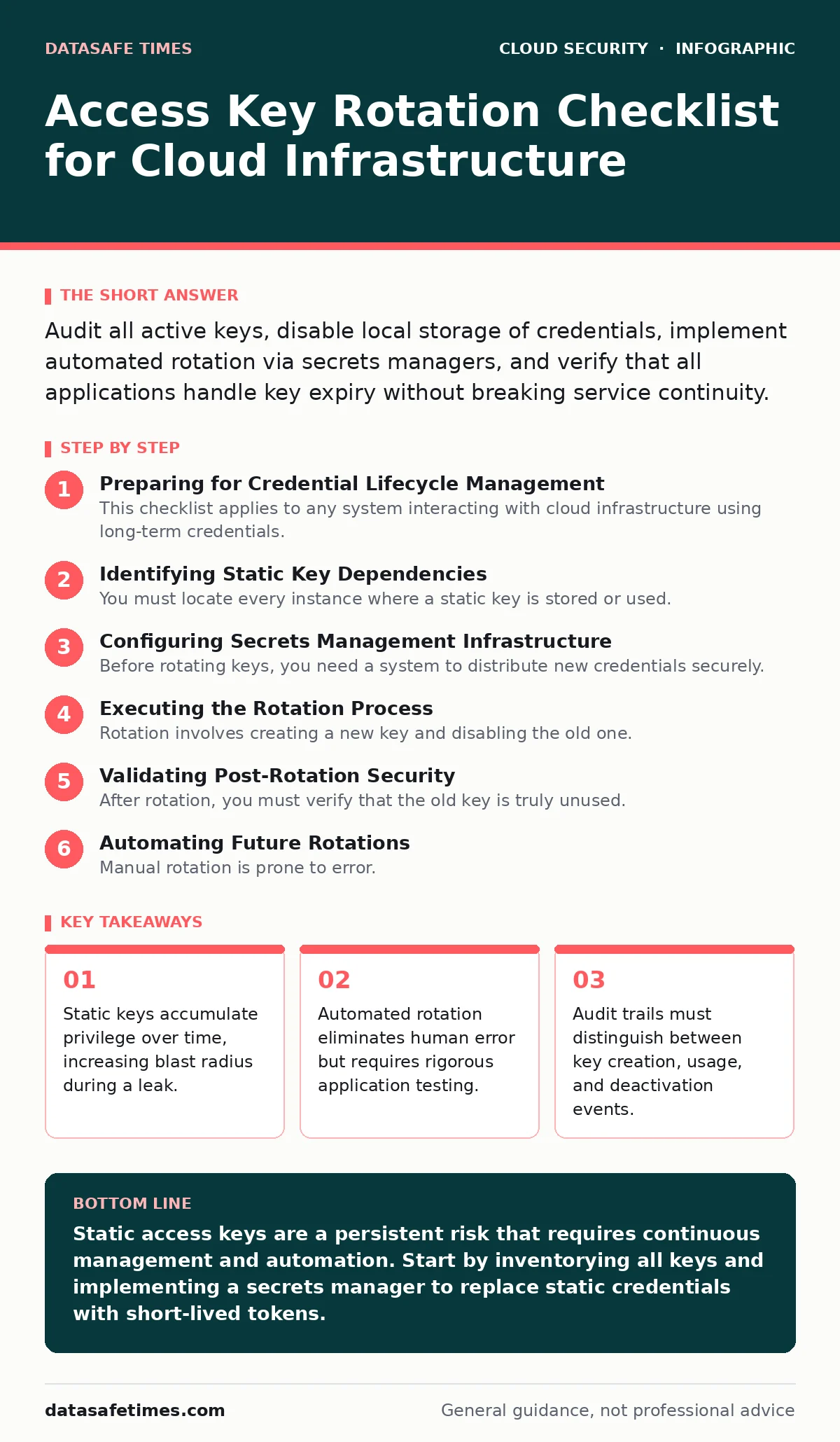
Identifying Static Key Dependencies
You must locate every instance where a static key is stored or used. This includes configuration files, environment variables, and hardcoded strings in source code. Missing a single dependency causes service outages during rotation.
- Inventory all IAM users with active access keys: Identifies human and service accounts holding long-term credentials.
- Scan repositories for hardcoded keys: Prevents accidental exposure of credentials in version control history.
- List applications using static keys for cloud API calls: Maps the technical debt associated with legacy authentication methods.
- Document third-party services using your keys: Ensures external integrations are updated before keys are revoked.
Hardcoded keys are a common failure point. Developers often copy keys from console outputs into scripts. These keys then sit in git history. Even if you rotate the key in the cloud, the old key remains in the code. This defeats the purpose of rotation.
Configuring Secrets Management Infrastructure
Before rotating keys, you need a system to distribute new credentials securely. Storing keys in plain text files is insecure. Using a secrets manager allows you to inject credentials at runtime. This reduces the chance of accidental exposure.
- Deploy a secrets manager for your environment: Centralizes credential storage and access control.
- Configure application code to retrieve keys dynamically: Eliminates the need for static configuration files.
- Set up short-lived token generation: Replaces long-term keys with time-bound credentials.
- Verify least privilege access for the secrets manager: Ensures only authorized services can retrieve credentials.
See our guide on secrets managers for implementation details. A secrets manager acts as a vault. It stores credentials and provides them to applications on demand. This approach removes the need for static keys entirely. It also provides an audit trail for every access attempt.
Executing the Rotation Process
Rotation involves creating a new key and disabling the old one. You must do this in a way that minimizes downtime. The order of operations matters. Creating the new key first allows you to test it before removing the old one.
- Generate a new access key for the target account: Provides a backup credential during the transition.
- Update application configurations to use the new key: Ensures the application can authenticate with the new credential.
- Test application functionality with the new key: Verifies that the rotation does not break service continuity.
- Disable the old access key: Revokes the previous credential to close the exposure window.
Disabling a key is safer than deleting it. Deletion is irreversible. If you miss a dependency, you must create a new key and update the configuration again. This causes unnecessary downtime. Disabling allows you to reactivate the key if something breaks. It gives you a safety net.
Validating Post-Rotation Security
After rotation, you must verify that the old key is truly unused. You should also check that the new key follows security best practices. This includes ensuring it has the minimum required permissions.
- Monitor cloud audit logs for usage of the disabled key: Detects any systems that failed to update their credentials.
- Review permissions attached to the new key: Ensures the new credential adheres to the principle of least privilege.
- Check for unused keys in the account: Identifies credentials that no longer serve a purpose and should be removed.
- Update documentation to reflect the new rotation schedule: Ensures future rotations are planned and tracked.
Refer to cloud audit logs for details on how to track key usage. Logs provide a record of every action taken with a key. If you see activity on a disabled key, you have a dependency you missed. This is a critical finding. It indicates a gap in your configuration management.
See also: Cloud Security Posture Management: 6 Common Misunderstandings · Encrypted Cloud Storage: How Client-Side Encryption Protects You
Automating Future Rotations
Manual rotation is prone to error. Humans forget to rotate keys. They rotate them at irregular intervals. Automation ensures consistency. It also reduces the administrative burden on your team.
- Implement automated rotation policies: Ensures keys are rotated at regular intervals without manual intervention.
- Configure alerts for key age and usage anomalies: Provides early warning of potential security issues.
- Integrate rotation checks into CI/CD pipelines: Prevents new code from introducing static keys.
- Regularly review and update automation scripts: Ensures the automation remains effective as infrastructure changes.
See cloud identity governance for strategies on managing access at scale. Automation is not a one-time setup. It requires maintenance. As your infrastructure grows, new services will need credentials. Your automation must adapt to these changes.
Handling Edge Cases and Legacy Systems
Not all systems can support dynamic credentials. Some legacy applications require static keys. You must handle these cases differently. Network segmentation can limit the exposure of these systems.
- Isolate legacy systems using cloud network segmentation: Limits the blast radius if a static key is compromised.
- Use cloud access security brokers (CASB) to monitor traffic: Provides visibility into data movement from legacy systems.
- Plan for gradual migration to modern authentication: Reduces reliance on static keys over time.
- Implement strict access controls for legacy accounts: Minimizes the permissions granted to accounts that cannot be updated.
Refer to hybrid cloud security for guidance on managing on-premises systems that interact with the cloud. Legacy systems are a common weakness. They often lack modern security features. Segmentation and monitoring are your best defenses.
Key takeaways
- Static keys accumulate privilege over time, increasing blast radius during a leak.
- Automated rotation eliminates human error but requires rigorous application testing.
- Audit trails must distinguish between key creation, usage, and deactivation events.
Static access keys are a persistent risk that requires continuous management and automation. Start by inventorying all keys and implementing a secrets manager to replace static credentials with short-lived tokens.
Frequently asked questions
How often should I rotate access keys?
Rotate keys at least every 90 days, or more frequently if your security policy requires it. Automated systems can rotate keys daily or even per-session.
Can I rotate keys without downtime?
Yes, by creating a new key and updating configurations before disabling the old one. This allows for testing and a smooth transition.
What if an application cannot support dynamic keys?
Isolate the application using network segmentation and monitor its traffic closely. Plan for a gradual migration to a more secure authentication method.
How do I know if a key has been leaked?
Monitor cloud audit logs for unexpected activity, such as logins from unknown locations or unusual API calls. Set up alerts for key usage anomalies.
How this guide was produced: written by the DataSafe Times editorial team with AI assistance, checked against the public references listed below, and reviewed when the facts change. See our editorial policy or report an error.