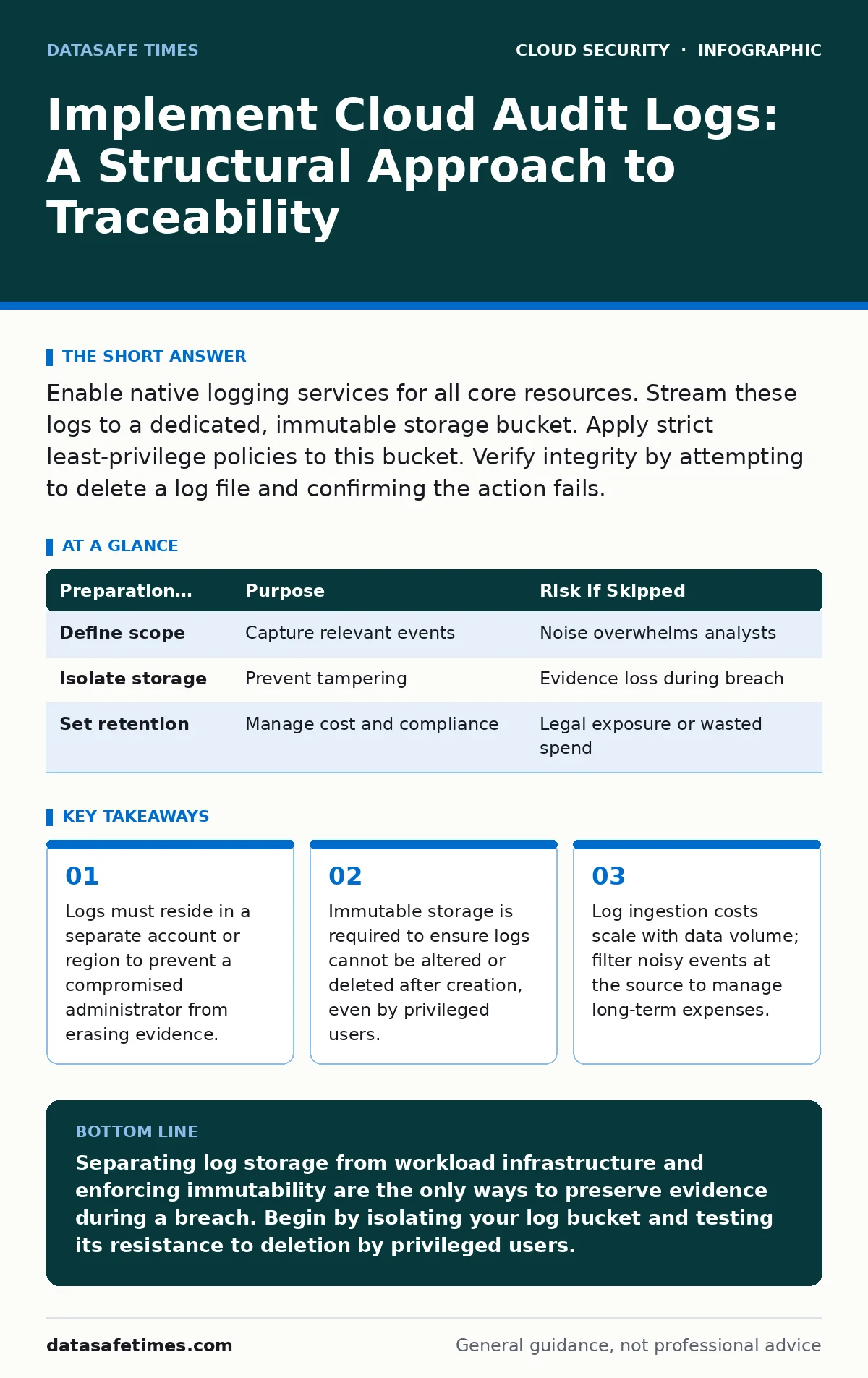
Enable native logging services for all core resources. Stream these logs to a dedicated, immutable storage bucket. Apply strict least-privilege policies to this bucket. Verify integrity by attempting to delete a log file and confirming the action fails.
The Architecture of Evidence
Cloud audit logs record API calls and configuration changes within your environment. They are the primary source of truth for security investigations. Many teams enable logging but store it in the same account where the application runs. This creates a single point of failure. If an attacker gains administrative access, they can delete the logs to cover their tracks.
You must separate the logging infrastructure from the workload infrastructure. This separation ensures that even if the main environment is compromised, the evidence remains intact. The storage destination must have stricter access controls than the resources it monitors.
Preparation for Log Ingestion
Before enabling streams, define what constitutes a valuable event. Default settings often log every read operation. This generates massive volumes of data with low signal value. You need to identify the actions that change state or grant access.
Review the permissions of the service accounts that will write to the log storage. These accounts need write access but no read or delete access. This prevents the logging mechanism itself from becoming a backdoor.
You should also determine the retention period. Legal requirements and investigation timelines dictate how long you keep data. Longer retention increases storage costs and search latency. Align retention policies with your incident response goals, not just budget constraints.
| Preparation Task | Purpose | Risk if Skipped |
|---|---|---|
| Define scope | Capture relevant events | Noise overwhelms analysts |
| Isolate storage | Prevent tampering | Evidence loss during breach |
| Set retention | Manage cost and compliance | Legal exposure or wasted spend |
Step 1: Enable Native Logging Services
Start by activating the logging feature for each core service. Compute instances, object storage, and identity providers all have distinct logging modules. You must enable them individually. There is no single switch that covers all resources in most cloud environments.
Check the documentation for each service to ensure you are capturing both read and write operations. Write operations are critical for detecting changes. Read operations help detect data exfiltration attempts.
Verification: List the active logging configurations. Confirm that each new resource created automatically inherits the logging policy. If you create a test instance, wait a few minutes, and then query the logs for its creation event. If the event appears, the configuration is working.
Step 2: Stream to Immutable Storage
Forwarding logs to a central repository allows for aggregated analysis. Use the cloud provider’s native streaming feature to push logs to a dedicated storage bucket. This bucket must be configured with object locking or a similar immutability feature.
Object locking prevents any user, including the root administrator, from deleting or modifying the logs for a set period. This is the only way to guarantee integrity. Standard access controls can be bypassed by a compromised administrator. Immutability cannot.
Verification: Attempt to delete a log file from the storage bucket. The system should reject the request with a specific error regarding object retention. If the deletion succeeds, the immutability feature is not configured correctly.
Step 3: Restrict Access to Log Data
The service account that writes logs should not be able to read them. This prevents a scenario where a compromised logging service leaks data. Only designated security tools and analysts should have read access.
Use role-based access control to define who can query the logs. Avoid granting broad "read" permissions to entire teams. Instead, create specific roles for log analysis. These roles should require multi-factor authentication for access.
Verification: Log in as a standard application user. Attempt to query the log storage. The system must deny the request. Then, log in as a security analyst with the appropriate role. Confirm that you can query the logs.
See also: Cloud Security Posture Management: 6 Common Misunderstandings · Encrypted Cloud Storage: How Client-Side Encryption Protects You
Step 4: Implement Log Integrity Checks
Even with immutability, you should verify that logs have not been altered. Cloud providers often include a cryptographic hash or signature for each log entry. You can use these to build a chain of trust.
Set up an automated check that validates the signature of recent logs. If a signature fails, it indicates tampering or a transmission error. Alert your security team immediately. This adds a layer of detection beyond simple access controls.
Verification: Run a validation script against a sample of recent logs. Confirm that all signatures match the expected format. Introduce a tampered log entry into a test environment and confirm that the validation script flags it.
Upkeep and Cost Management
Logging is not a set-and-forget task. You must review the volume and types of events regularly. Noise increases over time as new services are added. Filter out low-value events at the source to reduce storage costs.
Monitor the health of the logging pipeline. If a service stops sending logs, you have a blind spot. Set up alerts for gaps in log ingestion. A missing log stream is often more dangerous than a noisy one.
You should also review access permissions quarterly. Roles change, and permissions creep accumulates. Remove access for users who no longer need it. Ensure that the immutability window remains aligned with your legal requirements.
Related Security Controls
Audit logs are ineffective in isolation. They must be part of a broader security architecture. Consider how these logs interact with other controls.
For instance, cloud logging and monitoring provides the platform for analyzing this data in real-time. Without it, you have data but no insight. MFA for cloud accounts reduces the risk of credential theft, which is a common vector for log tampering. secrets managers ensure that credentials used in logs are not exposed in plaintext.
Additionally, cloud identity governance helps you understand who has access to the logging infrastructure. cloud network segmentation limits the blast radius if an attacker tries to intercept logs in transit. cloud vulnerability management ensures that the logging infrastructure itself is patched and secure.
Key takeaways
- Logs must reside in a separate account or region to prevent a compromised administrator from erasing evidence.
- Immutable storage is required to ensure logs cannot be altered or deleted after creation, even by privileged users.
- Log ingestion costs scale with data volume; filter noisy events at the source to manage long-term expenses.
Separating log storage from workload infrastructure and enforcing immutability are the only ways to preserve evidence during a breach. Begin by isolating your log bucket and testing its resistance to deletion by privileged users.
Frequently asked questions
Can I use a third-party SIEM for audit logs?
Yes, but the initial ingestion must still be immutable. Stream logs to an immutable bucket first, then forward copies to the SIEM. This ensures the raw evidence is preserved even if the SIEM is compromised.
How long should I retain audit logs?
Retention depends on legal requirements and investigation needs. One to three years is common for compliance. Shorter retention reduces cost but limits forensic capabilities.
What if my cloud provider limits log retention?
Export logs to external storage if the native retention is insufficient. Use object locking in the external storage to maintain immutability. This bypasses provider limits while preserving integrity.
Do audit logs capture all actions?
No. They capture API calls and service events. They do not capture activity within a virtual machine or container unless specific agents are installed. Combine cloud logs with endpoint detection for full coverage.
How this guide was produced: written by the DataSafe Times editorial team with AI assistance, checked against the public references listed below, and reviewed when the facts change. See our editorial policy or report an error.