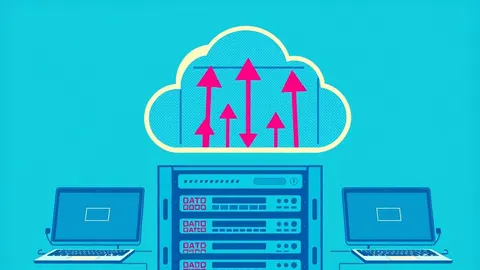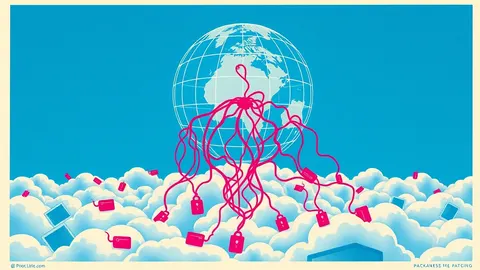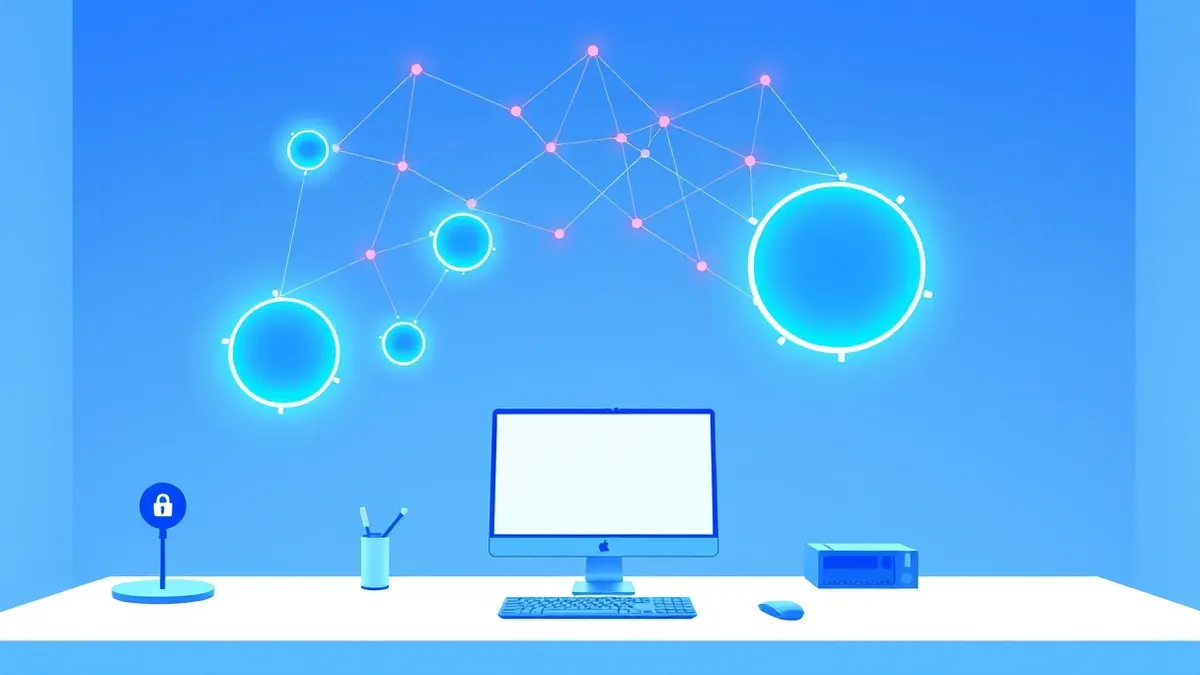
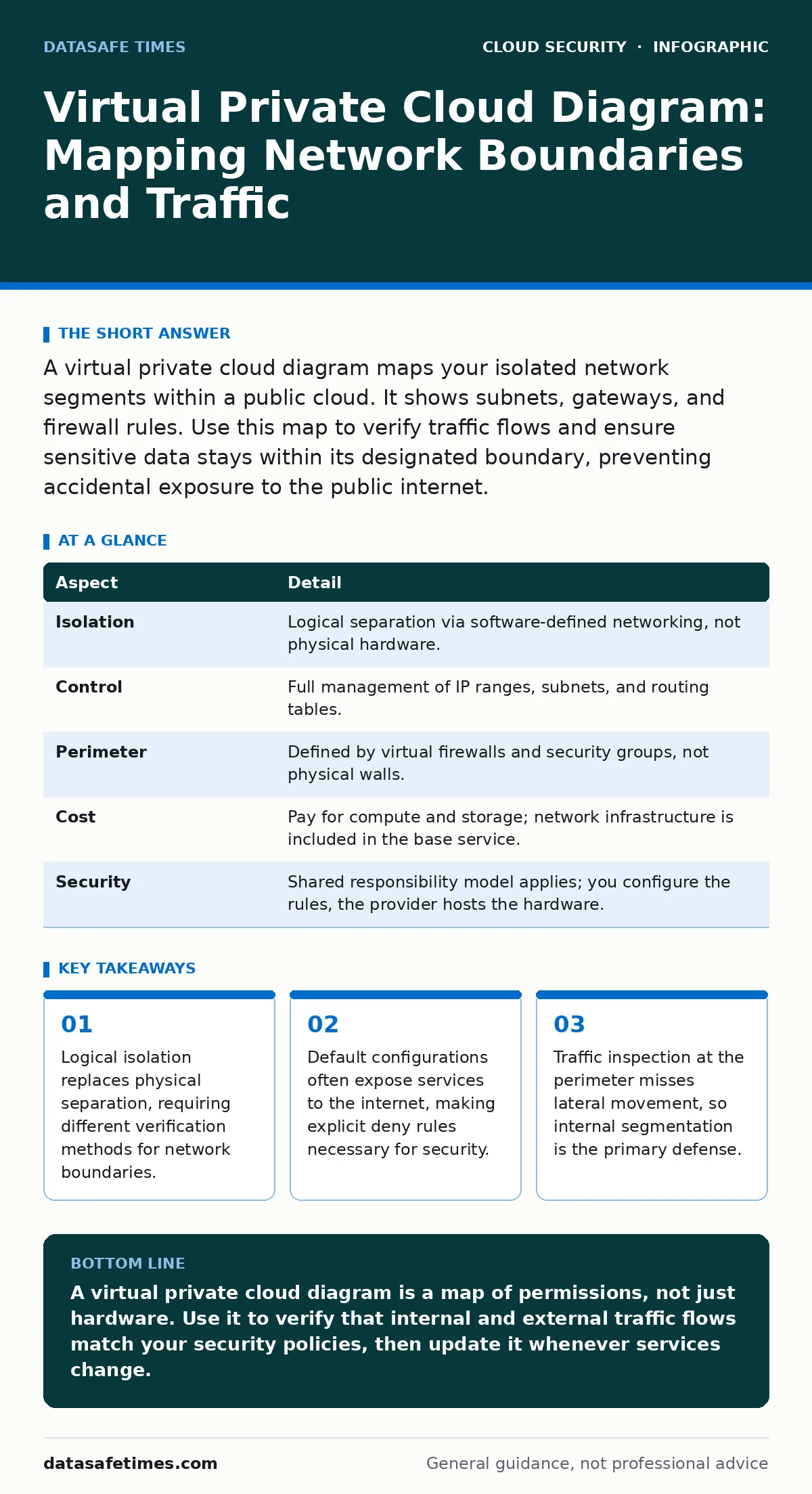
A virtual private cloud diagram maps your isolated network segments within a public cloud. It shows subnets, gateways, and firewall rules. Use this map to verify traffic flows and ensure sensitive data stays within its designated boundary, preventing accidental exposure to the public internet.
Understanding the Virtual Private Cloud Concept
Imagine a large, open warehouse where everyone can walk freely. You rent a specific corner, install high walls, and place locked doors on those walls. The rest of the warehouse remains open, but your corner is isolated. This is the core concept of a virtual private cloud. A virtual private cloud is a logically isolated section of a public cloud. It provides the same controls as a traditional on-premises network, but without the hardware maintenance.
The term "virtual" refers to the software-defined nature of the network. No physical cables connect your servers directly to each other in a dedicated way. Instead, the cloud provider’s software creates virtual switches, routers, and firewalls. You define the boundaries using configuration files. The physical hardware underneath is shared with other tenants, but the software ensures your traffic does not mix with theirs. This abstraction allows you to scale resources up or down without moving physical equipment.
| Aspect | Detail |
|---|---|
| Isolation | Logical separation via software-defined networking, not physical hardware. |
| Control | Full management of IP ranges, subnets, and routing tables. |
| Perimeter | Defined by virtual firewalls and security groups, not physical walls. |
| Cost | Pay for compute and storage; network infrastructure is included in the base service. |
| Security | Shared responsibility model applies; you configure the rules, the provider hosts the hardware. |
The shared responsibility model dictates that the cloud provider secures the infrastructure, while you secure what you put in it. You are responsible for configuring the virtual private cloud correctly. A misconfigured virtual firewall can expose your database to the entire internet. The provider cannot fix this for you because they do not know which traffic you intend to allow.
How a Virtual Private Cloud Diagram Works
A virtual private cloud diagram visualizes the flow of data through these logical boundaries. It is not a picture of physical servers. It is a map of permissions and routes. The diagram typically shows the virtual private cloud as a large rectangle. Inside this rectangle, you will see smaller rectangles representing subnets. Subnets are smaller networks within the larger network, often used to separate public-facing services from private data stores.
Arrows in the diagram indicate traffic flow. An arrow from a public subnet to a private subnet shows data moving from a web server to a database. The direction matters because security rules are often directional. A rule that allows inbound traffic does not automatically allow outbound traffic. The diagram must show both directions to be accurate. Gateways, such as internet gateways or NAT gateways, appear at the edges. These gateways control how traffic enters or leaves the virtual private cloud.
Understanding these flows requires knowing the difference between a security group and a network access control list. Security groups act as virtual firewalls for individual instances. They are stateful, meaning if you allow inbound traffic, the return traffic is automatically allowed. Network access control lists act as firewalls for the entire subnet. They are stateless, meaning you must explicitly allow both inbound and outbound traffic. A complete virtual private cloud diagram shows both layers.
Common Misconfigurations and Hidden Risks
People usually get wrong the assumption that a virtual private cloud is secure by default. It is not. Many cloud providers launch new resources with broad access to simplify testing. If you do not explicitly restrict access, your services may be reachable from any IP address. A virtual private cloud diagram helps you spot these gaps. Look for subnets that lack inbound restrictions. Look for security groups that allow traffic from "0.0.0.0/0", which means all IP addresses.
Another common error is ignoring lateral movement. Attackers often breach a public-facing web server and then move sideways to internal databases. If your diagram shows all servers in the same subnet, you have no internal barriers. An attacker with access to one server can easily reach others. Network segmentation prevents this by placing different components in separate subnets with strict rules between them. This practice aligns with cloud network segmentation principles, reducing the blast radius of a breach.
Visibility is the third hidden cost. If you cannot see the traffic, you cannot secure it. Many teams build complex diagrams but fail to implement monitoring. Without cloud audit logs, you cannot verify that the rules work as intended. A rule might look correct in the diagram but fail due to a typo in the configuration. Logging captures the actual traffic, allowing you to compare reality against the diagram.
Mapping Your Network for Security
To create an accurate virtual private cloud diagram, start with the data. Identify every service that needs to communicate. List the source and destination for each connection. Determine the port and protocol required. Do not assume you know the traffic patterns. Check with the development teams to ensure no hidden dependencies exist. For example, a background job might need to access a logging service that the front-end does not use.
Next, draw the subnets. Place public-facing components in public subnets. Place sensitive data in private subnets. Use the principle of least privilege. Allow only the traffic that is strictly necessary. Block everything else. This approach is central to shift-left security, where you define security constraints before deploying code. By mapping the network early, you prevent developers from building applications that require open access.
Finally, add the gateways and firewalls. Show where traffic enters and exits the virtual private cloud. Indicate the rules applied at each boundary. This map becomes your single source of truth. When a new service is added, update the diagram. If the diagram does not match the configuration, you have a security gap. Regularly compare the live configuration against the diagram to catch drift. This process supports cloud security posture management (CSPM) by ensuring your network remains aligned with security policies.
The Role of Identity in Network Security
Network boundaries are no longer sufficient on their own. Users and services authenticate to resources, not just to networks. A virtual private cloud diagram should reflect this by showing where identity checks occur. Cloud identity governance ensures that only authorized identities can access specific resources. Even if a server is in a private subnet, a user with excessive permissions can still access it.
Combine network rules with identity policies. Use security groups to restrict network access. Use identity policies to restrict user access. This defense in depth strategy creates multiple barriers. An attacker must bypass both the network firewall and the identity check. If one layer fails, the other may still stop the intrusion. This layered approach is critical for protecting sensitive data.
See also: Immutable Infrastructure: Definition, Mechanics, and Common Pitfalls · Cloud Attack Surface Explained: Mapping Your Hidden Exposure
Validating the Diagram Against Reality
A diagram is only useful if it matches reality. Use cloud logging and monitoring tools to verify traffic flows. Set up alerts for unexpected connections. If you see traffic between two subnets that should not communicate, investigate immediately. The diagram helps you define what is normal. Deviations from the diagram indicate potential misconfigurations or attacks.
Regularly review the diagram with your team. Ask if any services have changed. Ask if any new dependencies exist. Update the diagram to reflect these changes. An outdated diagram provides a false sense of security. It shows barriers that no longer exist or allows traffic that should be blocked. Keep the diagram current to maintain visibility into your cloud environment.
Key takeaways
- Logical isolation replaces physical separation, requiring different verification methods for network boundaries.
- Default configurations often expose services to the internet, making explicit deny rules necessary for security.
- Traffic inspection at the perimeter misses lateral movement, so internal segmentation is the primary defense.
A virtual private cloud diagram is a map of permissions, not just hardware. Use it to verify that internal and external traffic flows match your security policies, then update it whenever services change.
Frequently asked questions
How do I draw a virtual private cloud diagram?
Start by listing all services and their communication needs. Group them into subnets based on access requirements. Draw arrows for allowed traffic flows. Add gateways and firewall rules at the boundaries.
Is a virtual private cloud secure by default?
No. Default configurations often allow broad access to facilitate testing. You must explicitly configure security groups and network access control lists to restrict traffic to only what is necessary.
What is the difference between a security group and a subnet?
A subnet is a network segment defined by an IP range. A security group is a virtual firewall applied to individual instances. Subnets define where resources live; security groups define who can reach them.
Can I use a virtual private cloud for development?
Yes. You can create separate virtual private clouds for development, testing, and production. This isolation prevents development errors from affecting production systems and allows for different security policies per environment.
How this guide was produced: written by the DataSafe Times editorial team with AI assistance, checked against the public references listed below, and reviewed when the facts change. See our editorial policy or report an error.