
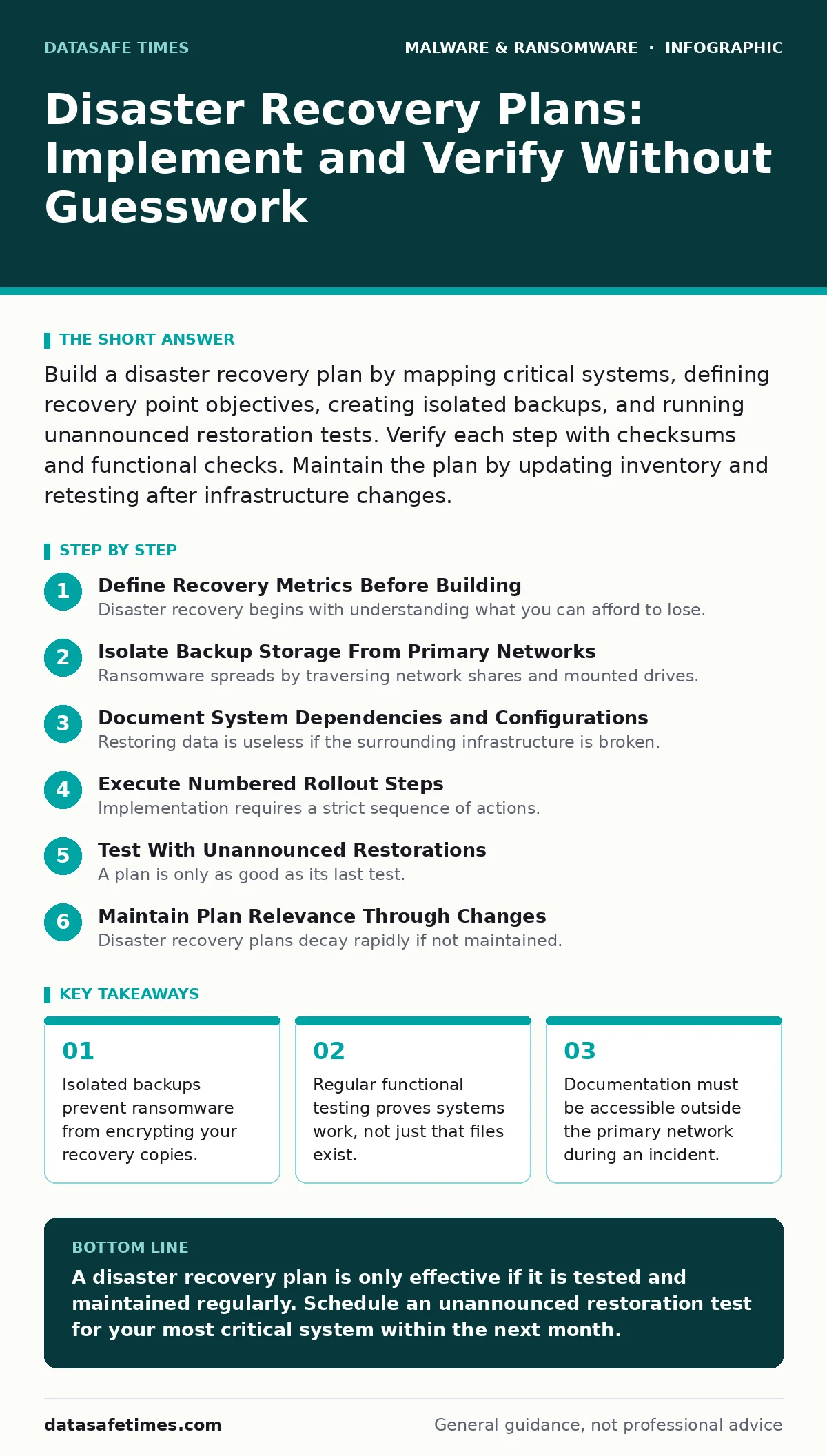
Build a disaster recovery plan by mapping critical systems, defining recovery point objectives, creating isolated backups, and running unannounced restoration tests. Verify each step with checksums and functional checks. Maintain the plan by updating inventory and retesting after infrastructure changes.
Define Recovery Metrics Before Building
Disaster recovery begins with understanding what you can afford to lose. You must establish two distinct metrics for every critical system. The first is the recovery point objective, which defines the maximum age of files you must restore to resume operations. The second is the recovery time objective, which sets the maximum duration you can tolerate being offline.
Suppose your database is critical for customer transactions. If you set the recovery point objective to one hour, you must back up data every hour. If you set it to one day, you risk losing twenty-four hours of transactions. This metric drives your backup frequency and storage costs.
These metrics are distinct from business continuity planning, which focuses on keeping people working during an outage. Disaster recovery focuses specifically on restoring the technology stack. You need both, but they solve different problems. Business continuity might involve manual workarounds; disaster recovery brings the automated systems back online.
Isolate Backup Storage From Primary Networks
Ransomware spreads by traversing network shares and mounted drives. If your backups are connected to the production network, they are vulnerable to the same attack vectors. You must store recovery data in an environment that attackers cannot reach.
Use air-gapped storage or immutable cloud buckets. Air-gapped storage is physically disconnected from the network. Immutable storage uses software policies that prevent files from being deleted or modified for a set period, even by administrators. This stops ransomware from encrypting your backups after a breach.
Many organizations assume their backup solution is secure because it is in the cloud. This is false if the cloud storage shares credentials with the production environment. You need separate credentials with strict least-privilege access. The account that writes backups should not have permission to delete them.
Document System Dependencies and Configurations
Restoring data is useless if the surrounding infrastructure is broken. You must document how your applications depend on each other. This includes database connections, API endpoints, and configuration files. A missing environment variable can stop a restored application from starting.
Create a dependency map for each critical service. List the operating system version, required libraries, and network ports. Include the sequence in which services must start. If Service A depends on Service B, starting A first will cause a failure.
This documentation serves as a blueprint for rebuilders. During a crisis, you may not have access to the original administrators. Clear instructions allow any qualified engineer to restore the system. Keep this documentation in a format that is easy to read, such as plain text or Markdown, rather than complex diagrams that require specific software to view.
Execute Numbered Rollout Steps
Implementation requires a strict sequence of actions. Do not rely on memory during a crisis. Follow these steps to restore a single critical system.
Step 1: Verify Backup Integrity
Check the backup file for corruption before attempting restoration. Use checksums or hashes to compare the backup file against a known good value. If the hash does not match, the file is corrupted or tampered with. Do not proceed.
Verification: The calculated hash matches the stored reference hash. The backup file opens without errors in a sandboxed environment.
Step 2: Provision Clean Infrastructure
Set up fresh hardware or virtual machines. Do not restore onto the compromised system. The compromised system may contain hidden malware payloads or backdoors that will re-infect the restored data. Use clean images from a trusted source.
Verification: The new infrastructure boots to a clean operating system. No unexpected network connections are active. Antimalware scans return no threats.
Step 3: Restore Configuration and Data
Apply the configuration files and restore the data from the verified backup. Follow the dependency map you created earlier. Start dependencies first, then the application itself. Monitor logs for errors during the process.
Verification: The application starts and connects to its dependencies. Logs show no connection errors or missing files.
Step 4: Validate Functionality
Run a series of tests to ensure the system works as expected. This is not just a visual check. You must verify that data is readable and that new data can be written. Test user authentication and critical workflows.
Verification: A test user can log in and perform a core action, such as creating a record. The record appears in the database and can be retrieved.
Test With Unannounced Restorations
A plan is only as good as its last test. Scheduled tests often suffer from bias, where testers know what to expect. Unannounced tests reveal gaps in documentation and procedure. Assign a team to restore a system without warning the primary administrators.
This test should include the full cycle: detection, isolation, provisioning, restoration, and validation. Time the entire process. Compare the actual time against your recovery time objective. If you exceed the target, you must optimize the process or adjust expectations.
Testing also reveals outdated procedures. Software versions change, and dependencies shift. A procedure that worked six months ago may fail today due to a deprecated API or a changed library path. Regular testing forces you to update your documentation.
See also: How Sandboxing Works: The Mechanics of Isolated Execution · 7 Mistakes That Leave You Open to Remote Access Trojans
Maintain Plan Relevance Through Changes
Disaster recovery plans decay rapidly if not maintained. Every change to your infrastructure requires a review of the plan. This includes new applications, updated libraries, and changed network configurations. You must update your dependency maps and configuration documents immediately after changes are deployed.
Integrate plan updates into your change management process. Require that any infrastructure change includes an assessment of its impact on disaster recovery. If a new service is added, it must be included in the backup strategy and documented in the recovery steps.
Review the plan quarterly. Invite engineers who were not involved in the original creation to review it. They will spot ambiguities and missing steps that internal teams have overlooked. This external perspective is valuable for catching blind spots.
Refer to best practices for application allowlisting to ensure that only approved software runs on restored systems. This reduces the risk of introducing new threats during the recovery phase. Also, consider the threat of cryptojacking, which may hide in restored systems and degrade performance over time.
Verify Plan Effectiveness With Metrics
You must measure the success of your disaster recovery efforts. Track the time taken for each test. Track the number of steps that failed. Track the accuracy of your documentation. These metrics provide a baseline for improvement.
If a test fails, conduct a post-mortem. Identify the root cause. Was it a missing document? A broken dependency? A flawed procedure? Update the plan to address the root cause. Do not just fix the symptom.
This continuous improvement cycle ensures your plan remains effective. Technology changes, and so do threats. Your plan must evolve to meet new challenges. By regularly testing and updating, you ensure that your organization can recover from any disaster.
Key takeaways
- Isolated backups prevent ransomware from encrypting your recovery copies.
- Regular functional testing proves systems work, not just that files exist.
- Documentation must be accessible outside the primary network during an incident.
A disaster recovery plan is only effective if it is tested and maintained regularly. Schedule an unannounced restoration test for your most critical system within the next month.
Frequently asked questions
How often should I test my disaster recovery plan?
Test at least once per quarter. Increase frequency if your infrastructure changes frequently or if previous tests revealed significant gaps.
What is the difference between a backup and a disaster recovery plan?
A backup is a copy of your data. A disaster recovery plan is the documented process for using that backup to restore systems and resume operations.
Can I use the same credentials for my production and backup environments?
No. Using the same credentials allows attackers who compromise your production environment to also compromise your backups. Use separate, strictly controlled credentials.
How do I handle fake antivirus software during recovery?
Ensure your restored systems have legitimate security tools installed. Verify the authenticity of any security software before installation to avoid introducing additional threats.
How this guide was produced: written by the DataSafe Times editorial team with AI assistance, checked against the public references listed below, and reviewed when the facts change. See our editorial policy or report an error.