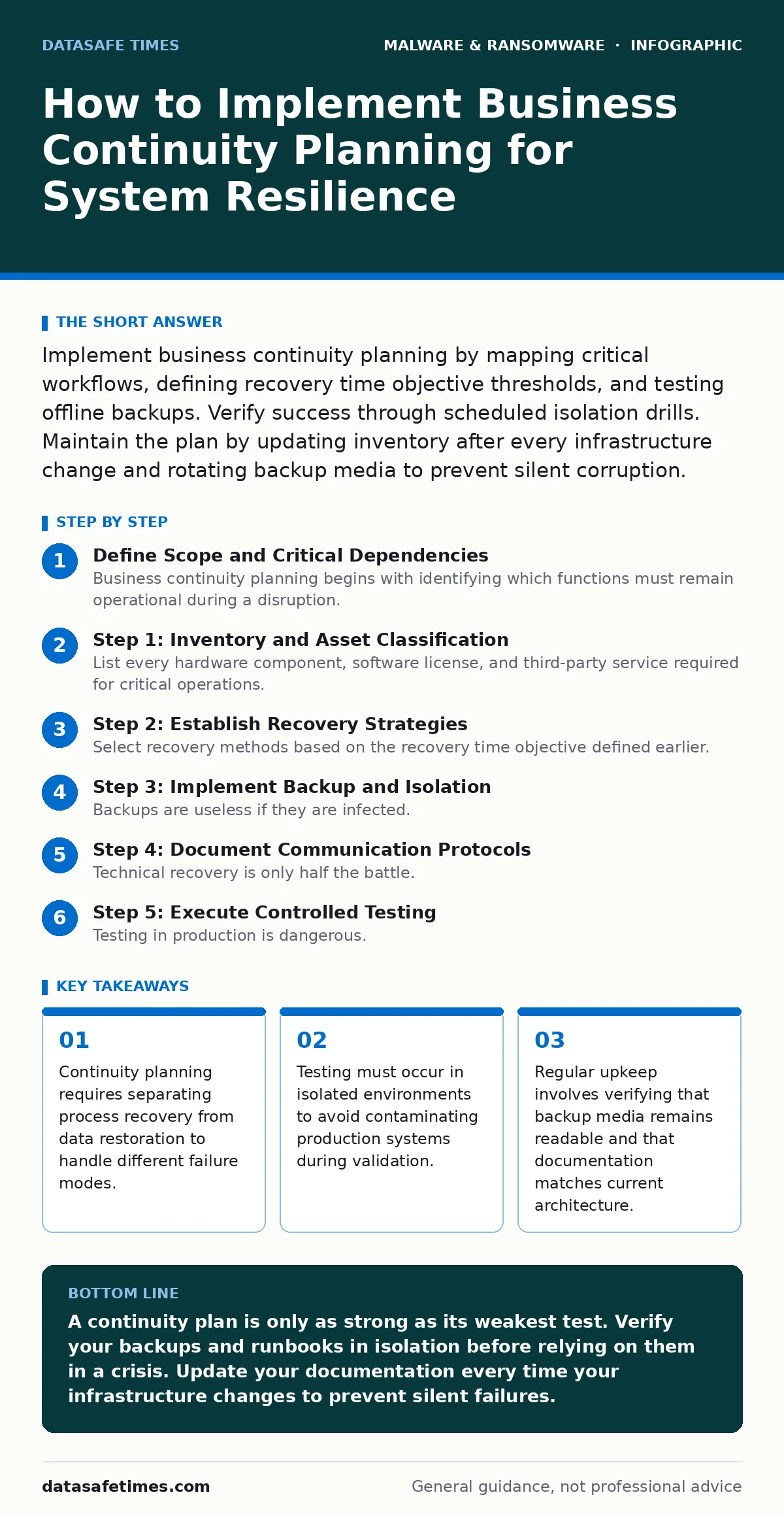
Implement business continuity planning by mapping critical workflows, defining recovery time objective thresholds, and testing offline backups. Verify success through scheduled isolation drills. Maintain the plan by updating inventory after every infrastructure change and rotating backup media to prevent silent corruption.
Define Scope and Critical Dependencies
Business continuity planning begins with identifying which functions must remain operational during a disruption. You cannot protect everything with equal intensity. Start by listing services that generate revenue or maintain legal compliance. These are your critical assets.
Identify the dependencies for each service. A web application may depend on a database, which depends on a storage network. If the storage network fails, the database stops, and the application becomes unusable. Map these relationships clearly. This map reveals single points of failure that standard monitoring tools often miss.
Consider the concept of recovery time objective. This metric defines the maximum acceptable downtime for a specific service. A customer-facing portal might have a recovery time objective of one hour. An internal reporting tool might tolerate twenty-four hours. These differences dictate how you allocate resources. See our guide on recovery time objective for methods to calculate these thresholds accurately.
Step 1: Inventory and Asset Classification
Step 1: Create a Dynamic Asset Register
List every hardware component, software license, and third-party service required for critical operations. Include configuration files and decryption keys. Many organizations forget to document the specific versions of libraries or dependencies. This omission causes restoration failures when legacy software requires obsolete components.
You know this step worked when you can trace every critical service back to a specific server or cloud instance. If a team member asks where a specific configuration lives, you should be able to answer within minutes. Ambiguity here creates delays during an incident.
Step 2: Establish Recovery Strategies
Step 2: Define Technical Recovery Methods
Select recovery methods based on the recovery time objective defined earlier. For systems requiring rapid restoration, consider application allowlisting to prevent unauthorized code execution during the recovery phase. This reduces the attack surface while you rebuild. For data-heavy systems, prioritize data integrity over speed.
You verify this step by writing a runbook for each critical service. The runbook must detail the exact commands and steps to restore service. If a junior engineer could follow the runbook without calling a senior architect, the strategy is clear. If not, simplify the documentation.
Step 3: Implement Backup and Isolation
Step 3: Secure Immutable and Offline Storage
Backups are useless if they are infected. Ransomware often targets connected backup repositories. Implement offline backups to ensure at least one copy of your data is disconnected from the network. This air-gapped storage prevents malware from encrypting your safety net. Refer to our detailed guide on offline backups for storage media selection and rotation schedules.
You know this step worked when you can physically verify that the offline media is accessible and readable. Test the read process, not just the write process. Many systems report successful writes but fail on reads due to media degradation or format incompatibility.
Step 4: Document Communication Protocols
Step 4: Define Stakeholder Notification Chains
Technical recovery is only half the battle. You must inform customers, employees, and regulators. Define who speaks to whom and what information they receive. Create template messages for different scenarios. A data breach requires different language than a server outage.
Verification occurs when every stakeholder knows their role. Conduct a tabletop exercise where participants read their scripts. If anyone hesitates or asks what they should say, the protocol is incomplete.
See also: XDR Best Practices: Aligning Data Sources for Real Threat Visibility · How Sandboxing Works: The Mechanics of Isolated Execution
Step 5: Execute Controlled Testing
Step 5: Run Isolation Drills
Testing in production is dangerous. It can corrupt live data or trigger false alarms. Use a sandboxed environment that mirrors production. Restore a critical system from backup in this isolated space. Measure the time taken and the accuracy of the restored data.
You know this step worked when the restored system functions identically to the production version. Check for data consistency and application logic errors. If the restored system behaves differently, your backup or restoration process is flawed.
Step 6: Review and Update
Step 6: Schedule Regular Maintenance
Infrastructure changes frequently. New servers are added, old ones are retired, and software is updated. Your continuity plan becomes obsolete the moment you change your architecture. Schedule quarterly reviews to update the asset register and runbooks.
You know this step worked when the documentation matches the current environment. Compare the asset register against your actual inventory. Any discrepancy indicates a gap in your process. Update the records immediately.
Verification Checklist
Use this checklist to validate your plan’s readiness.
- All critical services have a defined recovery time objective.
- Asset register includes hardware, software, and configuration details.
- Runbooks are written and tested by junior staff.
- Offline backups are verified for readability and integrity.
- Communication templates are drafted for various incident types.
- Isolation drills have been conducted in the last six months.
- Documentation is updated after every infrastructure change.
Common Pitfalls and Edge Cases
One common error is ignoring third-party dependencies. Your system may work perfectly, but if your payment processor goes down, your business stops. Include third-party status checks in your monitoring. Another pitfall is relying solely on cloud providers. Cloud outages can be widespread. Ensure you have a fallback plan that does not depend on the same provider.
Be wary of cryptojacking. This malware uses your resources to mine cryptocurrency. It may not encrypt your data, but it degrades performance significantly. Your continuity plan should include detection and mitigation steps for resource abuse. See our guide on cryptojacking for detection methods.
Also, consider fake antivirus software. This malware masquerades as security tools. It can interfere with your recovery tools. Ensure your recovery environment uses trusted, verified software only. Refer to our guide on fake antivirus software for identification tips.
Finally, understand that malware payloads vary. Some encrypt data, others delete it. Your plan must address both scenarios. See our guide on malware payloads for classification details. Next-generation antivirus may detect known threats, but it cannot stop novel attacks. See our guide on next-generation antivirus for its limitations. Disaster recovery plans focus on IT systems. Business continuity planning covers the entire organization. See our guide on disaster recovery plans for the technical distinction.
Key takeaways
- Continuity planning requires separating process recovery from data restoration to handle different failure modes.
- Testing must occur in isolated environments to avoid contaminating production systems during validation.
- Regular upkeep involves verifying that backup media remains readable and that documentation matches current architecture.
A continuity plan is only as strong as its weakest test. Verify your backups and runbooks in isolation before relying on them in a crisis. Update your documentation every time your infrastructure changes to prevent silent failures.
Frequently asked questions
How often should I test my business continuity plan?
Test at least quarterly. Include both automated restoration tests and manual tabletop exercises. Increase frequency after major infrastructure changes.
Do I need offline backups for cloud-hosted systems?
Yes. Cloud providers can experience outages or data corruption. Offline backups provide a safety net independent of the cloud provider’s availability.
What is the difference between continuity and recovery?
Continuity focuses on keeping business operations running. Recovery focuses on restoring IT systems. Continuity is broader and includes people and processes.
How do I handle third-party service failures?
Identify critical third parties and define fallback procedures. Monitor their status pages. Have manual workarounds ready for their most critical functions.
How this guide was produced: written by the DataSafe Times editorial team with AI assistance, checked against the public references listed below, and reviewed when the facts change. See our editorial policy or report an error.