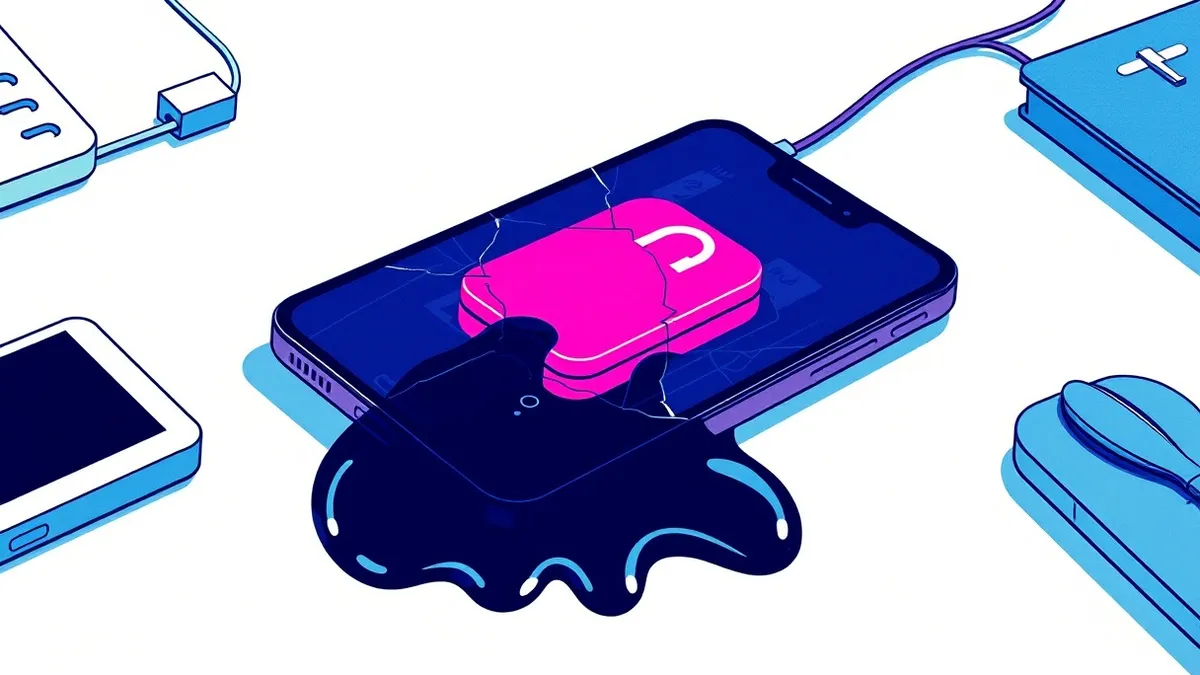
Mobile malware is malicious software designed to infect smartphones and tablets. It typically hides inside popular apps or disguises itself as system utilities. Once installed, it steals credentials, monitors keystrokes, or locks your device until you pay a ransom. Understanding its hidden mechanisms helps you protect your personal data.
What Is Mobile Malware
What is mobile malware? It is any software created with the intent to harm, steal, or disrupt mobile devices such as smartphones and tablets. Unlike desktop threats that often rely on email attachments, mobile malware usually arrives through app stores or direct downloads. It exploits the unique architecture of mobile operating systems. These systems are designed for convenience and connectivity, which creates inherent security gaps. The software may run in the background, consuming battery and data without your knowledge. It does not always crash your device. Often, it sits quietly, waiting for the right moment to exfiltrate sensitive information.
The Anatomy of Infection
Mobile malware relies on trust. You must install it. This requirement changes the attack vector significantly. Attackers focus on social engineering rather than technical exploits. They create applications that look identical to popular games or utilities. Once you grant the app permission to access your contacts or camera, the malicious code has a foothold. The malware then executes its payload. This payload might be a keylogger that records every tap on your screen. It could be a spyware module that sends your location to a remote server. The damage depends entirely on the permissions you allowed during setup.
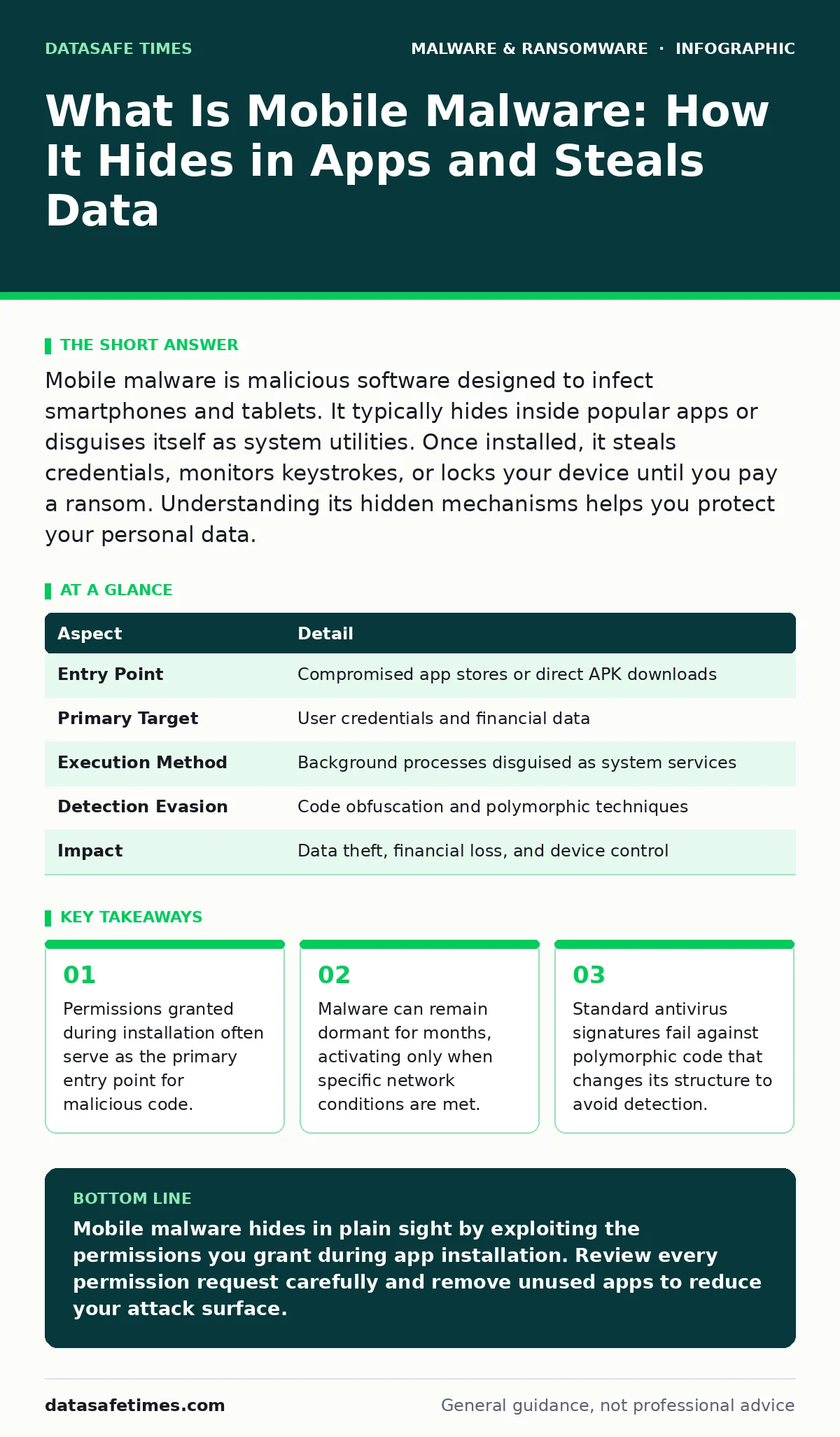
| Aspect | Detail |
|---|---|
| Entry Point | Compromised app stores or direct APK downloads |
| Primary Target | User credentials and financial data |
| Execution Method | Background processes disguised as system services |
| Detection Evasion | Code obfuscation and polymorphic techniques |
| Impact | Data theft, financial loss, and device control |
Who Gets Targeted
You are a target if you have a mobile device. The assumption that only high-profile individuals are at risk is incorrect. Mobile malware affects everyone because the potential reward for attackers is high. Financial institutions are prime targets due to mobile banking apps. However, casual users are equally vulnerable. Their devices often contain social media accounts, email credentials, and personal photos. Attackers use this data for identity theft or to launch further attacks against your contacts. The value of your data lies in its connectivity. Your phone is a hub for your digital life, making it a rich source for credential harvesting.
How It Evades Detection
Standard security tools often miss mobile malware. This happens because many malicious apps pass initial static analysis. Attackers use code obfuscation to make their source code unreadable. They also employ polymorphism, where the malware changes its code structure each time it is distributed. This prevents signature-based detection. Another technique is domain generation algorithms.
These allow the malware to contact command and control servers using randomly generated domain names. Security researchers cannot block these domains in advance. The malware only activates when it connects to a valid server, making it invisible during routine scans. This is why understanding the difference between standard malware and more advanced threats is necessary.
Common Misconceptions
People often believe that mobile operating systems are inherently secure. This belief leads to complacency. While sandboxing isolates apps, it does not stop malware that has valid permissions. Another mistake is assuming that only obscure apps contain threats. Legitimate-looking apps can be compromised in the supply chain. Developers may unknowingly include malicious libraries in their code. You might also think that removing the app removes the threat. Some malware installs persistent components that survive uninstallation. These components can reinstall the malware if you restore from a backup. This persistence makes manual removal difficult and often requires a factory reset.
See also: Is Malware and Virus the Same? A Technical Breakdown · Malware Payloads: How Execution Works and What It Costs
The Role of Permissions
Permissions are the gatekeepers of your device. When you install an app, it requests access to specific features. A weather app needs location data. A flashlight app should not need access to your contacts. Yet, many users click "Allow" without reading the list. This habit grants malware the keys to your digital life. Reviewing permissions is a critical defense. If an app requests access that does not align with its function, deny it. Modern operating systems allow you to revoke permissions after installation. This control limits the damage if an app turns malicious. It does not prevent infection, but it restricts the malware's ability to act.
What To Do About It
Protecting your device requires a layered approach. Start by installing applications only from official app stores. These stores perform basic screening, though they are not foolproof. Keep your operating system updated. Updates often patch vulnerabilities that malware exploits. Use a reputable mobile security apps provider that offers real-time protection.
These tools monitor behavior, not just signatures. They can detect suspicious activity even if the malware is unknown. Avoid rooting or jailbreaking your device. These processes remove built-in security barriers. If you suspect an infection, disconnect from the internet immediately. This prevents data exfiltration. Then, run a full scan. If the malware persists, back up your essential data and perform a factory reset.
Understanding Advanced Threats
Some mobile malware is part of larger campaigns. These campaigns might involve fake antivirus software that tricks users into paying for non-existent protection. Others may deliver malware payloads that turn your device into part of a botnet.
Understanding the distinction between simple adware and sophisticated ransomware helps you prioritize your defenses. Potentially unwanted programs may not be malicious but can degrade performance and privacy. Identifying these requires careful monitoring of system resources. If your battery drains rapidly or data usage spikes, investigate the cause. These signs often indicate hidden processes running in the background.
The Future of Mobile Defense
Mobile security is an ongoing battle. As devices become more powerful, so do the threats. Attackers are developing malware that exploits hardware vulnerabilities. Biometric data, once considered secure, is now a target. The integration of mobile devices with home networks and vehicles expands the attack surface. You must adapt your habits accordingly. Treat your mobile device with the same caution as your computer. Assume that any downloaded file could be malicious. Verify the source before installing. This mindset shift is your best defense against evolving threats. The technical measures help, but your awareness is the primary barrier.
Key takeaways
- Permissions granted during installation often serve as the primary entry point for malicious code.
- Malware can remain dormant for months, activating only when specific network conditions are met.
- Standard antivirus signatures fail against polymorphic code that changes its structure to avoid detection.
Mobile malware hides in plain sight by exploiting the permissions you grant during app installation. Review every permission request carefully and remove unused apps to reduce your attack surface.
Frequently asked questions
Can mobile malware infect my computer?
Yes, if you transfer infected files or if the malware targets cross-platform accounts. Some malware steals credentials that work on both mobile and desktop systems.
Do I need an antivirus app on my phone?
Yes, especially if you download apps from outside official stores. Mobile operating systems have built-in protections, but dedicated security apps provide an extra layer of behavioral analysis.
How do I know if my phone has malware?
Look for signs like rapid battery drain, unexpected data usage, or apps appearing that you did not install. These symptoms often indicate malicious activity running in the background.
Is rooting my phone dangerous?
Rooting removes security barriers that protect your system. It allows apps to access restricted areas, making it easier for malware to gain control and persist on your device.
How this guide was produced: written by the DataSafe Times editorial team with AI assistance, checked against the public references listed below, and reviewed when the facts change. See our editorial policy or report an error.